
Typeform
Typeform is an online platform for creating interactive forms and surveys with a conversational, user-friendly interface, ideal for collecting feedback, generating leads, and engaging audiences.
What is Typeform?
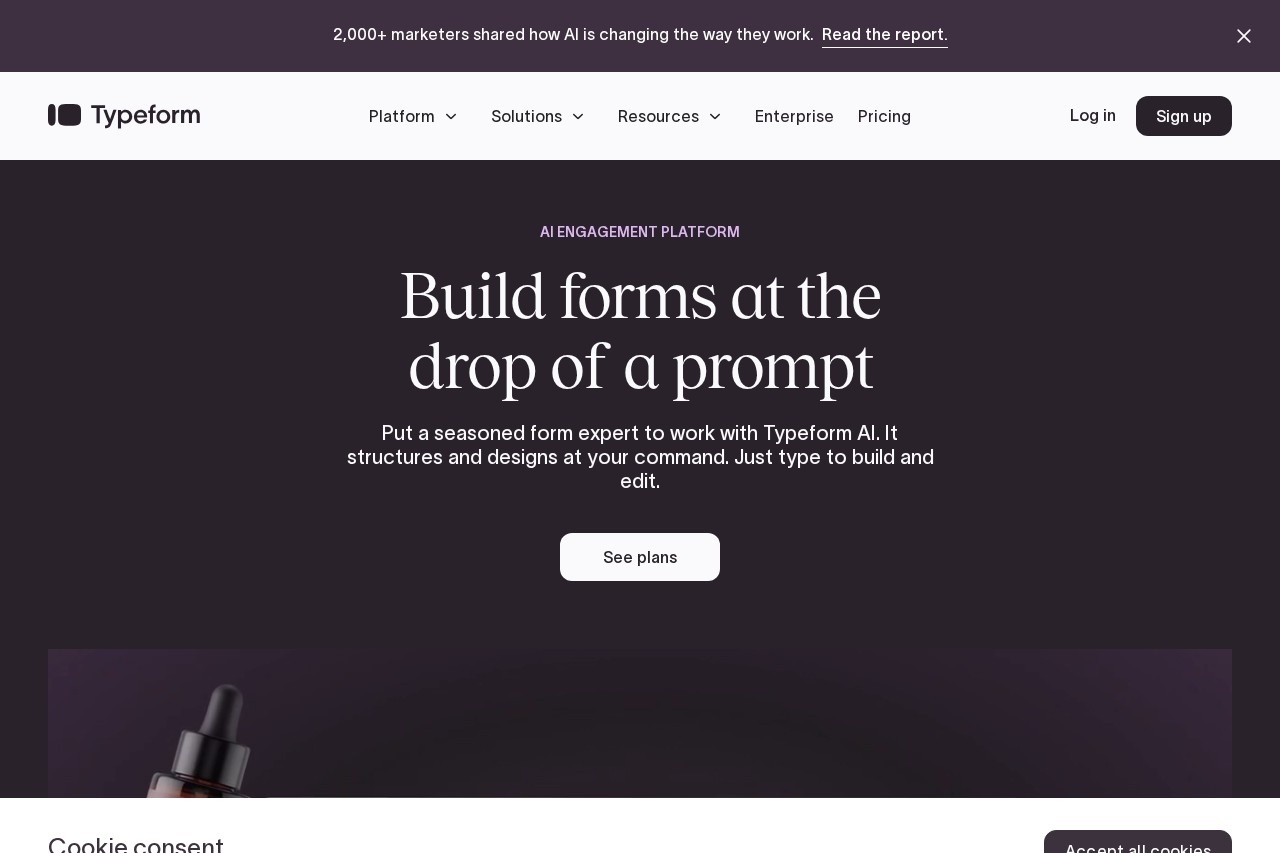
Typeform is an AI-powered engagement platform for creating forms and surveys. It uses AI to help users build and edit forms through simple text prompts. The platform is designed to collect data more effectively and trigger automated actions based on that data. It is trusted by a significant portion of large enterprises for these purposes.Application scenarios
Collecting customer feedback
Create conversational forms to gather more detailed user responses.
Generating marketing leads
Design interactive forms that capture contact information from potential customers.
Conducting market research
Build surveys that reveal deeper insights from audience data.
Automating customer follow-up
Use collected contact data to trigger segmented email campaigns.
Audience engagement
Implement interactive, user-friendly forms to improve brand experience.
Core Features
AI form builder
Build and edit forms by typing a text prompt, with AI handling structure and design.
Expert form design
Access AI that utilizes best practices and over a decade of experience to create forms proven to get more responses.
Contacts & Automations add-on
Collect customer contact data and automatically trigger segmentation and follow-up emails based on new data.
High-response forms
The platform claims its expertly-designed forms can get 3.5 times more data.
Extensive integrations
Connect Typeform with hundreds of other business-critical tools.
Data collection analytics
The platform helps users gather more data easily and uncover deeper data insights.
Target users
The platform is broadly targeted at businesses and professionals who need to collect data and engage audiences. It is explicitly trusted by 95% of the Fortune 500, indicating strong adoption by large enterprise teams. Marketing teams, product managers, and customer research specialists would benefit from its lead generation, feedback collection, and automation capabilities.How to use Typeform?
You begin by visiting the Typeform website and selecting a plan. The core workflow involves using the AI builder: you type a prompt describing the form you need, and the AI structures and designs it. After publishing your form and collecting responses, you can use the Contacts & Automations add-on to act on the incoming data, such as triggering automated emails. You can connect your forms to other tools using the available integrations.Effect Review
According to the platform's own data, customers report strong positive outcomes after switching to Typeform. An impressive 96% note a better brand experience, 95% gather more data more easily, and 87% reveal deeper data insights from their surveys. These metrics suggest the tool is effective at its core missions of improving engagement and data collection quality. The claim that its AI-built forms can yield 3.5 times more data positions it as a potentially high-impact tool for maximizing response rates.Frequently Asked Questions
What is Typeform?
Is Typeform free to use?
What makes Typeform different from other form builders?
Can I integrate Typeform with other tools?
What types of forms can I create with Typeform?
How do I share my Typeform with others?
Typeform - AI Tool Detail
Typeform is an online platform for creating interactive forms and surveys with a conversational, user-friendly interface, ideal for collecting feedback, generating leads, and engaging audiences.
Category:Document processing
Visit Link:https://typeform.com/
Tags:forms、surveys、feedback、lead generation、conversational interface