
Trellis 3
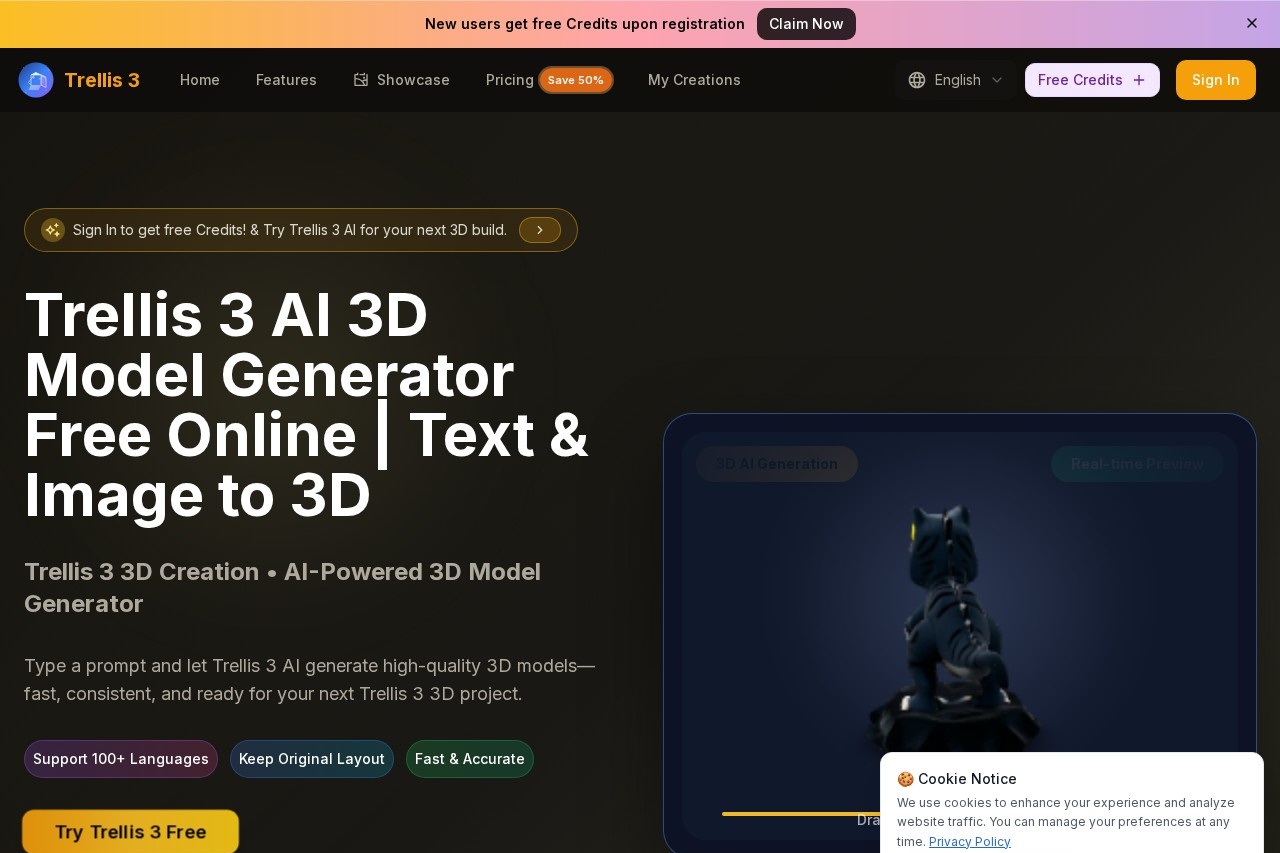
Trellis 3 by Trellis 3 AI is a tool that transforms text prompts into detailed 3D visuals and creative assets in seconds, combining high-quality detail with artistic style.
What is Trellis 3?
Trellis 3 is an AI-powered 3D model generator. It transforms text prompts into detailed 3D visuals and creative assets within seconds. The tool also converts uploaded 2D images into 3D models. It operates as a free online service requiring no downloads to preview results, focusing on delivering fast, consistent, and production-ready 3D outputs.Application scenarios
Product Visualization
Generate 3D models for e-commerce previews and product displays.
Game Development
Create 3D characters and assets for gaming content and virtual reality.
Architectural Visualization
Transform concepts into 3D architectural models.
Storytelling & Animation
Produce animated 3D characters for digital narratives and content.
Creative Prototyping
Rapidly test and iterate 3D design ideas from text descriptions.
Asset Creation
Build a library of high-resolution, consistent 3D models for various projects.
Core Features
Text-to-3D Generation
Type a prompt to generate polished 3D models in seconds.
Image-to-3D Conversion
Upload a JPG, PNG, or WEBP image to transform it into a high-quality 3D model.
Real-time Preview
View and interact with generated 3D models directly in the browser without downloading.
Interactive 3D Models
Manipulate fully rotatable, 360-degree 3D models for exploration from every angle.
Character Animation
Create animated 3D characters with natural motion and expressive detail.
Style Consistency
Generate 3D models that adhere to a chosen artistic style or visual vibe for coherent results.
High-Resolution Exports
Download your 3D creations in high-resolution formats.
Multi-language Support
Use the tool with prompts written in over 100 different languages.
3D Gallery
Browse and select from pre-existing styles to guide your generation.
Target users
This tool benefits 3D artists, game developers, product designers, architects, and digital content creators. It is suited for individuals and teams needing to quickly prototype visual ideas, generate assets for production, or create consistent 3D models for e-commerce, animation, and virtual projects.How to use Trellis 3?
Visit the official website and sign in to receive free credits. You can start by typing a text prompt or uploading a 2D image directly on the site. After generation, you can preview the 3D model interactively in your browser, rotate it, and refine your prompt. Finally, export your high-resolution 3D model for use in your projects.Effect review
The platform emphasizes speed, consistency, and prompt adherence as its core strengths, positioning it as a tool for stable, production-ready output. It showcases a gallery of generated models to demonstrate its transformation capabilities from both text and image inputs. For users familiar with or transitioning from similar tools, Trellis 3 focuses on delivering coherent 3D results that allow for faster idea testing and more confident project completion. The offering of free credits provides a low-barrier way to evaluate its real-world usefulness for specific workflows.Frequently Asked Questions
What is Trellis 3?
How quickly does Trellis 3 generate 3D visuals?
What types of creative assets can Trellis 3 create?
Is Trellis 3 suitable for beginners?
Does Trellis 3 require any special software or hardware?
Can Trellis 3 be used for commercial projects?
Trellis 3 - AI Tool Detail
Trellis 3 by Trellis 3 AI is a tool that transforms text prompts into detailed 3D visuals and creative assets in seconds, combining high-quality detail with artistic style.
Category:3D Modelling/Rendering
Visit Link:https://www.trellis3.com/
Tags:3D generation、text-to-3D、creative assets、AI art、visual design