
Riverside
Riverside is a platform by Riverside.fm for high-quality remote recording, offering separate local audio/video tracks, lossless quality, and real-time editing to produce professional podcasts and vide
What is Riverside?
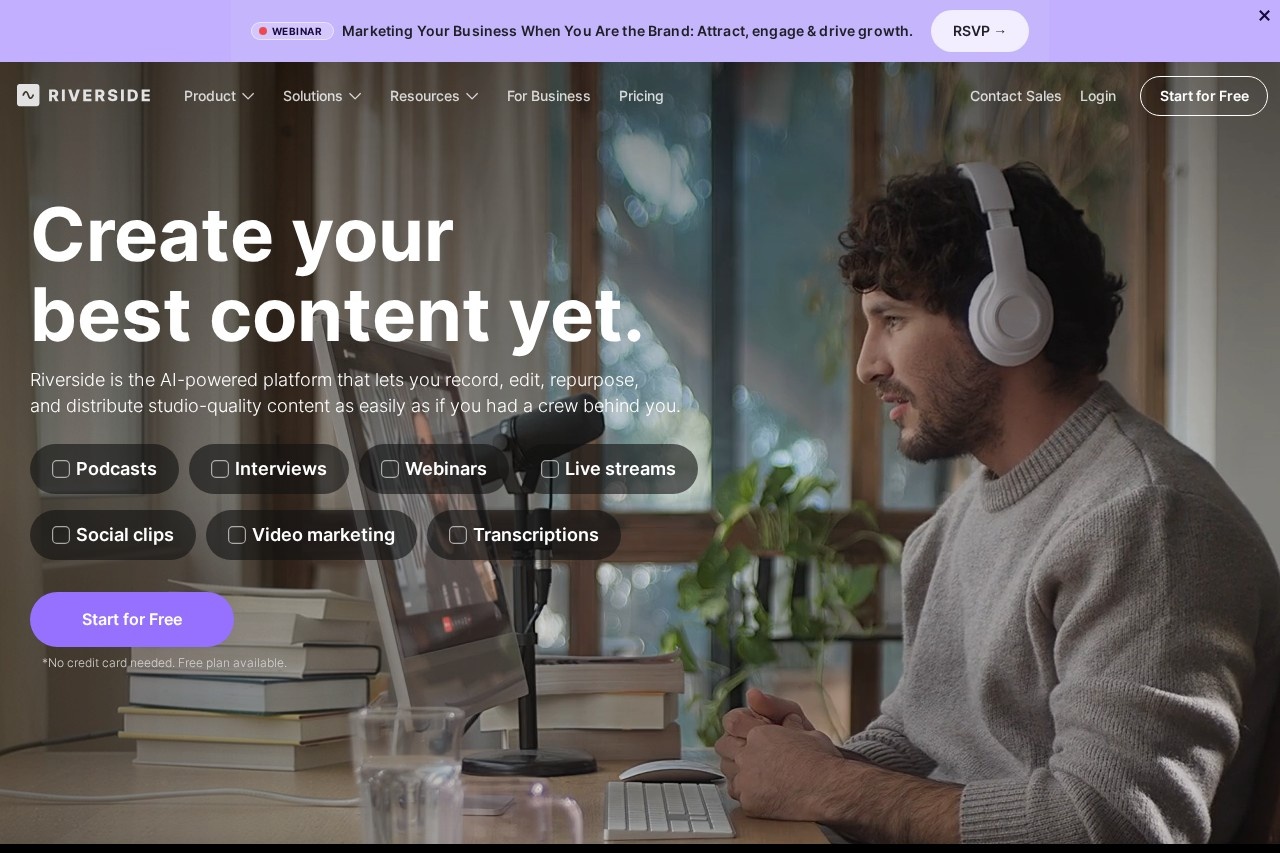
Riverside is an AI-powered platform for recording, editing, repurposing, and distributing studio-quality content directly from your browser. It enables solo or guest recordings with separate local audio and video tracks, lossless quality, and real-time editing. Users rely on it to produce professional podcasts, interviews, webinars, live streams, and social clips without needing a physical studio.Application scenarios
Podcasts
Record high-quality episodes with remote guests, then edit and publish to platforms like Spotify and Apple.
Interviews
Capture separate tracks for each speaker, ensuring clean audio and video even if internet drops.
Webinars
Stream in HD to multiple destinations simultaneously while recording locally.
Live streams
Broadcast live to several platforms at once with studio-level quality.
Social clips
Repurpose recordings into short-form videos with AI-generated captions, thumbnails, and headlines.
Video marketing
Generate promotional assets, B-roll, and translated versions for global campaigns.
Transcriptions
Automatically create transcripts that serve as the basis for text-based editing.
Core Features
Local recording
Captures up to 4K video and uncompressed audio in separate tracks per speaker, unaffected by internet connection.
AI audio polish
Automatically removes noise and enhances any microphone to sound professional-grade.
Text-based editor
Edit recordings by searching, cutting, copying, and pasting directly in the transcript.
AI Co-Creator
Instantly generates promotional assets like clips, posts, thumbnails, and headlines optimized for each channel.
Speech correction
Fix spoken mistakes by editing the transcript; AI syncs voice and lips to match the new text.
Filler word removal
Cleans up "ums," "uhs," silences, and fluff with a single click.
Eye contact correction
AI adjusts gaze to make it look like you and guests are looking at the camera.
Auto-layouts
AI automatically switches layouts based on who is speaking.
Translation and dubbing
Translate and dub content into over 30 languages.
Multi-track editing
Separately recorded tracks allow easy removal of crosstalk and layout changes.
Brand customization
Add logo, colors, intro, and outro once, then apply them consistently with one click.
Animated captions
Generate customizable animated captions in one click for social media reels and TikToks.
Target users
Content creators, podcasters, YouTubers, video marketers, and remote interviewers who need professional-grade recording and editing without a physical studio. It suits solo creators and teams producing interviews, webinars, live streams, and social media clips.How to use Riverside?
Start by signing up for a free account at riverside.fm (no credit card required). Record solo or invite guests using a browser link. After recording, use the text-based editor to cut, copy, and paste transcript sections to edit video. Apply AI tools like noise removal, filler word cleanup, eye contact correction, and auto-layouts. Generate promotional assets with the AI Co-Creator, then publish directly to YouTube, Spotify, or Apple.Pricing and free trial
A free plan is available with no credit card required. The site explicitly states "Start for Free" and "Free plan available," but no specific pricing tiers or paid plan details are provided in the excerpt.Effect review
Riverside delivers on its promise of studio-quality remote recording with separate tracks and lossless audio/video, a clear advantage over standard video call tools. The AI editing suite—text-based editing, speech correction, filler word removal, and auto-layouts—significantly reduces manual post-production work. User testimonials from Ali Abdaal (6.4M subscribers) and Colin & Samir (1.5M subscribers) confirm its real-world reliability for high-profile content creation. The ability to generate promotional assets and translate into 30+ languages makes it a comprehensive content production hub rather than just a recorder. For creators who value speed and quality, Riverside offers a practical all-in-one workflow that minimizes the need for separate editing software.Frequently Asked Questions
What is Riverside?
Does Riverside record locally?
Can I edit recordings in Riverside?
Is Riverside free to use?
What file formats does Riverside export?
Can guests join without an account?
Riverside - AI Tool Detail
Riverside is a platform by Riverside.fm for high-quality remote recording, offering separate local audio/video tracks, lossless quality, and real-time editing to produce professional podcasts and vide
Category:Podcast generation
Visit Link:https://riverside.fm/
Tags:remote recording、podcast production、lossless audio