Odysseus AI
Odysseus AI provides a Quickstart guide for setting up AI tools on Docker, Windows, Mac, or Ollama, helping users verify official repos, find login details, and avoid unsafe ports.
Odysseus AI Review: Quickstart Guide for Running AI Locally
What is Odysseus AI?
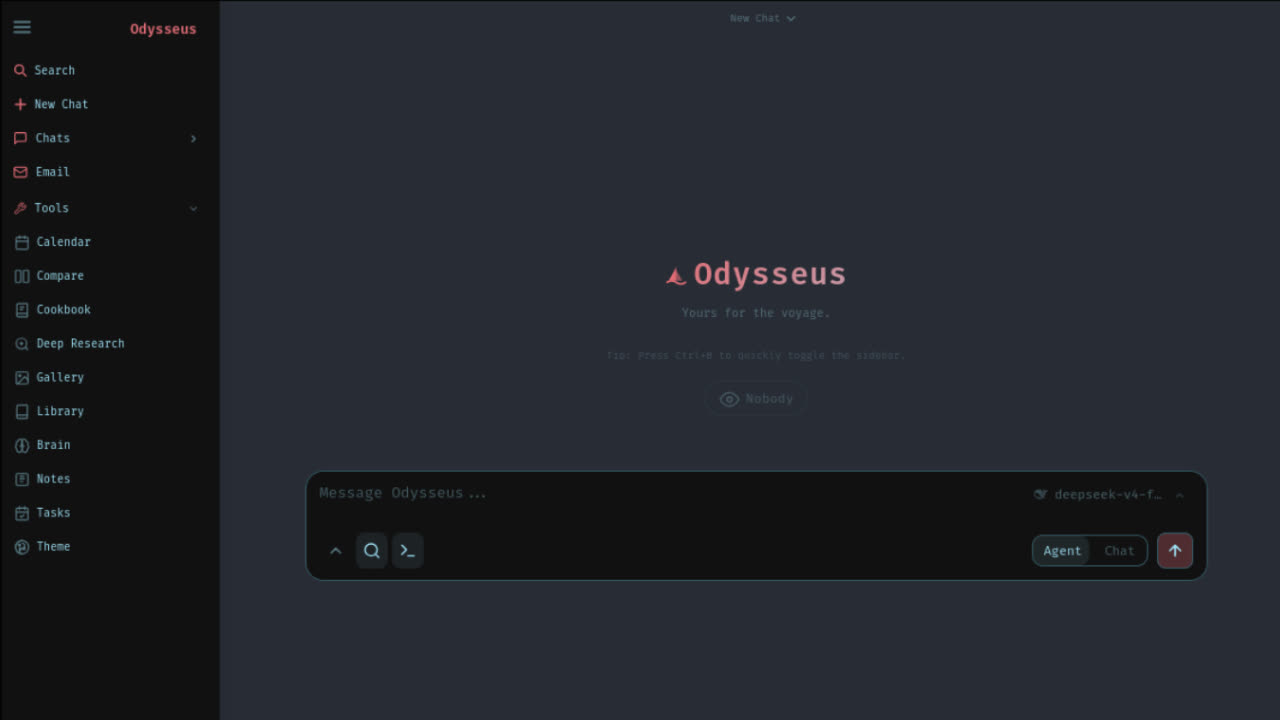
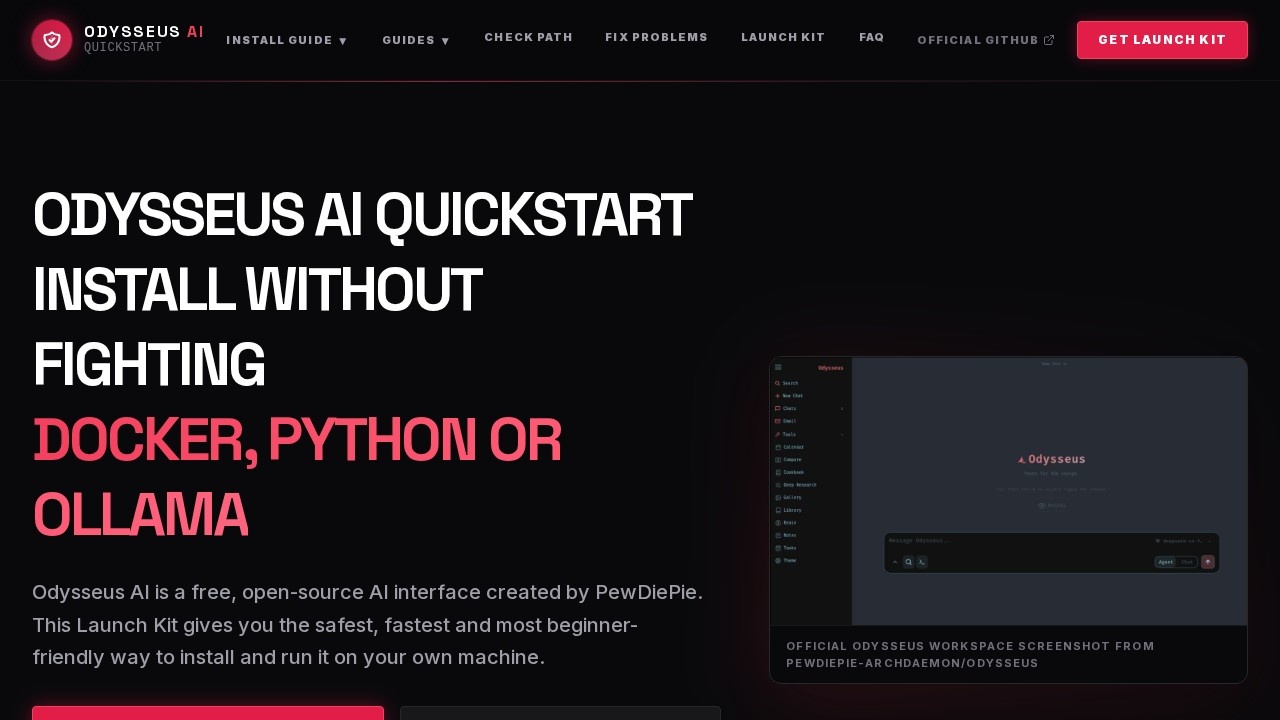
Odysseus AI is a free, open-source AI interface created by PewDiePie. It provides a Quickstart guide that helps users install and run AI tools on their own machines without struggling with Docker, Python, or Ollama. The platform focuses on being beginner-friendly, secure, and localhost-first, ensuring users run everything locally without exposing ports or API keys. It covers setup paths for Docker, Windows, macOS, and Ollama, and includes troubleshooting for common errors.Application scenarios
First-time AI setup
Users who haven't installed Odysseus AI yet can start by verifying the official GitHub repository and then choose Docker, Windows native, macOS native, or API-backed setup.
Docker or Ollama configuration
Users needing Docker or Ollama setup get help resolving port, .env, container health, or Ollama endpoint mapping problems.
Troubleshooting broken installations
Users whose Odysseus AI is already not working can classify errors (admin password, localhost:7000, Docker Compose, Ollama, PowerShell, GPU, or API key) and run safe checks like `docker compose ps`.
Verifying official sources
Users can confirm they are using the official GitHub repository (pewdiepie-archdaemon/odysseus) to avoid fake download pages or malicious mirrors.
Learning localhost-first practices
Users learn to run AI tools locally without exposing ports or API keys to the public.
Getting a personalized setup path
Users answer setup questions and receive a practical route (Docker Compose, native Windows, native Apple Silicon, API-backed, or troubleshooting first) along with the first command to run.
Core Features
Official source verification
Always verify the official GitHub repository before cloning or downloading to avoid fake tutorials or random installer files.
Setup path checker
Answer a few questions to get a recommended install route, including the first command to run.
Docker & Ollama readiness
The platform is Docker and Ollama ready, with guides for resolving common Docker-to-host endpoint issues (e.g., http://host.docker.internal:11434/v1).
Error Doctor tool
Classify errors by type (admin password, localhost:7000, Docker Compose, Ollama, PowerShell, GPU, or API key) and run safe diagnostic commands like `docker compose ps`.
Localhost-first security
Run everything locally on your machine without exposing ports or API keys to the public.
Multi-platform support
Works on Windows, Mac, and Linux, with native setup options for Windows and Apple Silicon.
Free & open source
The source code is free; the site only helps with installation shortcuts and tools.
Model integration
Odysseus is just the interface—connect it to Ollama or other model providers to run AI models.
Target users
This tool is ideal for beginners who want to run AI locally without dealing with complex Docker, Python, or Ollama configurations. It also helps intermediate users who need to troubleshoot broken installations or verify they are using official sources. Developers and enthusiasts looking for a quick, secure, and localhost-first AI interface will also benefit.How to use Odysseus AI?
- Visit the official GitHub repository at pewdiepie-archdaemon/odysseus and clone it using
git clone https://github.com/pewdiepie-archdaemon/odysseus.git && cd odysseus. - Use the Setup Path Checker on the website to answer setup questions and get a recommended install route (Docker Compose, native Windows, native Apple Silicon, API-backed, or troubleshooting first).
- Follow the provided first command and guide for your chosen setup path.
- If you encounter errors, use the Error Doctor tool to classify the issue and run safe diagnostic commands like
docker compose ps. - Connect Odysseus to Ollama or other model providers to start using AI models locally.
Pricing and free trial
The Odysseus AI interface is 100% free and open source. However, the "Odysseus Launch Kit" is available for $19, which provides installation shortcuts and tools. There is also a free "Check My Setup Path" option.Effect review
Odysseus AI effectively solves the common pain point of setting up AI tools locally by offering a structured, beginner-friendly Quickstart guide. The emphasis on verifying official sources and localhost-first security is a strong differentiator in a space often plagued by fake downloads and unsafe configurations. While the interface itself is free, the $19 Launch Kit may feel unnecessary for experienced users who can follow the free guides. Overall, it's a practical resource for anyone wanting to run PewDiePie's AI interface without the typical Docker or Python headaches.Frequently Asked Questions
What is Odysseus AI?
Which platforms does Odysseus AI support?
How does Odysseus AI help with security?
Can I find login details for AI tools using Odysseus AI?
Is Odysseus AI free to use?
Odysseus AI - AI Tool Detail
Odysseus AI provides a Quickstart guide for setting up AI tools on Docker, Windows, Mac, or Ollama, helping users verify official repos, find login details, and avoid unsafe ports.
Category:Personal Assistant
Visit Link:https://odysseusai.run/
Tags:Docker AI setup、AI tool installation guide、Ollama configuration、AI Docker quickstart