
MUSIXQUARE
MUSIXQUARE by an independent developer turns every phone, tablet, and laptop into a single synchronized sound system. Browser-native and requiring no installation, it lets any room become a multi-devi
What is MUSIXQUARE?
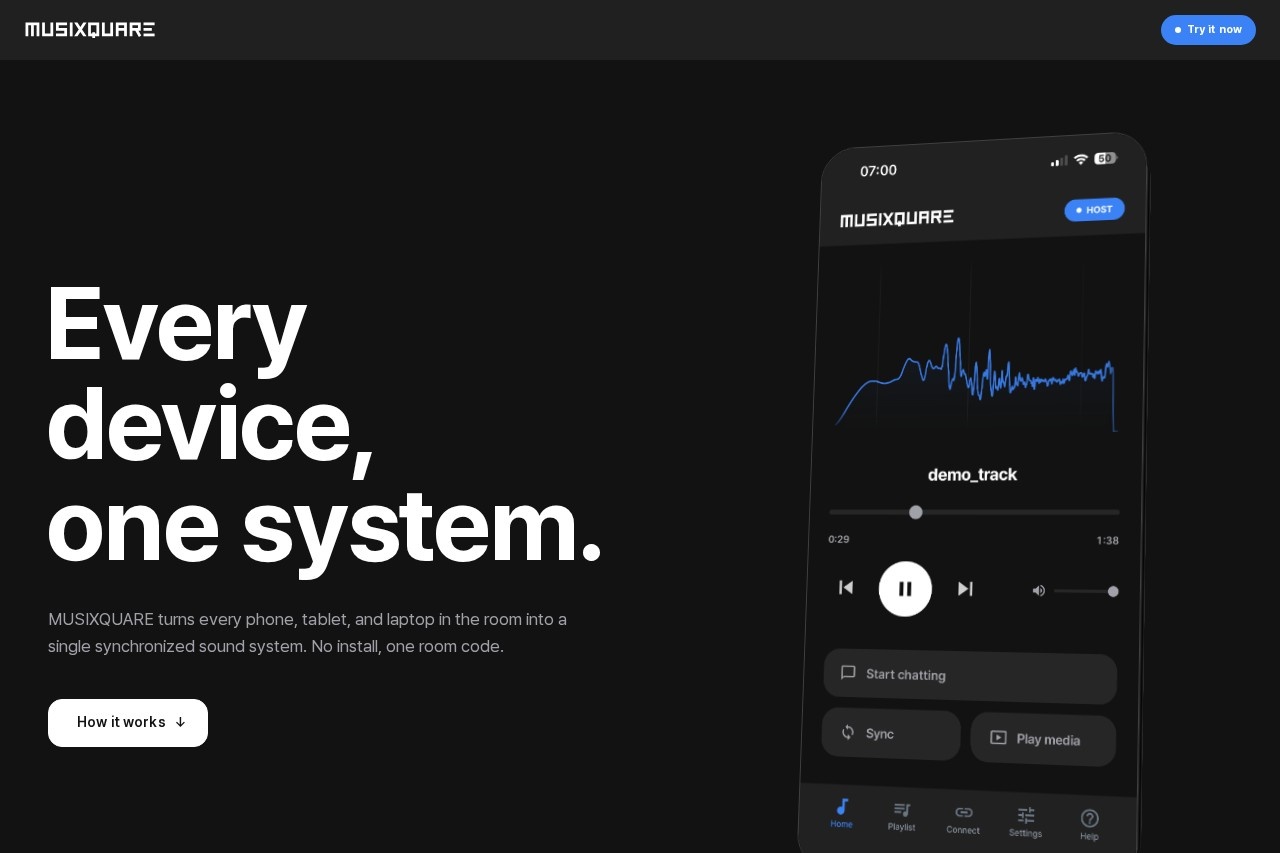
MUSIXQUARE is a browser-native sound system that turns any phone, tablet, or laptop into a single synchronized multi-device audio setup. It requires no installation—just a six-digit room code to join. Each device plays a specific role like left, right, subwoofer, or full stereo, effectively turning the room itself into a surround-sound system. It also supports real-time chat and co-watching YouTube across devices, even from different locations.
Application scenarios
Home entertainment
Create a multi-device surround-sound system without buying dedicated speakers.
Remote hangouts
Chat and watch YouTube together with friends or family, even when you're not in the same room.
Live events or parties
Let guests join a synchronized audio session using their own phones or laptops.
Collaborative listening
Share a music or video playback experience with multiple people, each using their own device.
Private communication
Use the built-in whisper feature for one-on-one private messages during group sessions.
Core Features
Six-digit room code
Start a session and share a simple six-digit code; anyone with a browser joins in seconds.
Multi-role audio assignment
Each device can be set as left, center, right, subwoofer, or full stereo for a custom surround experience.
Frame-accurate synchronization
Each device measures its round-trip latency against the host and aligns playback to a shared master clock.
Real-time chat
Send unlimited text messages in real time, with no character limits.
Private 1:1 messaging
Use the Whisper feature to send private messages to individual participants.
Co-watch YouTube
Watch YouTube together in sync across all devices (note: channel separation and audio effects aren't available for YouTube).
Audio effects
Apply a 5-band EQ, reverb, and virtualizer to customize the sound.
Cross-platform support
Works on iOS, Android, macOS, and Windows—any browser, any network.
Peer-to-peer transport
Uses WebRTC for direct, low-latency communication between devices.
Target users
MUSIXQUARE is ideal for anyone who wants a quick, no-hassle way to create a synchronized multi-device audio experience without buying new hardware. It suits party hosts, remote friends and families, casual listeners, and anyone who needs a simple, browser-based solution for shared media playback and chat.
How to use MUSIXQUARE?
- Open the MUSIXQUARE website on any device (no installation needed).
- Start a session and share the six-digit room code with others.
- Each participant enters the code in their browser to join.
- Assign each device a role (left, right, subwoofer, or full stereo) to build your surround system.
- Play media, chat, or co-watch YouTube—all synchronized across devices.
Effect review
MUSIXQUARE delivers on its promise of turning any collection of devices into a synchronized sound system with zero setup friction. The six-digit code and browser-based access make joining effortless, while frame-accurate synchronization and audio effects like EQ and reverb add real value for casual use. The ability to co-watch YouTube and chat in real time extends its utility beyond audio into shared media experiences. However, the lack of channel separation and audio effects for YouTube is a notable limitation for video-centric sessions. Overall, it's a clever, practical tool for impromptu multi-device audio without hardware investment.
Frequently Asked Questions
What is MUSIXQUARE?
Do I need to install any software to use MUSIXQUARE?
Can I use MUSIXQUARE with any device?
How do I synchronize audio across multiple devices?
Is MUSIXQUARE free to use?
What is the maximum number of devices I can connect?
MUSIXQUARE - AI Tool Detail
MUSIXQUARE by an independent developer turns every phone, tablet, and laptop into a single synchronized sound system. Browser-native and requiring no installation, it lets any room become a multi-devi
Category:Music generation
Visit Link:https://musixquare.com/landing
Tags:multi-device audio、browser-based、synchronized sound、no-install、room-filling audio