
LoRA AI
LoRA AI provides advanced infrastructure for training personalized LoRA models on characters, objects, styles, and concepts, enabling users to generate unique images easily.
What is LoRA AI?
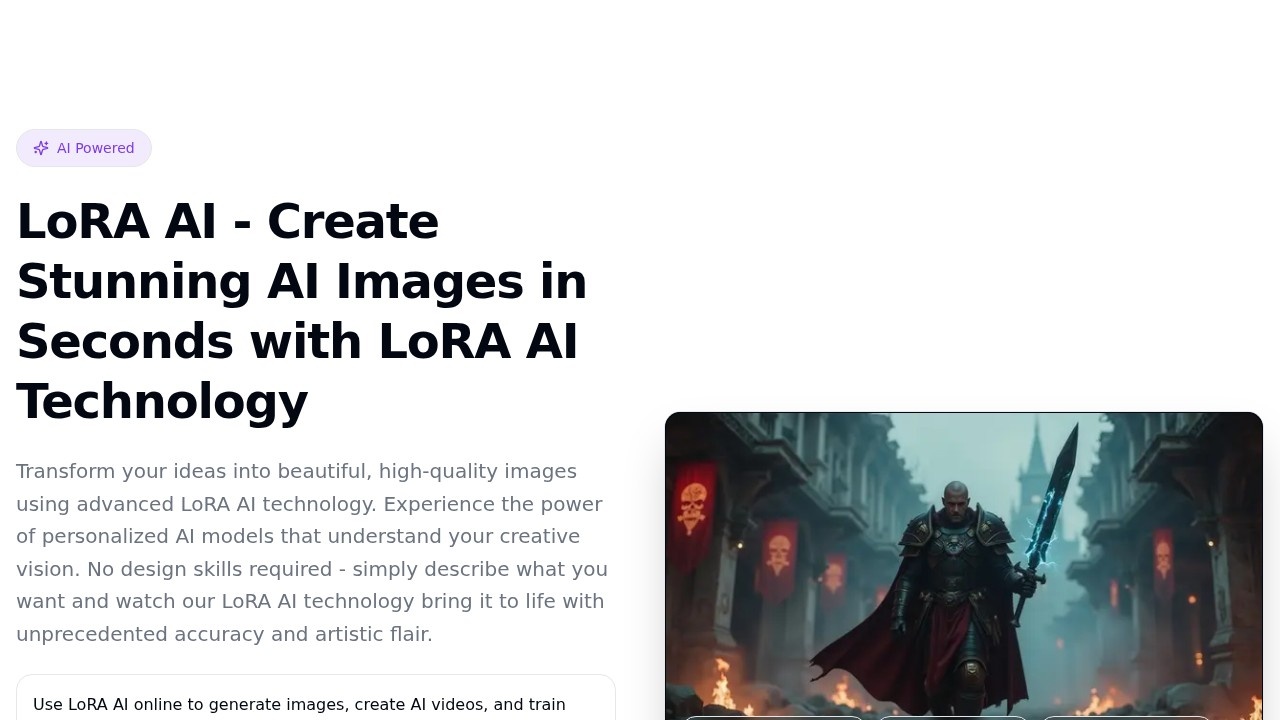
LoRA AI is an online platform that lets you generate images, create AI videos, and train custom LoRA models using advanced AI technology. It focuses on personalized model training for characters, products, styles, and brand assets, turning prompts into high-quality visuals in seconds. No design skills are required—users describe what they want, and the AI brings it to life with artistic flair and accuracy. The service has over 10,000 users and a 4.9/5 rating, with generation times of 2–5 seconds.Application scenarios
Image generation
Create portraits, product ads, anime art, and branded visuals using prompt-based workflows with LoRA-ready tools.
Video creation
Turn prompts and reference frames into motion content for short ads, music clips, and character scenes using LoRA-aware video generation.
Custom model training
Upload training images to build a reusable LoRA model for a person, mascot, style, product line, or visual identity—ideal for repeatable outputs.
Reference image editing
Use a reference image (PNG, JPG, JPEG, or WEBP, max 10MB) to guide style and subject generation with clear backgrounds.
Brand asset creation
Train a LoRA on brand visuals to generate consistent, branded imagery across multiple projects.
Artistic exploration
Experiment with over 20 style lanes like Ghibli Style, Neon Impressionism, Super Realism, Pixel Art, and more.
Core Features
LoRA image generation
Generate portraits, product ads, anime art, and branded visuals with prompt-based workflows and reference image editing.
AI video workflows
Create LoRA-based AI videos using image-to-video and prompt-to-video paths, useful for short ads, music clips, and character scenes.
Custom LoRA training
Upload training images to build reusable LoRA models for a person, mascot, style, product line, or visual identity—best for repeatable outputs.
Style lane selection
Choose from 20+ style lanes (e.g., Flux Portrait, Ghibli Style, Editorial, Real Claymation, 3D Toon) before refining prompts and advanced settings.
Reference image support
Upload a reference image (PNG, JPG, JPEG, WEBP, max 10MB) to guide generation—best when the subject is clear and background isn’t busy.
Prompt refinement
Use a text prompt (up to 600 characters) with best results from 1 subject + 1 scene + 1 lighting/style direction.
Aspect ratio control
Set the aspect ratio for each generation, costing 3 credits per generation.
Fast generation
Results appear after a 15-second preview delay, with overall generation times of 2–5 seconds.
Target users
LoRA AI is built for content creators, marketers, designers, and brand managers who need fast, customizable image and video generation. It suits anyone from hobbyists making anime art to professionals producing product ads or brand assets—no technical training required. The platform also appeals to users who want repeatable, consistent outputs (e.g., for a character or product line) rather than one-off prompts.How to use LoRA AI?
- Go to the LoRA AI website and click "Start Generating" or "View Pricing" to begin.
- Choose a workflow: Generate LoRA Images, Create LoRA AI Videos, or Train Your Own LoRA Model.
- For image generation: pick a style lane (e.g., Ghibli Style, Super Realism), write a prompt (up to 600 characters), optionally upload a reference image (max 10MB), and set the aspect ratio.
- Click "Generate Image" (costs 3 credits per generation) and wait for the 15-second preview delay to see the result.
- For video: use the image-to-video or prompt-to-video path. For training: upload training images to build a custom LoRA model for reuse.
Effect review
LoRA AI delivers on its promise of fast, high-quality image and video generation with a strong 4.9/5 rating from over 10,000 users. The 2–5 second generation times and 20+ style lanes make it practical for quick creative work, while custom LoRA training ensures consistent outputs for brands or recurring characters. The reference image feature adds control for users who want to guide style or subject without starting from scratch. For a tool that requires no design skills, it offers a solid balance of speed, variety, and personalization—ideal for both casual experimentation and repeatable production work.Frequently Asked Questions
What is LoRA AI?
What types of models can I train with LoRA AI?
How does LoRA AI simplify model training?
Can I use LoRA AI for commercial purposes?
Do I need programming skills to use LoRA AI?
What output formats does LoRA AI support?
LoRA AI - AI Tool Detail
LoRA AI provides advanced infrastructure for training personalized LoRA models on characters, objects, styles, and concepts, enabling users to generate unique images easily.
Category:Image generation
Visit Link:https://loraai.me/
Tags:LoRA AI、personalized model training、image generation、AI infrastructure、custom concepts