
Gemini Code Assist
AI coding assistant by Google offering programming help across languages and platforms.
What is Gemini Code Assist?
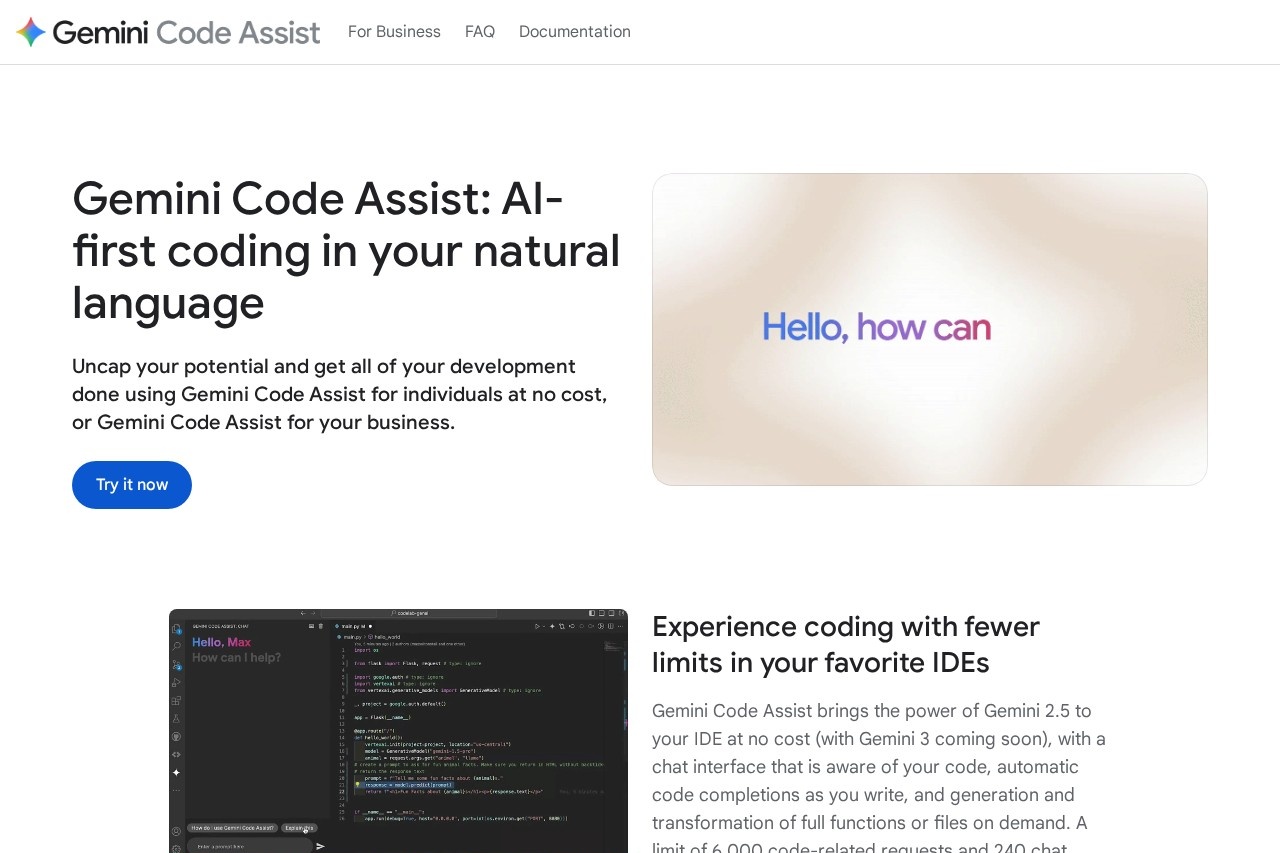
Gemini Code Assist is an AI-first coding assistant by Google that brings the power of Gemini 2.5 (with Gemini 3 coming soon) directly into your IDE and terminal. It offers a chat interface that is aware of your code, automatic code completions as you write, and generation or transformation of full functions or files on demand. The tool is available at no cost for individuals, with a limit of 6,000 code-related requests and 240 chat requests daily to help you through your tasks.Application scenarios
IDE coding
Get real-time code completions and chat-based assistance while working in your favorite IDEs.
Terminal automation
Use Gemini CLI as an open source AI agent for code understanding, file manipulation, command execution, and dynamic troubleshooting.
Pull request review
Automatically review pull requests in GitHub to find bugs and style issues, with auto-suggested code changes and fixes.
Firebase development
Pair Gemini Code Assist with Gemini in Firebase for AI assistance across your entire mobile and web app development workflow.
Prototyping
Use Google Cloud Shell Editor as a no-cost environment to prototype applications quickly.
Core Features
IDE integration
Download the IDE extension to get Gemini directly in your development environment with code-aware chat and completions.
Gemini CLI
Access an open source AI agent in your terminal for code understanding, file manipulation, command execution, and troubleshooting.
AI agents for development
Pair with AI agents capable of multiple file edits, full project context, built-in tools, and integration with ecosystem tools via Model Context Protocol (MCP), with Human in the Loop (HiTL) oversight.
GitHub pull request review
Automatically review PRs to find bugs and style issues, and ask Gemini for help by adding a /gemini comment to any pull request.
Large context window
Use a context window of 1M tokens for more relevant responses based on your IDE code.
Enterprise customization
Connect private source code repositories for even more tailored responses (Enterprise edition only).
Firebase integration
Get AI assistance across your development workflow with code generation, natural language chat, app error analysis, and performance insights.
No-cost prototyping
Use Google Cloud Shell Editor as a free environment to start building.
Target users
Individual developers and businesses looking to accelerate their coding workflow. The tool benefits software engineers, mobile and web developers, DevOps teams, and anyone who works with code in IDEs or terminals, from freelancers to enterprise teams.How to use Gemini Code Assist?
Download the IDE extension from the official site or install the Gemini CLI for terminal use. For GitHub, install the app on your repository to enable automatic pull request reviews. You can also pair it with Firebase for mobile and web app development, or use Google Cloud Shell Editor as a no-cost prototyping environment.Pricing and free trial
Gemini Code Assist for individuals is available at no cost, with a limit of 6,000 code-related requests and 240 chat requests daily. Gemini CLI provides a generous free tier with high usage limits for individual developers, and you can supercharge the experience by using a Gemini Code Assist license. Enterprise edition pricing is not specified on the site.Effect review
Gemini Code Assist offers a comprehensive, free-tier AI coding assistant that integrates deeply with IDEs, terminals, and GitHub workflows. The 1M token context window and support for AI agents with MCP integration suggest strong contextual understanding and extensibility for complex tasks. The daily request limits (6,000 code + 240 chat) are generous for individual use, though enterprise users may need to evaluate the paid tier for private repository access. Overall, it positions itself as a practical, all-in-one tool for developers seeking AI assistance across the full development lifecycle.Frequently Asked Questions
What is Gemini Code Assist?
Is Gemini Code Assist free?
Which programming languages does Gemini Code Assist support?
How does Gemini Code Assist integrate with IDEs?
Can Gemini Code Assist help with debugging?
Is my code secure when using Gemini Code Assist?
Gemini Code Assist - AI Tool Detail
AI coding assistant by Google offering programming help across languages and platforms.
Category:Programming Assistant
Visit Link:https://codeassist.google/
Tags:AI coding assistant、Google、code generation、programming help、developer tool