
Databox
Databox by Databox Inc. securely connects AI to your business data via MCP, allowing you to ask performance questions in plain language and get real-time answers.
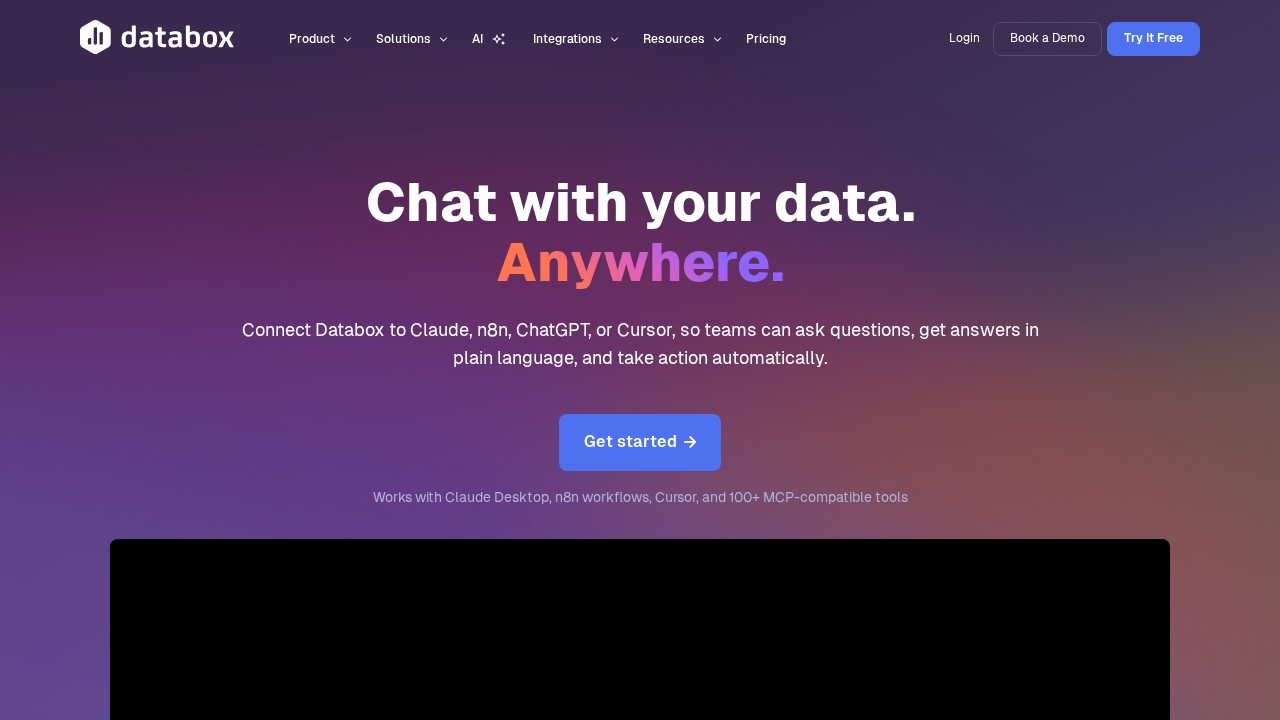
What is Databox?
Databox is an MCP (Model Context Protocol) tool that securely connects AI assistants like Claude, ChatGPT, and n8n to your business performance data. Users can ask questions in plain language and get real-time answers drawn from their actual metrics, definitions, and historical context. It eliminates the need for dashboards, SQL, or waiting on a data team, letting teams analyze, ingest, and automate workflows directly through their AI tool.Application scenarios
Revenue analysis
Ask AI about revenue trends, user behavior, or campaign performance, and get clear explanations instead of raw numbers.
Data ingestion
Upload a messy CSV and ask AI to clean and standardize it, or pull data from an API and store it in Databox as structured datasets.
Automated reporting
Schedule recurring AI-powered analysis and reports that run automatically, including executive summaries with context.
Smart alerting
Trigger alerts when key metrics change, moving from insights to actions faster.
Workflow automation
Use real analysis to trigger alerts, reports, and workflows without leaving your AI tool, connecting to n8n for automated follow-ups.
Custom metric creation
Add custom internal metrics without any setup or pipeline work.
Multi-platform integration
Works with Claude Desktop, n8n workflows, Cursor, ChatGPT, and 100+ MCP-compatible tools.
Core Features
Ask AI questions
Ask simple questions about revenue trends, user behavior, or campaign performance, and get accurate, explainable insights using your real metrics and historical context.
Data ingestion on demand
Push new data directly from your AI tool into Databox to get clean, structured, ready-to-use datasets—no pipelines or cleanup work.
Automated insights-to-actions
Turn insights into recurring summaries, updates, follow-ups, and workflows that run automatically, including smart alerts and executive summaries.
Secure MCP connection
Bring data into your AI tool via MCP with protected data and access under your control.
One-endpoint integration
Connect with any MCP-compatible client using a single endpoint and no complex configuration.
200+ pre-built templates
Access a library of templates to jumpstart your data analysis and reporting.
130+ data integrations
Pull data from a wide range of sources into Databox for unified analysis.
10+ MCP tools
Use a suite of MCP-compatible tools to extend functionality across different AI platforms.
Target users
Databox is built for business teams that need real-time, plain-language access to their performance data—especially marketers, analysts, product managers, and operations teams. It’s also ideal for data-driven teams that want to automate reporting and alerts without relying on SQL or a dedicated data team.How to use Databox?
- Connect your AI tool: Go to Settings in Claude Desktop, n8n, Cursor, or any MCP-compatible client, add the custom connector URL
https://mcp.databox.com/mcp, and configure authentication. - Ask questions: Start chatting with your AI—ask about revenue trends, user behavior, or campaign performance. Databox will use your metrics and history to provide answers.
- Ingest data: Upload CSVs or pull data from APIs to create clean, structured datasets directly within your AI tool.
- Automate workflows: Set up recurring analysis, smart alerts, and executive summaries that run automatically based on your data changes.
Effect review
Databox delivers on its promise of letting teams "chat with their data" without technical overhead. The ability to ask plain-language questions and get accurate, context-rich answers—rather than raw numbers—makes it highly practical for everyday decision-making. Its integration with major AI tools like Claude, ChatGPT, and n8n, plus support for 130+ data sources, gives it broad real-world utility. While the site doesn’t include user testimonials or awards, the feature set suggests a reliable, low-friction solution for teams that want to move from data to action faster. For organizations already using MCP-compatible tools, Databox is a straightforward way to unlock real-time analytics without building dashboards.Frequently Asked Questions
What is Databox?
How does Databox ensure data security?
What kind of questions can I ask Databox?
Does Databox provide real-time answers?
Is Databox easy to set up?
What data sources does Databox support?
Databox - AI Tool Detail
Databox by Databox Inc. securely connects AI to your business data via MCP, allowing you to ask performance questions in plain language and get real-time answers.
Category:Agents
Visit Link:https://databox.com/mcp
Tags:AI data analysis、natural language query、business performance、MCP integration、real-time analytics