
Create PDF from Excel
Online PDF converter by CreatePDFfromSheet for turning Excel spreadsheets into PDFs with page previews. It fits wide sheets, repeats headers, and combines workbooks privately—free, no upload required.
What is Create PDF from Excel?
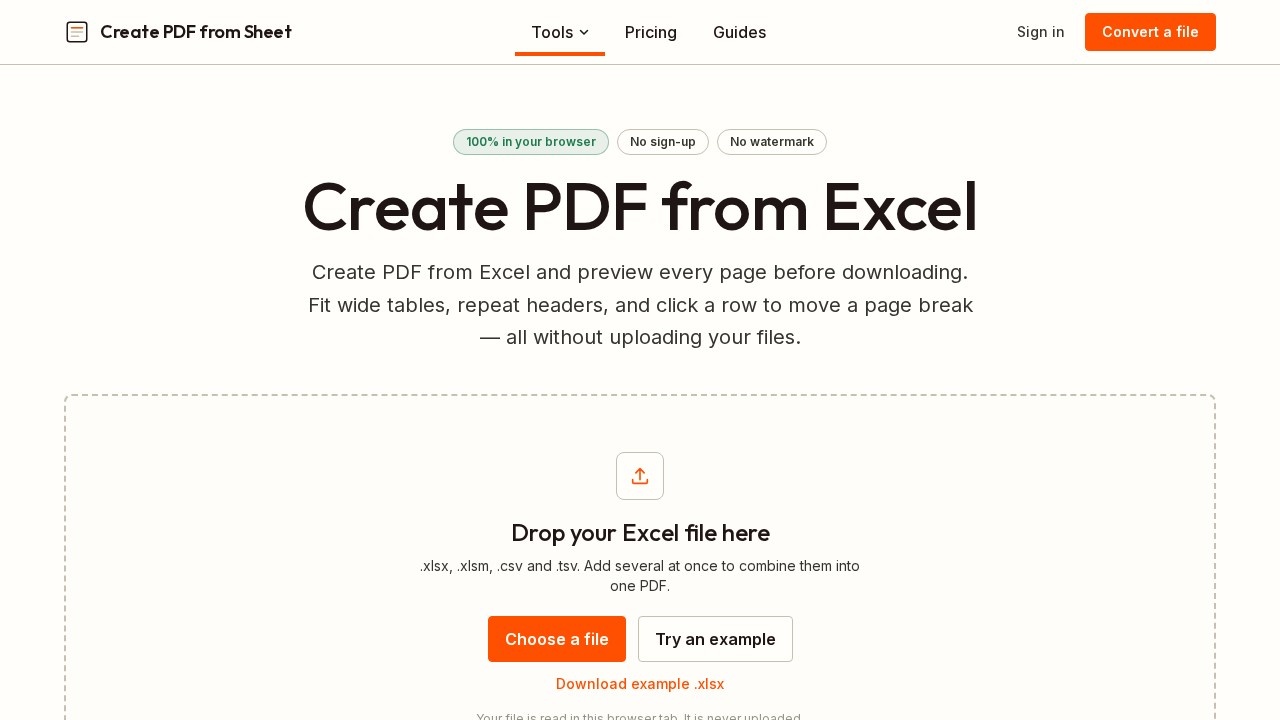
Create PDF from Excel is a browser-based converter that turns Excel spreadsheets into PDF files without uploading your data anywhere. It reads files directly from your disk and processes them in memory on your own device, making it a privacy-friendly option for sensitive documents. The tool supports .xlsx, .xlsm, .csv, and .tsv formats and lets you preview every page before downloading. You can combine multiple workbooks into one PDF, control page breaks, and repeat header rows automatically—all free, with no sign-up and no watermark.
Application scenarios
Payroll and HR documents
Convert employee data or salary sheets to PDF without exposing them to third-party servers.
CRM exports
Turn customer lists or sales reports into clean, shareable PDFs while keeping the data on your machine.
Audit files
Generate PDF versions of financial spreadsheets for record-keeping or compliance, with full privacy.
Wide table reports
Fit broad datasets onto A4, Letter, Legal, A3, or Tabloid pages in portrait or landscape orientation.
Multi-workbook merges
Combine several Excel files into a single PDF with continuous page numbers, no separate merge step.
Team documentation
Produce print-ready PDFs of project trackers or inventory sheets with repeated header rows on every page.
Core Features
Full page preview before download
See exactly how each page will look, including where columns land, before creating the final PDF.
Click-to-set page breaks
Click any row to start a new page there; Shift-click a run of rows to keep them together or give them their own page.
Fit-to-width controls
Choose fit to width, one page, two pages wide, or original size, with three margin widths and five paper sizes.
Repeat header rows
Frozen rows are detected automatically and repeated at the top of every page, so later pages keep their column labels.
Combine workbooks
Add several files at once, switch worksheets on or off, and reorder files and sheets until they read correctly.
Reorder sheets across workbooks
Use arrows on every sheet to arrange the final PDF order before conversion.
No upload endpoint
Files are read from disk and converted in memory on your own device—there is no server upload at all.
No sign-up or watermark
Use the tool immediately, with no account creation and no watermarked output.
Works offline after load
Once the page has loaded, the conversion happens entirely in your browser, even without a connection.
Target users
This tool suits anyone who regularly converts Excel data to PDF and cares about privacy or page layout. Accountants, HR managers, financial analysts, and operations teams handling sensitive payroll or CRM data will appreciate the no-upload approach. It also helps project managers and administrators who need to merge multiple workbooks into one clean, paginated PDF without fiddling with Excel's Print Titles dialog.
How to use Create PDF from Excel?
Open the website, drop your Excel file (or several files) into the upload area, and the tool reads it directly in your browser. Use the page preview to check where page breaks fall, click rows to adjust them, and choose paper size, orientation, and fit options. Toggle worksheets on or off, reorder files and sheets as needed, then download the finished PDF. No sign-up or installation is required.
Effect review
Create PDF from Excel delivers exactly what its name promises, with a privacy edge that most online converters lack. The page preview is genuinely useful—you catch awkward column splits before they become a reprint, and the click-to-set page break feature is far more intuitive than Excel's manual break workflow. The automatic header repetition and free multi-workbook merging are strong practical wins for daily office use. The main limitation is that charts, images, and shapes are not rendered, and legacy .xls files are unsupported, so chart-heavy sheets are better handled by Excel's own export. For text- and number-heavy spreadsheets, though, this tool is fast, private, and refreshingly straightforward.
Frequently Asked Questions
How does Create PDF from Excel handle wide Excel sheets?
Will my Excel headers repeat on every page of the PDF?
Can I convert multiple Excel files into a single PDF?
Is my data safe when using this converter?
Do I need to create an account or pay to use this tool?
Can I preview the PDF before downloading it?
Create PDF from Excel - AI Tool Detail
Online PDF converter by CreatePDFfromSheet for turning Excel spreadsheets into PDFs with page previews. It fits wide sheets, repeats headers, and combines workbooks privately—free, no upload required.
Category:Document processing
Visit Link:https://createpdffromsheet.com/
Tags:excel to pdf、online converter、spreadsheet to pdf、no upload、free tool