
AI Chart Workspace
AI Chart Workspace by chartbuilder.org lets you upload data, request charts in plain language, refine designs, and export polished ECharts visuals—all from one unified AI workspace.
What is AI Chart Workspace?
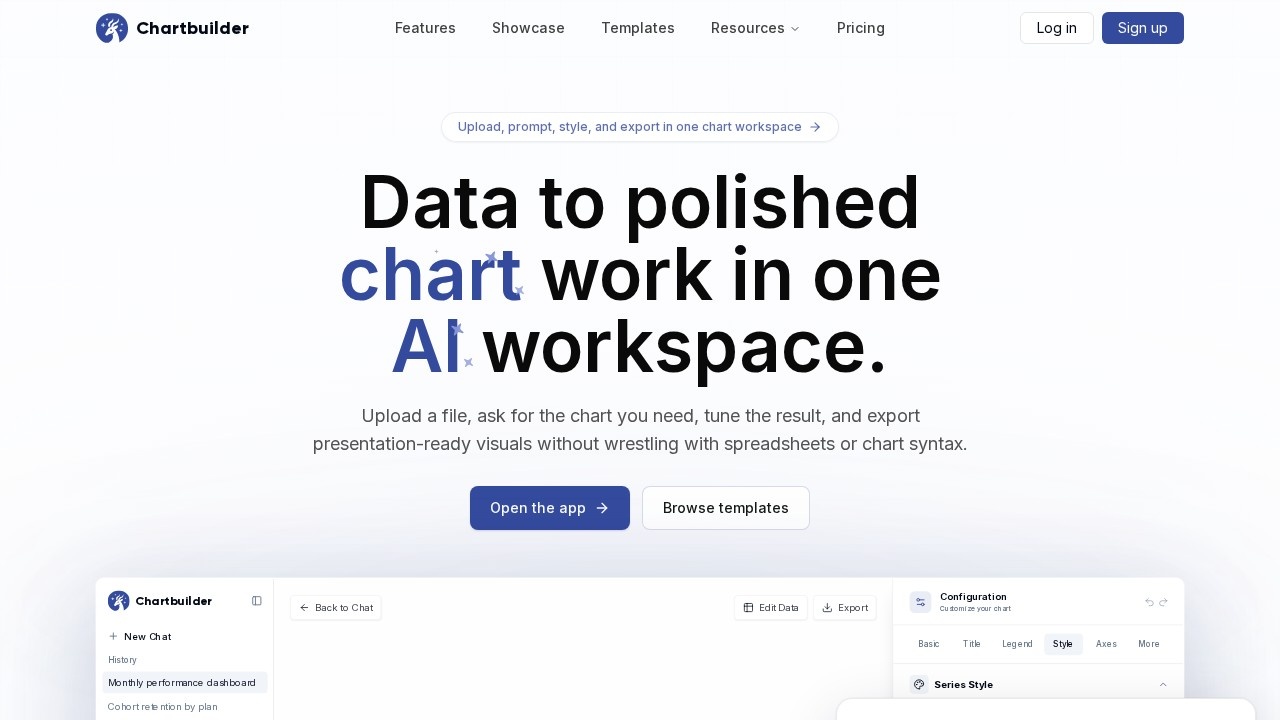
AI Chart Workspace by chartbuilder.org is a unified platform that transforms raw data into polished, presentation-ready ECharts visuals. Users upload a file, request a chart in plain language, refine the design through iterative prompts, and export the final result—all within a single AI workspace. It eliminates the need to juggle spreadsheets, chart menus, style panels, and chat messages across separate tools. The workspace keeps the prompt, data, chart, and export path together, so each edit sharpens the same output instead of scattering work.Application scenarios
Leadership presentations
Generate a clean monthly performance chart comparing revenue, forecast, and target for a leadership deck.
Data analysis
Upload a CSV or spreadsheet and ask for a stacked bar, grouped bar, or trend line to explore comparisons and trends.
Brand consistency
Apply presentation colors and shorten labels to match corporate style guides.
Export for web or print
Export polished visuals as PNG or SVG for use in reports, slides, or dashboards.
Iterative design
Refine a chart through natural language prompts—e.g., "make the labels shorter" or "use presentation colors"—without touching chart syntax.
Template-based starts
Choose a template when the shape of the story is already clear, then customize with your own data.
Core Features
Prompt-based chart generation
Describe the chart you need in plain language, like "Create a monthly performance chart comparing revenue and forecast by month, with target as a line," and the AI builds it.
Iterative refinement
Tune labels, colors, and export size through follow-up prompts—e.g., "Make the labels shorter and use the presentation colors."
Unified workspace
Upload data, prompt, chart canvas, style controls, and export stay in one place, so each pass sharpens the same output.
Data upload and template selection
Upload a spreadsheet (e.g., CSV or XLSX), paste rows, or start from a template when the story shape is clear.
Export as PNG or SVG
Export the final chart as a clean PNG or SVG for presentations, reports, or web use.
Configuration panel
Customize the chart’s title, legend, style, axes, and series (e.g., target series, revenue series) via a dedicated configuration interface.
Fast generation mode
Choose "Standard Mode" or "Fast" for quicker chart generation, with a note that the tool can make mistakes and important info should be checked.
Sample data and templates
Use built-in sample data (e.g., "Monthly Performance (Sample Data)" with revenue, forecast, and target) to get started quickly.
Target users
Data analysts, business intelligence professionals, marketing teams, and anyone who needs to turn raw numbers into presentation-ready charts without wrestling with chart syntax or spreadsheets. It’s ideal for users who prepare leadership decks, monthly performance reports, or any data-driven visual for stakeholders.How to use AI Chart Workspace?
Open the app at chartbuilder.org, then upload a spreadsheet (e.g., CSV or XLSX) or paste rows of data. Describe the chart you need in plain language—like "Compare monthly revenue as a stacked bar"—and the AI generates a first draft. Review the chart, then refine it with follow-up prompts (e.g., "Make the labels shorter" or "Use presentation colors"). Use the configuration panel to fine-tune title, legend, style, axes, and series. Finally, export the polished chart as a PNG or SVG.Effect review
AI Chart Workspace delivers on its promise of a single, calm workflow from raw data to exported chart. The prompt-based generation and iterative refinement work smoothly, as demonstrated by the sample interaction where a user requested a monthly performance chart and the AI produced a grouped bar with a target trend line in under three seconds. The ability to tune labels and colors without leaving the workspace saves significant time compared to bouncing between spreadsheet and chart tools. While the tool notes it can make mistakes and advises checking important info, the speed and cohesion of the process make it a practical choice for teams that need polished visuals quickly. For users who value a unified, chat-like interface over traditional chart menus, this is a clear upgrade.Frequently Asked Questions
What types of data can I upload to AI Chart Workspace?
Can I customize the charts after they are generated?
What output formats are supported for exporting charts?
Is programming knowledge required to use this tool?
Can I collaborate with others on chart projects?
Are there any limitations on the size of data I can upload?
AI Chart Workspace - AI Tool Detail
AI Chart Workspace by chartbuilder.org lets you upload data, request charts in plain language, refine designs, and export polished ECharts visuals—all from one unified AI workspace.
Category:Data analysis
Visit Link:https://chartbuilder.org/
Tags:AI chart generator、ECharts visualization、data-to-chart AI、chart design workspace