
What is EditTextImage?
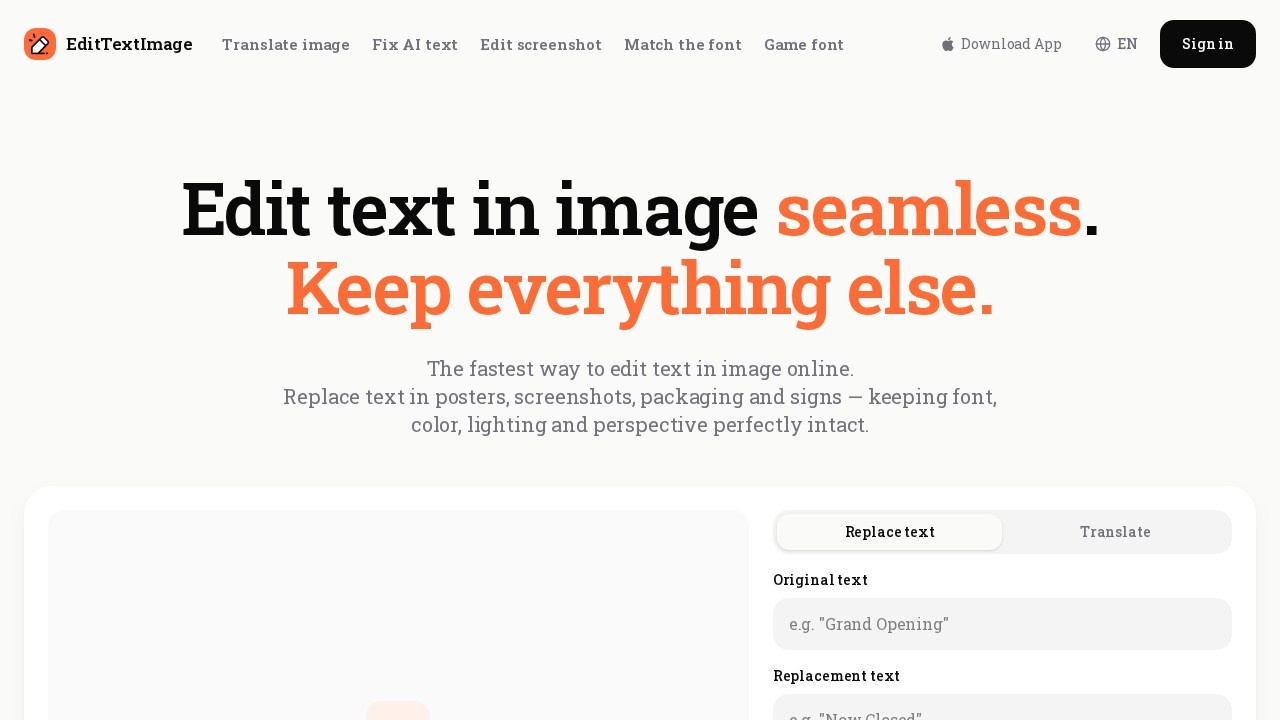
EditTextImage is an online AI tool for editing text inside images without Photoshop or design skills. Upload a JPEG, PNG, or WebP file and replace the wording in it while the original font, color, size, and perspective stay intact. It handles finished files — posters, screenshots, packaging shots, signs — so you don't need the source design file to make a change. Two core modes are available: replacing text, and translating it.
Application scenarios
Documents
Update invoice numbers, fix typos in contracts, or correct dates in official documents when you only have a screenshot or scan.
Posters & flyers
Change a date, swap a speaker, or move a venue on a finished poster when the designer is unavailable.
App screenshots
Localize store listings by swapping languages directly on existing UI mockups instead of rebuilding every screen.
E-commerce
Update weight, ingredients, or branding on product label photos without booking another photography session.
Social ads
Test different headlines and CTAs across campaigns and let performance data pick the winner.
Events
Reuse last season's gala flyer by editing the date and venue instead of redesigning from scratch.
Core Features
Text replacement
Type the original text and your replacement, then generate an edited image that keeps the surrounding design untouched.
Translation mode
Convert the text inside an image from one language to another — useful for store listings that must ship in 10+ languages.
Style preservation
The edit retains the original font, color, lighting, and perspective rather than pasting flat new text on top.
Broad format support
Accepts PNG, JPEG, and WebP files up to 10 MB each.
Drag-and-drop upload
Drop a photo onto the page or click to upload — no desktop software required.
Google sign-in
Start with a Google account; no credit card is needed to create one.
Credit-based access
Each generation uses a credit, and credits never expire.
Commercial use
Edited images can be used commercially.
Acceptable-use guardrails
You confirm you own or are licensed to edit the image and that the edit isn't meant to deceive a third party. The tool does not process IDs, passports, visa support letters, official seals, bank statements, or tampered receipts.
Target users
- Marketers and growth teams running A/B tests on ad creative without designer turnaround.
- E-commerce sellers updating packaging and label photos as product specs change.
- App developers and localization teams preparing multilingual store screenshots.
- Small businesses and event organizers reusing posters and flyers season after season.
- Administrative and operations staff fixing typos, dates, and reference numbers on scanned documents.
Anyone who has a finished image and no layered source file is the core user here.
How to use EditTextImage?
- Open https://edittextimage.com/ and sign in with Google.
- Upload your image by dragging it onto the page or clicking to select a file (PNG, JPEG, or WebP, up to 10 MB).
- Choose Replace text or Translate.
- Enter the original text and the replacement text.
- Confirm you own or are licensed to edit the image and that the edit isn't intended to deceive anyone.
- Click Generate, review the result, and download your edited image.
Each generation consumes one credit.
Pricing and free trial
EditTextImage runs on a credit model rather than a subscription.
- Free start: 1 free credit to edit text in an image.
- No credit card required to begin.
- No subscription.
- Credits never expire.
- Commercial use included at no extra stated cost.
The site does not publish per-credit prices or bundle sizes, so check the official site for current credit options.
Effect review
No user reviews, ratings, or awards appear in the material available, so the honest assessment rests on what the feature set promises. The value proposition is specific and practical: most image editors can overlay new text, but matching an existing font, color, lighting, and perspective by hand is slow and error-prone. If EditTextImage delivers that matching automatically, the biggest wins land in localization, ad testing, and document correction — three workflows where redoing the original design is far more expensive than the edit itself. The credit model with no expiry suits occasional users who need a handful of edits a season rather than a monthly subscription. The acceptable-use policy is unusually strict about falsified documents and financial records, which sets clear boundaries on what the tool is for. For anyone holding a flat image and a text change, it's a focused tool worth testing on your own file before committing credits.
EditTextImage - AI Tool Detail
EditTextImage is an AI-powered web tool for editing text in images without Photoshop. It replaces or changes text in JPEGs, PNGs, and screenshots while preserving original font, color, size, and persp
Category:Edición de imágenes
Visit Link:https://edittextimage.com/