
MagicSlides
MagicSlides is an AI presentation maker that instantly generates stunning, ready-to-use PowerPoint slides from a simple text prompt, supporting over 136 languages.
What is MagicSlides?
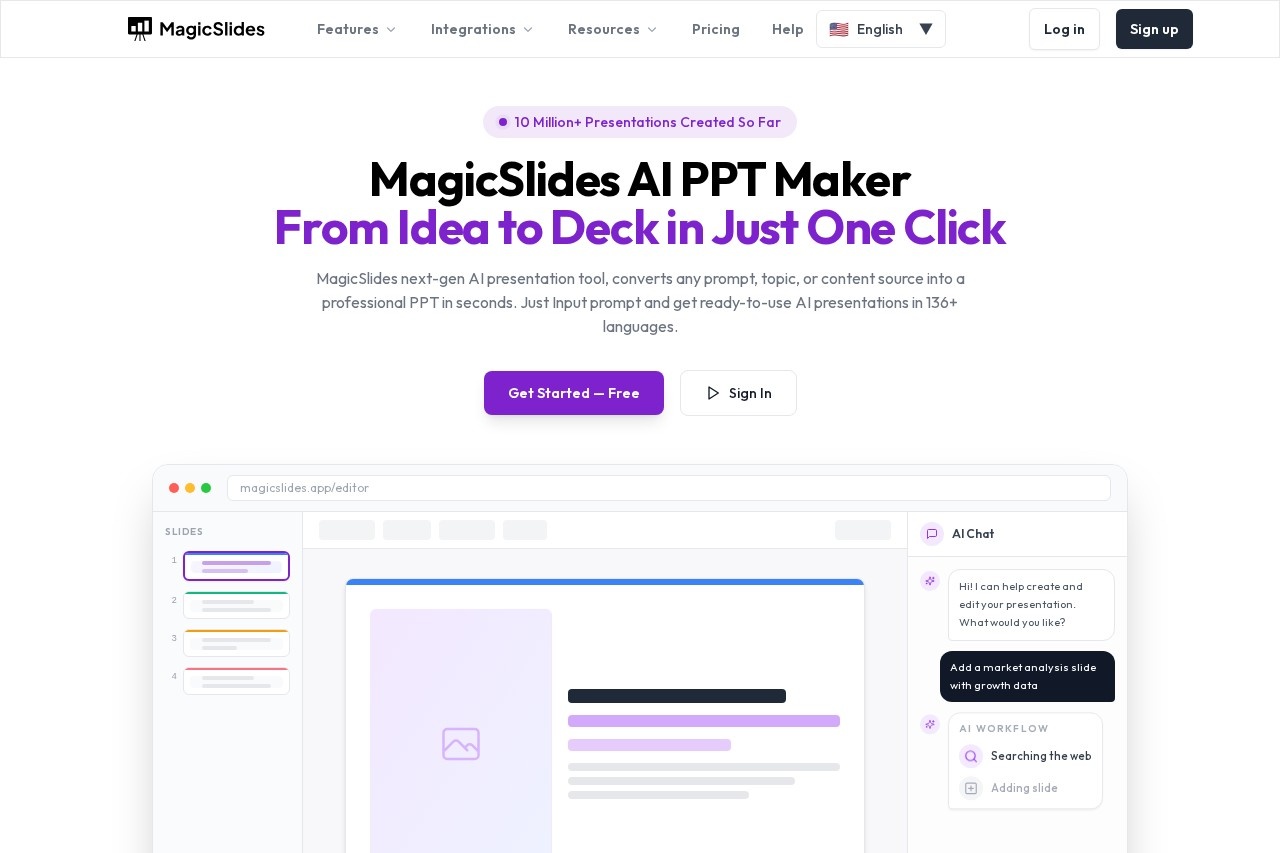
MagicSlides is an AI-powered presentation maker that generates PowerPoint slides from a text prompt. It converts topics, pasted content, or files like PDFs and YouTube links into structured presentations in seconds. The tool supports creation in over 136 languages and allows editing within its app or export to PowerPoint and Google Slides.Application scenarios
Business reporting
Quickly turn quarterly reports or data documents into professional slide decks.
Education and training
Create instructional presentations from course outlines or lecture notes.
Startup pitching
Generate a polished investor pitch deck from a written business description.
Content repurposing
Convert a YouTube video transcript or a blog post into a presentation format.
Multilingual presentations
Produce ready-to-use slides in a wide array of languages for global teams.
Rapid ideation
Transform a simple topic or idea into a structured visual presentation in moments.
Core Features
Multi-source input
Start a presentation by typing a topic, pasting text, or uploading a PDF, DOCX file, or YouTube link.
AI Chat assistant
Build, edit, and refine entire presentations through a conversational chat interface.
Template customization
Select or customize a template before the AI generates the slides.
Slide editing and cloning
Duplicate existing slides and modify content with AI assistance for consistency.
Design assistance
Receive AI recommendations for colors, layouts, and image elements within slides.
One-click generation
Produce a full set of polished slides from a prompt in seconds.
Cross-platform export
Download presentations to edit in Microsoft PowerPoint, Google Slides, or within the MagicSlides editor.
Language support
Generate presentations in over 136 different languages.
Target users
MagicSlides serves professionals, educators, and teams who need to create presentations quickly. It is particularly useful for business analysts, startup founders, marketers, teachers, and anyone who regularly converts documents, ideas, or video content into visual decks under time constraints.How to use MagicSlides?
Go to the MagicSlides website and access the editor. Input your idea by typing a topic, pasting content, or uploading a file like a PDF. Select or customize a template, then let the AI generate the presentation. Once complete, you can download it to edit in PowerPoint or Google Slides, or continue refining it directly in the MagicSlides app using the AI chat feature.Pricing and free trial
The website text indicates a free tier is available, inviting users to "Get Started — Free" and "Try It Free — Create Your First Presentation."Effect review
The platform reports over 10 million presentations created and is trusted by professionals at various organizations, suggesting significant adoption. Its core promise is transforming raw input into a structured, visually polished deck in seconds, which directly targets the common pain point of lengthy presentation design. The integration of a conversational AI chat for editing and the support for numerous input sources position it as a comprehensive tool for rapid, AI-assisted content creation rather than just simple template filling.Frequently Asked Questions
What is MagicSlides?
How does MagicSlides work?
What languages does MagicSlides support?
Do I need design skills to use MagicSlides?
Can I edit the slides MagicSlides generates?
What types of presentations can MagicSlides create?
MagicSlides - AI Tool Detail
MagicSlides is an AI presentation maker that instantly generates stunning, ready-to-use PowerPoint slides from a simple text prompt, supporting over 136 languages.
Category:PPT-Generierung
Visit Link:https://magicslides.app/
Tags:presentation maker、AI slides、PowerPoint generator、multilingual tool