
LanguageTool
LanguageTool's AI-powered grammar checker instantly corrects spelling, punctuation, and grammar errors, helping you enhance writing in over 30 languages.
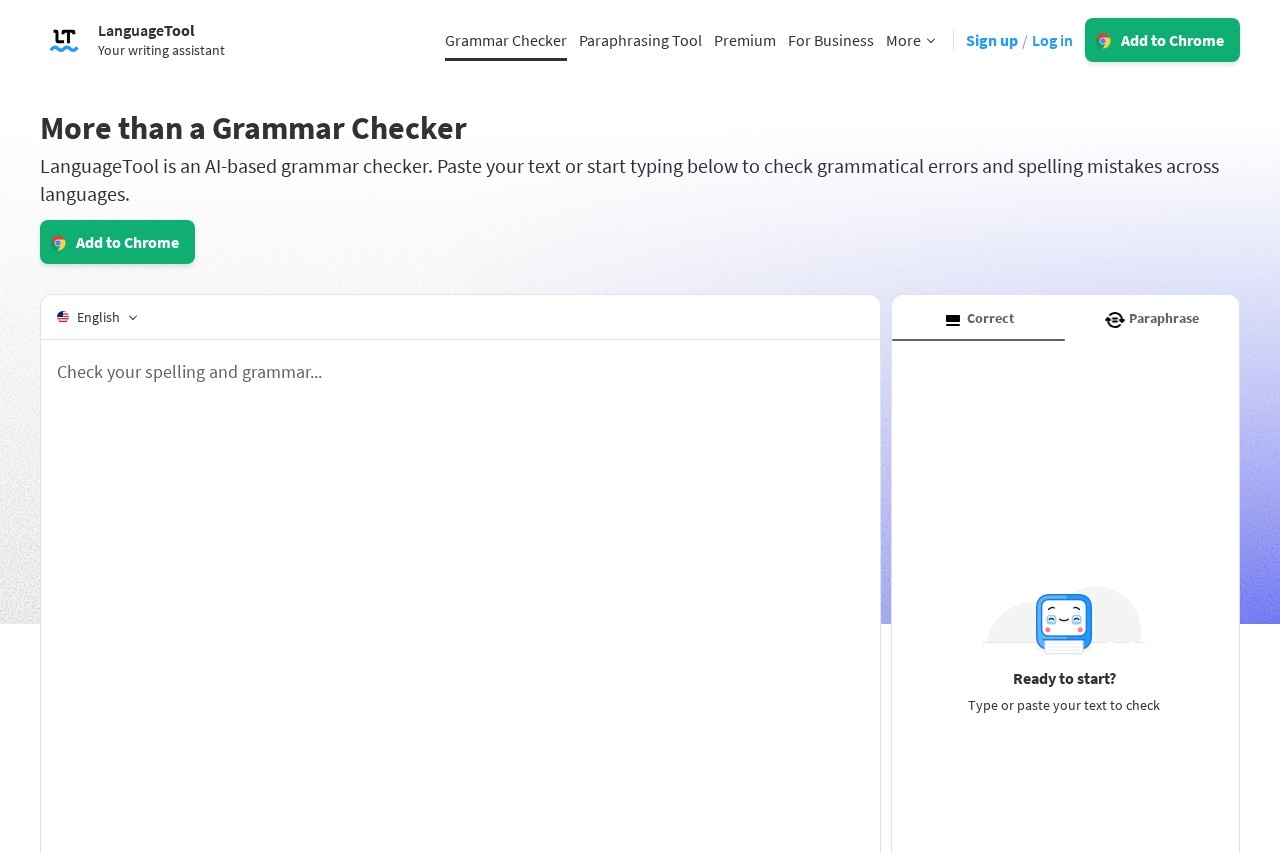
What is LanguageTool?
LanguageTool is an AI-powered grammar, spelling, and punctuation checker. It corrects writing errors and provides style suggestions across more than 30 languages and dialects. Users can access it directly via a web editor or through browser extensions and desktop integrations. Its core function is to help individuals and organizations enhance the quality and clarity of their written communication.Application scenarios
Professional communication
Checking and polishing emails, reports, and business documents.
Content creation
Improving blog posts, articles, and social media content like tweets.
Academic and research writing
Ensuring formal papers and publications are error-free.
Multilingual writing
Correcting text in a foreign language or within multilingual teams.
Desktop application writing
Proofreading directly within word processors and note-taking apps.
Core Features
AI-based grammar and spell check
Instantly corrects grammatical errors and spelling mistakes in pasted or typed text.
Multi-language support
Automatically detects and provides suggestions for over 30 languages, including English, German, Spanish, French, and Dutch.
Browser add-on
Works anywhere on the web to offer writing tips within email clients, social media platforms, and content management systems.
Picky Mode
An optional setting that provides advanced suggestions for punctuation, style, and typography.
Personal Dictionary
Allows users to add custom words to tailor the checker to their specific vocabulary.
Writing statistics
Tracks productivity, languages used, errors made, and suggestions applied to help users monitor their improvement.
Dark and light appearance
Offers a choice between visual themes in the editor for a personalized, distraction-free experience.
Desktop integrations for Windows
Provides suggestions within supported apps like Outlook, WordPad, and Notepad.
Desktop integrations for macOS
Works within apps like Pages, Mail, Slack, Microsoft Word, Notes, and Messages.
Secure text storage
User texts are stored securely when using the online editor.
Target users
This tool benefits a wide range of users. It serves professionals and large organizations, as evidenced by trust from over 2,000 entities like BMW and the European Union. It is also built for writers, students, non-native speakers, and anyone who needs to produce clear, correct text in multiple languages directly within their daily workflow.How to use LanguageTool?
You can start by visiting the official website and pasting your text into the free grammar checker on the homepage. For a persistent experience, you can sign up for a free account to access the dedicated editor, personal dictionary, and statistics. To use it across the web, install the browser add-on for Chrome, Firefox, Edge, or Safari. For use within desktop applications on Windows or macOS, you can download the respective desktop integrator.Pricing and free trial
The website text promotes a "Free Grammar Checker" and a free account for the editor. It also advertises a "20% Limited-time discount on Premium," indicating the existence of a paid Premium tier. Specific price points and free trial details are not provided in the excerpt.Effect review
The website positions LanguageTool as a highly trusted solution, citing over 2000 organizations and millions of users across its browser extensions. It is labeled as the "best-rated" or "most popular" grammar checker for major browsers like Chrome, Firefox, Safari, and Microsoft Edge, based on user reviews and install numbers. This widespread adoption and high rating across multiple platforms suggest a product that reliably delivers core proofreading value to a massive, global user base. The focus on privacy for the browser add-on and secure text storage also addresses key user concerns for a tool that handles sensitive written content.Frequently Asked Questions
What is LanguageTool?
How many languages does LanguageTool support?
Is LanguageTool free to use?
What types of errors does LanguageTool detect?
How does LanguageTool's AI improve writing?
Can LanguageTool be used for professional writing?
LanguageTool - AI Tool Detail
LanguageTool's AI-powered grammar checker instantly corrects spelling, punctuation, and grammar errors, helping you enhance writing in over 30 languages.
Category:Optimierung
Visit Link:https://languagetool.org/
Tags:grammar checker、spelling correction、writing assistant、multilingual support