
Prezi
Presentation software by Prezi for creating dynamic, non-linear slides with zooming effects, ideal for engaging visual storytelling and interactive presentations.
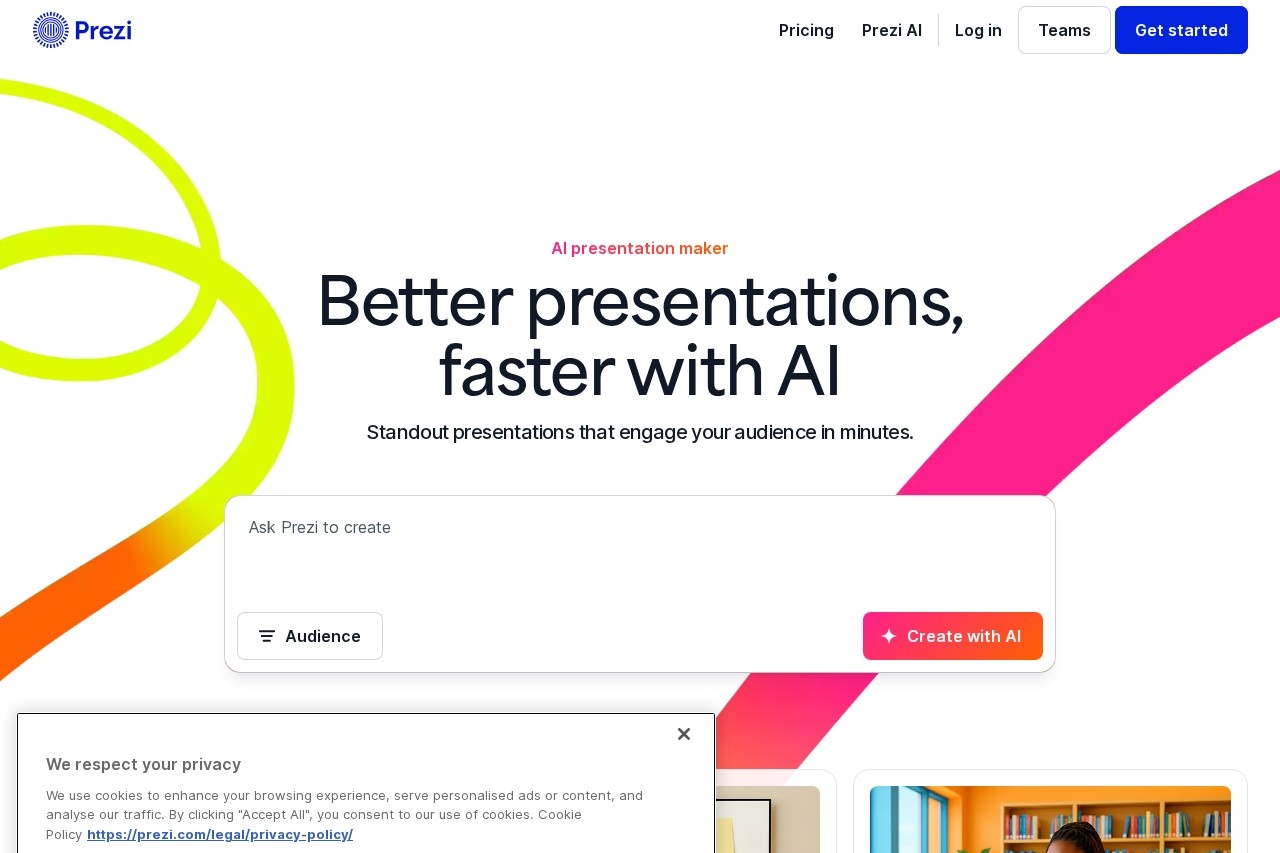
What is Prezi?
Prezi is a presentation software for creating dynamic, non-linear slides with zooming effects. It is an AI presentation maker designed to help users create standout presentations faster. The tool is built for engaging visual storytelling and interactive presentations, aiming to help modern teams and schools build memorable content.Application scenarios
Startup Pitch
Using a dedicated template to create a compelling business pitch.
Academic Lessons
Educators making lessons more exciting and easier to remember for students.
Student Classwork
Students presenting their work in a format designed to get noticed.
Business Presentations
Keeping professional teams engaged and impressing customers.
Scientific Explanation
Visualizing complex topics like an interactive solar system or the process of photosynthesis.
Sales and Marketing
Creating attention-grabbing presentations for client meetings and internal reviews.
Core Features
AI Presentation Generation
Enter a prompt and get a full, structured presentation created by AI.
Audience-Tailored Creation
Specify your audience (Business, University, School, or Other) so the AI can tailor the tone and depth of the content.
AI-Powered Design
Receive personalized recommendations and expert advice from AI throughout the creation process.
Customized AI Templates
Access templates customized by AI to provide the perfect starting point for your topic.
Vast Media Library
Incorporate over 1 million images and GIFs to visualize any idea.
Non-linear Navigation
Move in any order during a presentation to navigate straight to what your audience wants to see.
Prezi Video
Present with your content together on screen from anywhere.
Professional Slide Designs
Utilize beautiful, pre-made slide designs that make presenting easy.
Target users
Prezi is tailored for professionals, educators, and students. It specifically serves business teams in sales, marketing, training, and consulting, as well as educators and students in academic settings who need to create engaging and memorable presentations.How to use Prezi?
The primary workflow involves using the AI creation tool. Users can visit the Prezi website, select the "Create with AI" option, and enter a text prompt describing their presentation. The user specifies their target audience (e.g., Business, University) to guide the AI. The platform then generates a full presentation with visuals and layouts, which the user can further customize using the design tools and media library.Effect Review
Prezi positions itself as a leader in creating engaging presentations, a claim supported by cited user feedback. According to a July 2025 survey of professionals, 4 out of 5 users say Prezi is more effective at capturing audience attention than standard decks, 3 out of 4 would recommend it to a colleague, and 91% report it has positively improved their work outcomes. The platform also highlights strong customer satisfaction, with an average rating of 4.6 from thousands of reviews. This suggests the tool is effective for users whose primary goal is to move beyond static slides and create visually dynamic, audience-focused presentations.Frequently Asked Questions
What is Prezi?
How does Prezi differ from traditional slide-based tools like PowerPoint?
Is Prezi free to use?
Can I collaborate with others on a Prezi presentation?
What types of content can I include in a Prezi presentation?
Does Prezi work offline?
Prezi - AI Tool Detail
Presentation software by Prezi for creating dynamic, non-linear slides with zooming effects, ideal for engaging visual storytelling and interactive presentations.
Category:PPT 生成
Visit Link:https://prezi.com/
Tags:presentation software、visual storytelling、interactive presentations、zoom effects、dynamic slides