
AI Music Video Generator
AI music video generator by Music2Video for turning any song into a complete 1080p video. Direct scenes, generate keyframes, and finish a full cut in one streamlined workflow.
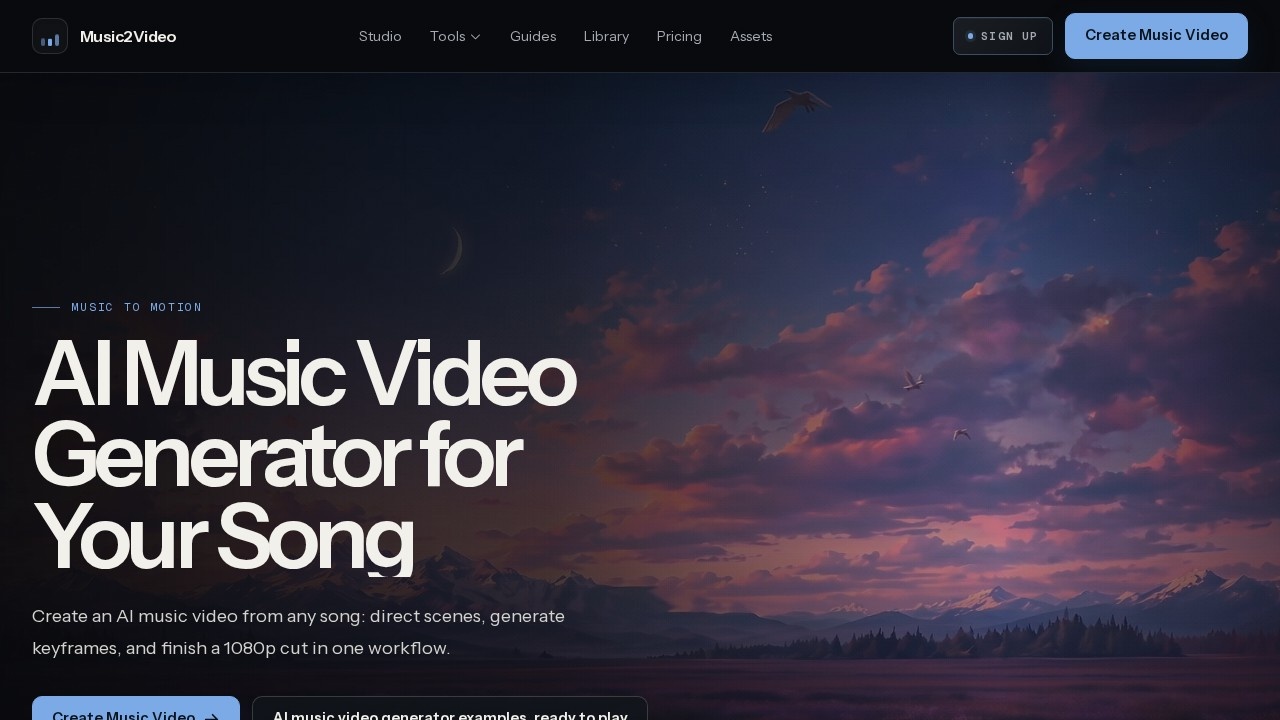
What is AI Music Video Generator?
AI Music Video Generator by Music2Video is a specialized tool that turns any song into a complete, editable 1080p music video. It separates creative planning from image, video, and final composition, so every scene stays editable throughout the workflow. Users upload a track, direct the visual look, review each scene, and export a finished MP4 cut—all in one streamlined process. The tool supports direct scene control, keyframe generation, and audio-accurate synchronization, making it a full production pipeline rather than a one-shot prompt generator.
Application scenarios
Music promotion
Turn a finished song into a polished, directed music video for release on platforms like YouTube or social media.
Visual storytelling
Create cinematic narratives that match a track's mood, timing, and lyrical content.
Character-focused videos
Build close, expressive portrait-style videos around a performer's presence and motion.
Atmospheric visuals
Generate wide, slow-moving scenes that suit ambient or slower-paced tracks.
Lyric videos
Produce synchronized, readable lyric scenes with LRC timing and multilingual support.
Lip-sync productions
Prepare performer references and short scene audio for controlled AI lip-sync workflows.
Cinematic projects
Translate a song into narrative beats with consistent keyframes and an editable timeline.
Core Features
Audio upload and trimming
Upload an audio file or use a direct file URL, then trim the exact section you want to use.
Scene direction
Choose format, references, visual style, aspect ratio, and generation models to shape the final look.
Per-scene editing
Adjust timing, lyrics, keyframe prompts, motion prompts, and scene order for every individual scene.
Keyframe generation
Generate keyframes that keep scenes consistent across the video.
Audio-accurate export
Combine scenes, keep the original track, add lyrics when needed, and export a final MP4.
Multiple video models
Access Grok Imagine Video, Seedance 2.0 Fast, and Seedance 2.0 for different generation needs.
Reference styling
Upload style and performer references to maintain visual consistency.
Singer consistency
Use reference images and scene-level review to keep a performer's look stable across shots.
Audio analysis
Understand how timing, energy, lyrics, and visual direction can guide scene construction.
Guide library
Access practical guides for music videos, lyric videos, lip-sync, and cinematic workflows.
Target users
Musicians and artists who want a finished music video without a full production crew. Video editors and content creators looking for an editable, scene-by-scene workflow rather than a black-box generator. Independent filmmakers and visual storytellers who need cinematic control over keyframes, motion, and narrative pacing. Also suited for producers managing multiple tracks who need consistent visual branding and reference-based styling.
How to use AI Music Video Generator?
Upload your track first—either from your device or via a direct file URL—and trim the section you want. Then direct the look by choosing format, references, visual style, aspect ratio, and generation models. Review every scene individually: edit timing, lyrics, keyframe prompts, motion prompts, and scene order. Finally, export the cut as an MP4, keeping the original track and adding lyrics when needed. The official site offers step-by-step guides for each workflow type if you need more detail.
Effect review
The workflow is built around control rather than automation, which is a meaningful difference from most AI video tools. Separating creative planning from generation means users can fix one scene without regenerating the whole video—a practical advantage for real production work. The inclusion of multiple video models and reference styling gives it flexibility that single-model tools lack. The showcase examples demonstrate a range of visual approaches, from atmospheric landscapes to character studies, though they are explicitly not customer testimonials. For anyone who needs a finished, editable music video rather than a disposable prompt output, this tool delivers a credible production path.
Frequently Asked Questions
What is the AI Music Video Generator?
How does the AI Music Video Generator work?
What output resolution does it support?
Can I control the visual style or scenes in the video?
Is the workflow integrated into a single tool?
Do I need video editing skills to use this tool?
AI Music Video Generator - AI Tool Detail
AI music video generator by Music2Video for turning any song into a complete 1080p video. Direct scenes, generate keyframes, and finish a full cut in one streamlined workflow.
Category:Video generation
Visit Link:https://music2video.net/
Tags:AI music video generator、music video creation、AI video from song、keyframe generation、1080p video maker