
Linchpin
Linchpin is an open-source, self-hostable runtime for AI agents by the Linchpin team, supporting any cloud model via OpenRouter or local models through Ollama, deployable with a single Docker Compose
What is Linchpin?
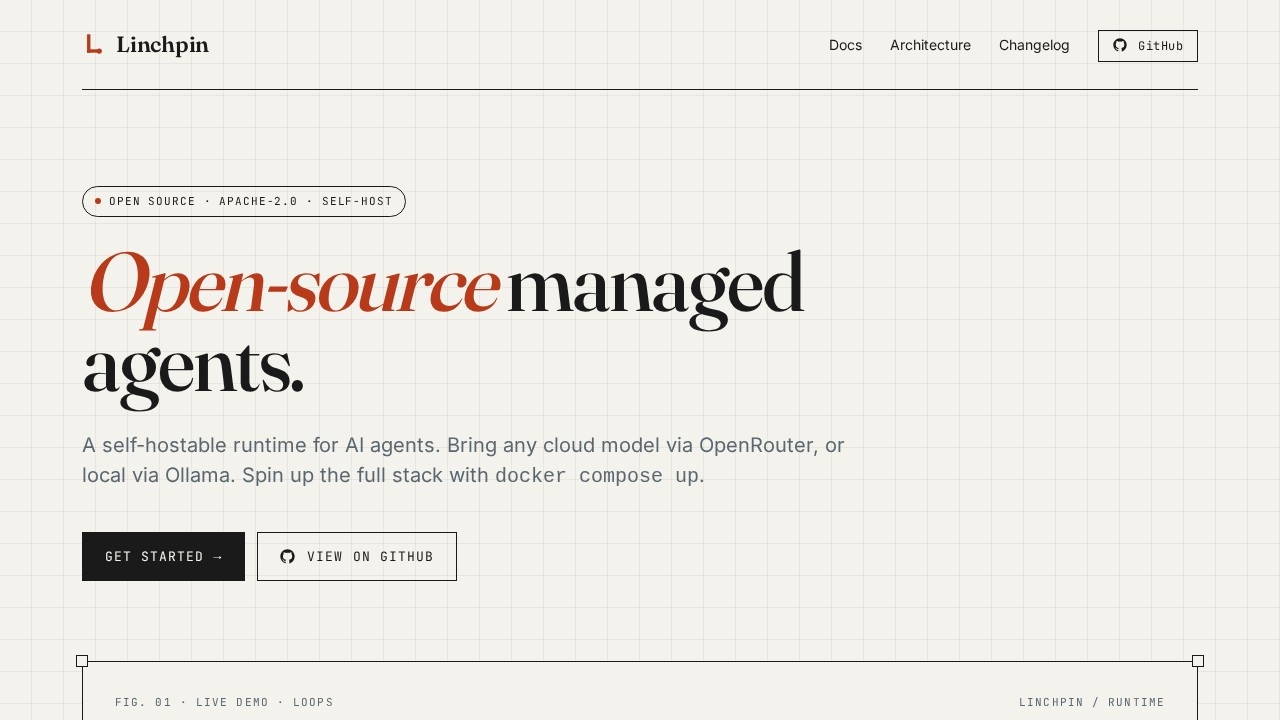
Linchpin is an open-source, self-hostable runtime for AI agents. It lets you deploy agent environments on your own infrastructure using a single Docker Compose command. Users can run agents that connect to any cloud model via OpenRouter (supporting ~200 models) or local models through Ollama. Each agent session runs in a sandboxed Docker container with preinstalled tools like Python, Node, git, and ripgrep. The platform is designed for developers who need secure, isolated, and flexible agent execution.Application scenarios
Secure code execution
Run untrusted code from AI agents in isolated Docker containers with per-environment networking controls.
Multi-model agent workflows
Switch between cloud models (Claude, GPT, Gemini, Llama) and local models per agent without changing infrastructure.
Live UI streaming
Subscribe to session event logs over SSE for real-time monitoring or building live agent interfaces.
Credential management
Store and inject API keys or secrets securely into agent sessions without exposing plaintext data.
Tool integration
Plug in external tools via MCP servers or HTTP endpoints to extend agent capabilities.
Core Features
Any model, one adapter
OpenRouter routes to ~200 cloud models (Claude, GPT, Gemini, Llama, DeepSeek, Mistral, Qwen), while Ollama runs any local model you've pulled. You can switch providers per agent.
Sandboxed sessions
Every session gets its own Docker container with Python, Node, git, and ripgrep preinstalled. Networking is per-environment—none for tight isolation, unrestricted for open egress.
Eight built-in tools
bash, read, write, edit, glob, grep, web_fetch, and web_search run inside the container, so the model can't escape.
MCP & HTTP tools
Plug in Model Context Protocol servers via stdio or point at any HTTP endpoint. The connector handles process lifecycle and credential injection.
Credential vaults
Fernet-encrypted credential store. Reference secrets by name from agent configs; they decrypt at session start and never hit disk in plaintext.
Event streaming
Append-only event log per session with cursor pagination. Subscribe over SSE—replays anything past your cursor, then streams live. Perfect for live UIs.
Target users
Developers and teams building or deploying AI agents who need self-hosted, secure, and flexible runtime environments. This includes backend engineers, ML engineers, and DevOps professionals who want to control infrastructure, isolate agent execution, and integrate with multiple model providers.How to use Linchpin?
Deploy Linchpin with a single Docker Compose command on your own server. After deployment, configure agents to use any cloud model via OpenRouter or local models via Ollama. Set up credential vaults to store secrets, define per-session networking rules, and connect built-in tools or external MCP/HTTP endpoints. Monitor sessions via the event stream with cursor pagination and SSE for live updates.Pricing and free trial
The website text does not mention any pricing or free trial information. As an open-source, self-hostable tool, Linchpin is likely free to use on your own infrastructure.Effect review
Linchpin delivers a practical, developer-focused runtime for AI agents with strong security and flexibility. The sandboxed sessions and credential vaults address real concerns about running untrusted code and managing secrets. The support for both cloud and local models, along with the ability to switch providers per agent, gives teams significant freedom. The event streaming feature is a smart addition for building live UIs. For developers who need a self-hosted agent runtime, Linchpin offers a clean, well-designed solution without unnecessary complexity.Frequently Asked Questions
What is Linchpin?
How do I deploy Linchpin?
What AI models does Linchpin support?
Is Linchpin free to use?
Can I run Linchpin locally without internet?
Linchpin - AI Tool Detail
Linchpin is an open-source, self-hostable runtime for AI agents by the Linchpin team, supporting any cloud model via OpenRouter or local models through Ollama, deployable with a single Docker Compose
Category:Agents
Visit Link:https://linchpin.work/
Tags:open-source、self-hostable、AI agents、Docker Compose、OpenRouter