copilot
AI-powered development assistant by GitHub that helps write, debug, and optimize code through natural language prompts.
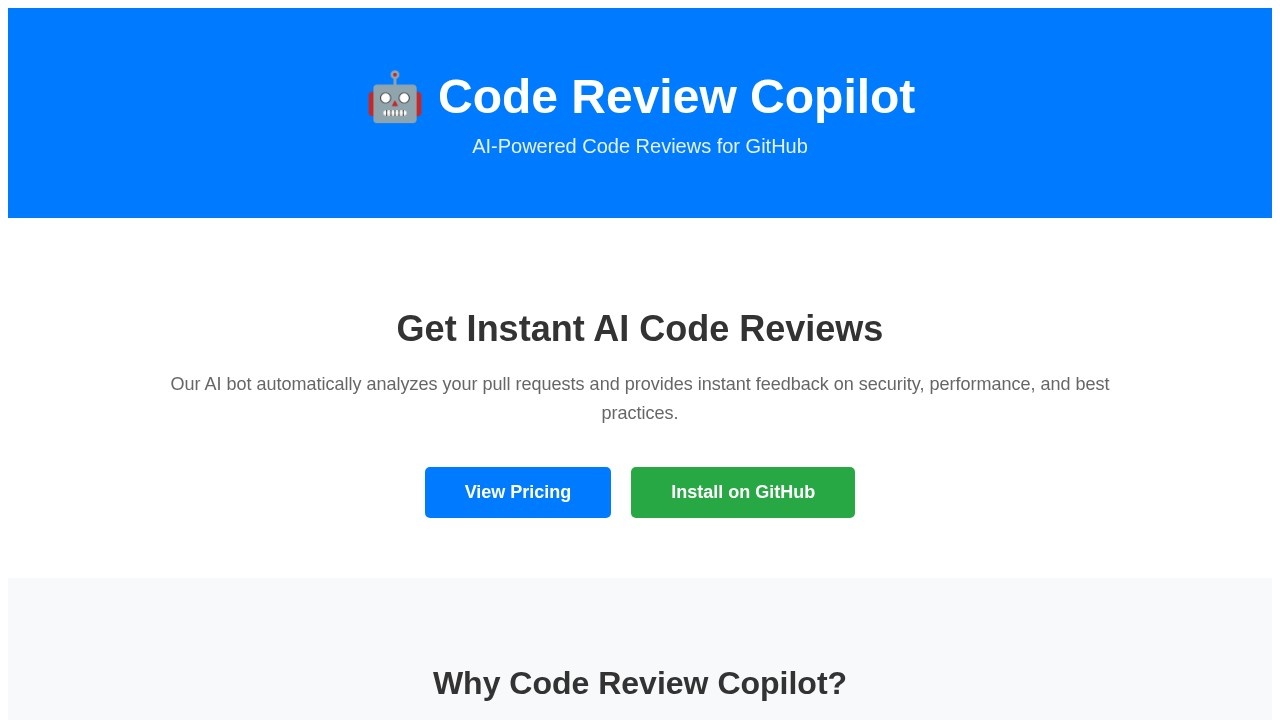
What is copilot?
Copilot is an AI-powered code review assistant developed by GitHub. It automatically analyzes pull requests and delivers instant feedback on security, performance, and best practices. Developers use it to catch vulnerabilities before they reach production and improve code quality without waiting hours for manual reviews. The tool integrates directly with GitHub, making it a seamless addition to existing workflows.
Application scenarios
Pull request reviews
Automatically scans every pull request for security flaws, performance bottlenecks, and coding standard violations.
Security auditing
Detects vulnerabilities early in the development cycle, preventing them from reaching production environments.
Performance optimization
Identifies inefficient code patterns and suggests improvements to boost application speed.
Learning and onboarding
Provides AI-powered suggestions that help junior developers learn best practices as they code.
Continuous integration
Fits into CI/CD pipelines to enforce code quality gates before merging.
Team collaboration
Reduces manual review time, allowing teams to ship features faster with consistent quality checks.
Core Features
Instant AI code reviews
Analyzes pull requests automatically and delivers feedback within seconds.
Security vulnerability detection
Flags potential security risks before they can be deployed to production.
Performance analysis
Identifies code that may cause slowdowns or resource waste.
Best practices suggestions
Offers AI-powered recommendations to align code with industry standards.
Lightning-fast feedback
Provides results in seconds, not hours, keeping development momentum high.
GitHub integration
Installs directly on GitHub repositories for a frictionless setup.
Automated bot
Runs reviews without human intervention, freeing up senior developers for higher-level tasks.
Target users
Copilot is built for software development teams of any size—from solo developers to large engineering organizations. It's especially valuable for DevOps engineers, security teams, and tech leads who need to enforce code quality standards without slowing down delivery. Junior developers also benefit from the learning-oriented suggestions that reinforce best practices.
How to use copilot?
- Visit the official website at https://copilot-roan.vercel.app/.
- Click "Install on GitHub" to add the bot to your repositories.
- Configure the tool for your team's specific security and performance preferences (if supported).
- Open a pull request as usual—Copilot will automatically analyze the code and post feedback within seconds.
- Review the AI-generated comments and apply suggested changes directly in your workflow.
Pricing and free trial
The website includes a "View Pricing" button but does not display specific prices or free trial details in the provided text. Visit the official site for current pricing information.
Effect review
Copilot delivers exactly what it promises: instant, automated code reviews that catch security issues and performance problems before they hit production. The speed advantage—feedback in seconds versus hours—is a genuine productivity boost for teams that rely on rapid iteration. Its focus on best practices also makes it a useful teaching tool for less experienced developers. However, because the website doesn't share user testimonials or quality metrics, it's hard to gauge how thoroughly the AI handles complex edge cases. For teams already on GitHub, it's a low-risk addition that can immediately tighten code quality gates.
Frequently Asked Questions
What is GitHub Copilot?
Which languages does Copilot support?
Is Copilot free to use?
How does Copilot ensure code quality?
Does Copilot work offline?
copilot - AI Tool Detail
AI-powered development assistant by GitHub that helps write, debug, and optimize code through natural language prompts.
Category:Programming Assistant
Visit Link:https://copilot-roan.vercel.app/
Tags:AI code assistant、GitHub Copilot、code generation、developer productivity、AI pair programming