
Buffer
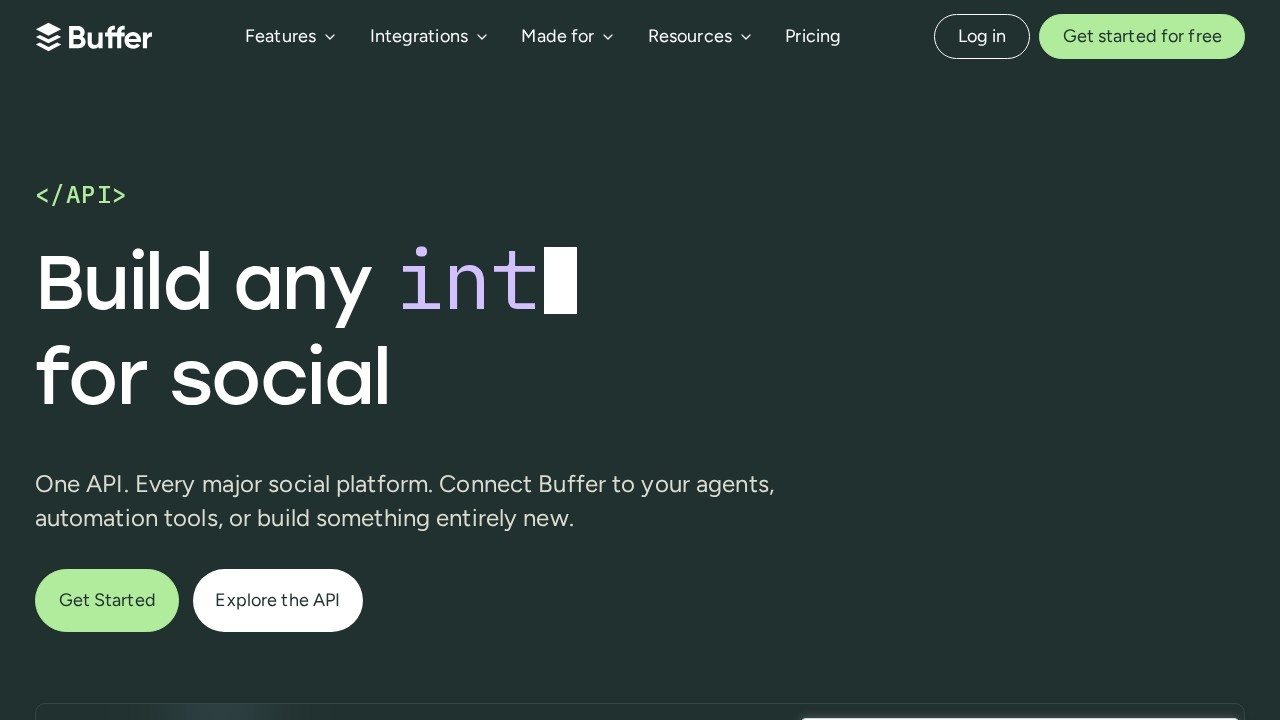
Buffer’s API enables developers to integrate social media scheduling, publishing, and analytics into their own products.
What is Buffer?
Buffer’s API is a developer-focused tool that lets you integrate social media scheduling, publishing, and analytics into your own products. It connects to 11 major social platforms, including Meta, LinkedIn, and X, via a single GraphQL API. The API is available on every Buffer plan, and you get an API key from your settings. It’s designed to automate repetitive social tasks while keeping creative control in your hands.Application scenarios
AI agent integration
Connect Claude, ChatGPT, Cursor, Raycast, or Perplexity to brainstorm and schedule posts without leaving the conversation.
No-code automation
Use pre-built templates for Zapier, n8n, or Make to turn weekly social chores into automated workflows.
Custom app development
Build your own social media tool—like a Slack bot that reports weekly posts or a full LinkedIn analytics app.
Content scheduling at scale
Schedule posts, capture ideas, and create drafts, text, video, or image posts programmatically.
Analytics tracking
Fetch analytics data for your organizations, channels, and posts via the API.
Integration with existing tools
Connect Buffer to IFTTT, Zapier, n8n, or write a custom script for any workflow.
Core Features
One API for 11 platforms
Access all major social networks through a single GraphQL endpoint, with official API partnerships from Meta, LinkedIn, and X.
AI-powered developer support
Get help writing queries and debugging directly within the API documentation.
MCP server
Native connections for Claude, Cursor, Raycast, ChatGPT, and Perplexity to enable AI-assisted scheduling.
No-code automations
Pre-built templates for Zapier and n8n to get started fast without writing code.
API Explorer
Test queries and see results in real time before writing any code.
Full CRUD operations
Create ideas, drafts, image posts, text posts, and video posts using mutations like `CreateIdea` or `CreateImagePost`.
Authentication via Bearer token
Send your API key as a Bearer token in the Authorization header—no SDK required.
Interactive query testing
Use Postman, curl, or any GraphQL client at `https://api.buffer.com` to fetch organizations, channels, and posts.
Target users
This tool is for solo creators, app developers, and marketing teams managing dozens of channels. It’s also ideal for anyone building custom social media tools—like content creators who want a Slack bot for weekly post summaries, or developers creating free apps like PostIQ that connect to Buffer’s API.How to use Buffer?
- Get your API key: Generate one in your Buffer API settings (included on every plan).
- Authenticate: Send your key as a Bearer token in the Authorization header using Postman, curl, or any GraphQL client.
- Send your first query: Fetch your organizations, channels, and posts with a single GraphQL request—test it live in the interactive API Explorer.
- Automate and scale: Use the API to schedule content, capture ideas, and build full integrations. Pre-built templates for Zapier and n8n are available for quick starts.
Effect review
Buffer’s API delivers exactly what it promises: a straightforward way to automate social media tasks without sacrificing creative control. Real users have built practical tools like a Friday morning Slack bot for weekly post summaries and a full LinkedIn analytics app using Lovable—all powered by the API. The interactive API Explorer and AI-assisted developer support make it easy to test and debug queries. For solo creators and teams alike, this is a reliable, well-documented API that removes repetitive work while keeping you in the driver’s seat.Frequently Asked Questions
What social media platforms does Buffer's API support?
Can I schedule posts with Buffer's API?
Does the API provide analytics data?
Is authentication required to use Buffer's API?
Are there rate limits for the API?
Buffer - AI Tool Detail
Buffer’s API enables developers to integrate social media scheduling, publishing, and analytics into their own products.
Category:Marketing Automation
Visit Link:https://buffer.com/api
Tags:API、social media scheduling、social media analytics、developer tools、integration