
BibGenie
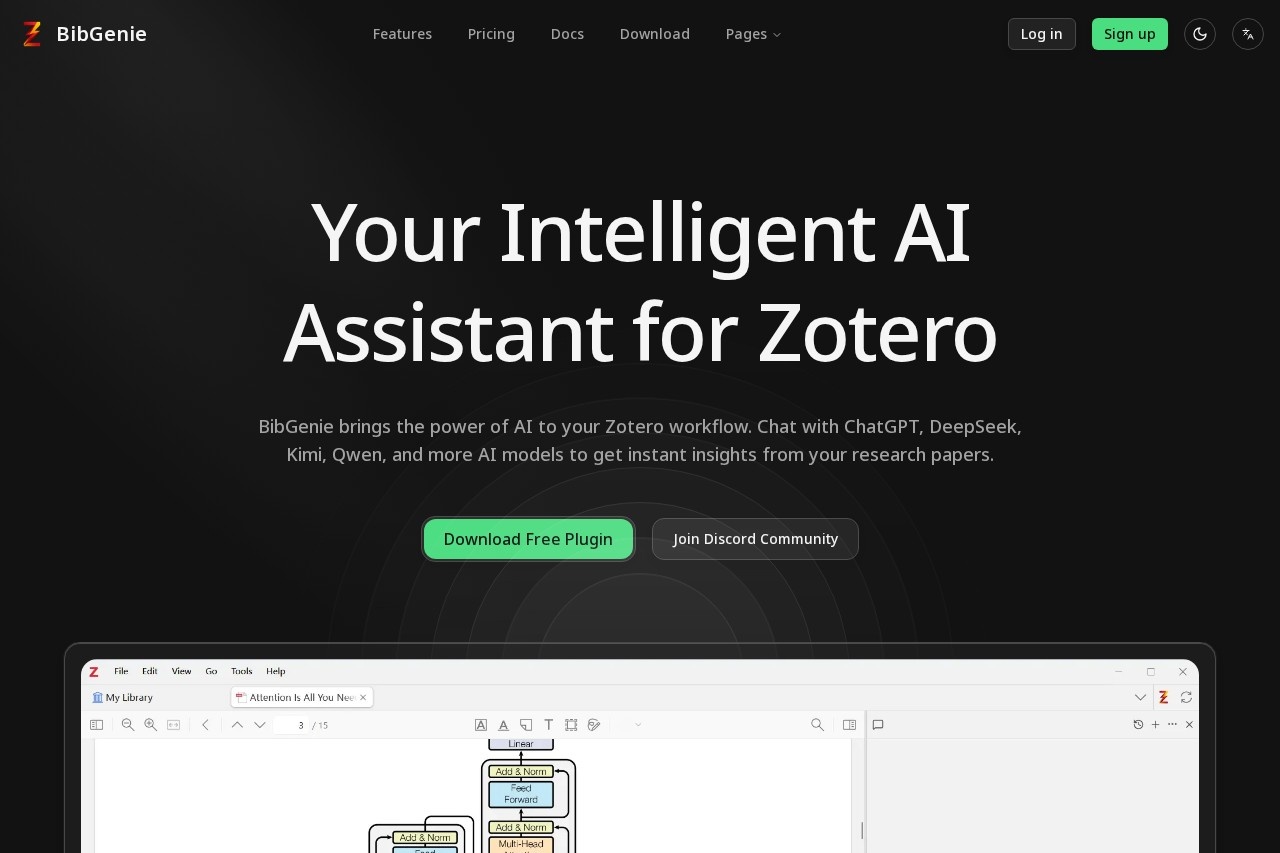
BibGenie by BibGenie is an AI assistant plugin for Zotero that helps researchers understand PDFs, answer questions, and boost productivity by integrating ChatGPT, DeepSeek, and other AI models.
What is BibGenie?
BibGenie is an AI assistant plugin for the reference management software Zotero. It integrates multiple large language models directly into the Zotero workflow. Researchers use it to chat with AI about their PDFs, gaining instant insights from their research papers. The tool is designed to boost productivity by allowing users to query their library's content without leaving their research environment.Application scenarios
Literature review
Quickly extract key arguments and findings from a stack of PDFs.
Understanding complex papers
Ask clarifying questions about methodologies or results in a specific document.
Comparative analysis
Query multiple papers in your library to identify connections or contrasts.
Research Q&A
Get instant answers to specific questions using your collected literature as the source.
Note-taking assistance
Use AI to summarize or rephrase sections of a paper for your notes.
Data extraction
Inquire about specific figures, tables, or data points within your uploaded PDFs.
Core Features
Multi-model support
Chat with AI models from OpenAI (ChatGPT), Anthropic (Claude), Google (Gemini), DeepSeek, Alibaba (Qwen), Moonshot (Kimi), Ollama, and OpenRouter.
Seamless Zotero integration
Paste images directly into the chat dialog or add the current reading PDF to the LLM context with no manual import required.
Quick access shortcut
Press Ctrl + L to open the right-hand chat dialog instantly from within Zotero.
Contextual PDF analysis
Directly add PDF attachments from your Zotero library to the AI's context for analysis.
Prompt management
Use a built-in system to manage and store your prompts for easy reuse without manual input.
Chat history
Access and review your previous chat records with the AI.
Web Search (Pro feature)
Perform academic literature web searches and semantic searches directly.
Web Fetch (Pro feature)
Fetch and integrate web content into your research workflow.
Provider customization
Modify or add information for any AI model provider within the plugin.
Target users
This tool is built for academic researchers, graduate students, and any professional who uses Zotero to manage a library of scholarly papers. It benefits individuals and teams who need to synthesize information from numerous PDFs quickly and want to leverage AI for comprehension and analysis without switching between applications.How to use BibGenie?
First, download the free plugin from the BibGenie website and install it into Zotero. Once installed, use the Ctrl + L keyboard shortcut within Zotero to open the chat dialog. You can then type questions, paste images, or use the "add context" function to include your current PDF. Select your preferred AI model from the supported providers and begin chatting. For detailed setup and configuration, refer to the official BibGenie website and community Discord.Pricing and free trial
BibGenie offers a permanent free plan and several paid tiers.- Free ($0): Includes 100 credits monthly, core AI agent access, built-in basic models, a permanent free Auto model, and support for bringing your own API key. It excludes web search, web fetch, and academic literature search.
- Pro ($9.99/month or $99/year): Includes everything in the Free plan, plus an extra 1000 credits monthly, web search, web fetch, academic literature web search, semantic search, and access to built-in advanced models.
- Pro Lifetime ($199 Early Bird): A one-time purchase that includes all Pro features with no recurring subscription, plus priority support in the Discord community and priority consideration for feature requests. The regular price is listed as $299.
Effect review
BibGenie positions itself as a direct productivity enhancer for the established Zotero ecosystem. By centralizing access to a wide array of top AI models and deeply integrating them with a researcher's existing PDF library, it removes significant friction from the analysis process. The ability to query documents in context and use simple shortcuts suggests a focus on streamlining the research workflow rather than introducing complex new steps. The feature set, particularly the Pro tier's dedicated academic web search, is tailored to the specific needs of scholars who require both depth from their personal library and breadth from the wider literature.Frequently Asked Questions
What is BibGenie?
How does BibGenie work with Zotero?
Which AI models does BibGenie support?
What can BibGenie help me do with my research PDFs?
Is BibGenie free to use?
Do I need programming skills to use BibGenie?
BibGenie - AI Tool Detail
BibGenie by BibGenie is an AI assistant plugin for Zotero that helps researchers understand PDFs, answer questions, and boost productivity by integrating ChatGPT, DeepSeek, and other AI models.
Category:Chat bot
Visit Link:https://www.bibgenie.com/
Tags:Zotero plugin、AI research assistant、PDF analysis、academic productivity、ChatGPT integration