
BeMusic AI
BeMusic AI's free AI music generator creates royalty-free, studio-quality songs from text descriptions in seconds, requiring no prior music skills.
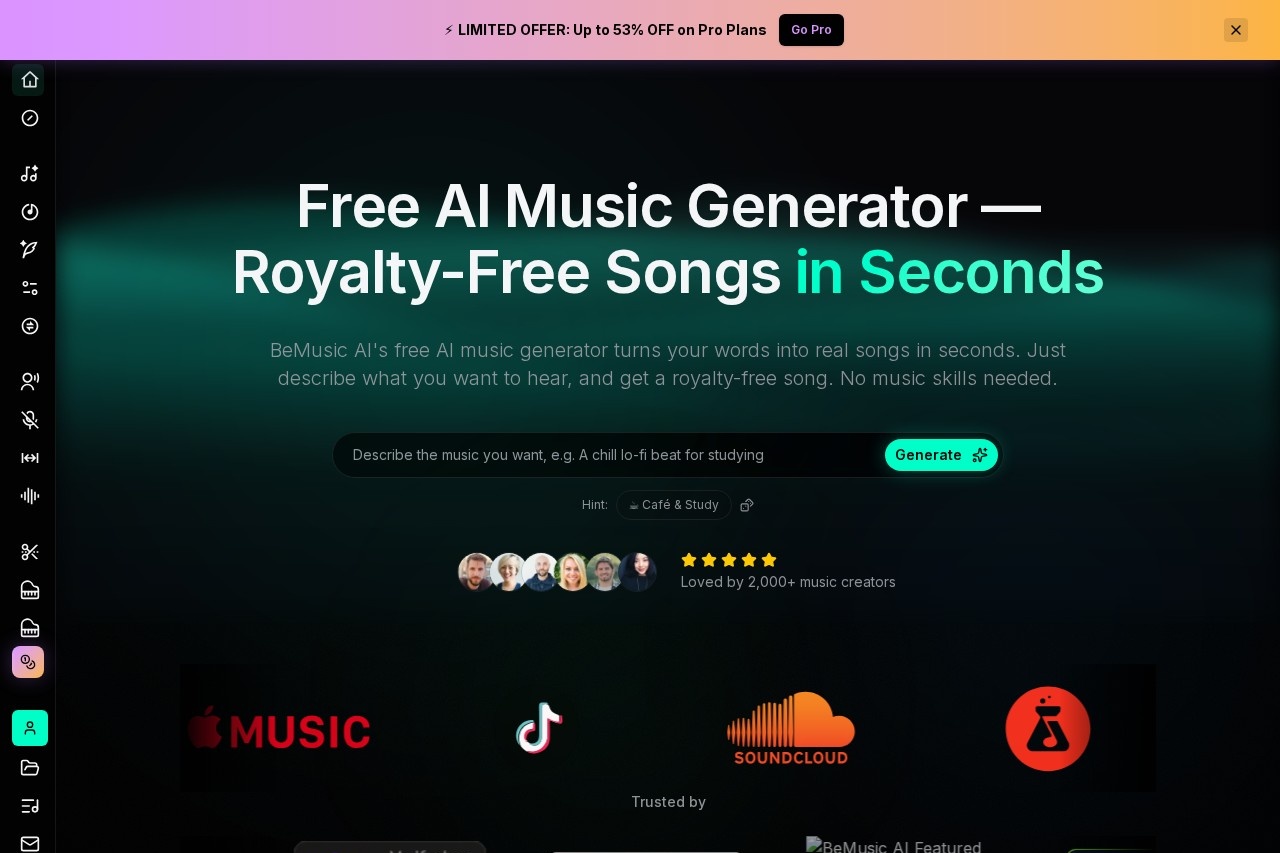
What is BeMusic AI?
BeMusic AI is a free AI music generator. It creates royalty-free, studio-quality songs from text descriptions in seconds. Users simply describe the music they want to hear, and the AI composes a complete track. No prior music skills, instruments, or knowledge of music theory is required to use it.Application scenarios
Content Creation
Generate background music for YouTube videos, TikTok clips, or cooking vlogs.
Marketing & Advertising
Produce custom, royalty-free music for commercials and promotional content.
Game Development
Create original soundtracks and atmospheric music for video games.
Podcasting
Source unique intro/outro music or background tracks for podcast episodes.
Social Media
Quickly make music to accompany posts and stories on various platforms.
Creative Projects
Experiment with song ideas or produce tracks in specific genres like pop, hip-hop, or cinematic.
Core Features
Text-to-music generation
Describe a genre, mood, tempo, or sound in plain English to generate a song.
Royalty-free licensing
Every generated track is 100% royalty-free for use on platforms like YouTube, TikTok, and in podcasts.
Fast generation
The AI writes, arranges, and mixes a full song in under 30 seconds.
High-quality output
Tracks feature real instrument sounds and are delivered as clean, rich audio.
Multiple genre support
The AI can create music across genres including pop, hip-hop, R&B, rock, folk, cinematic, and Bollywood-style ballads.
Flexible export options
Download your finished song in both WAV and MP3 file formats.
No music theory needed
The entire process requires no musical skill or knowledge from the user.
Detailed prompting
Users can specify elements like vocal type (e.g., male/female), instruments (e.g., gentle tabla, piano), and BPM.
Target users
This tool is built for music creators, content creators, marketers, podcasters, and game developers. It's ideal for anyone needing custom, original music quickly and without the complexity of traditional production or the legal risks of copyrighted material.How to use BeMusic AI?
- Go to the BeMusic AI website.
- In the prompt field, type a description of the music you want in plain English. You can include genre, mood, instruments, tempo, or a simple vibe.
- The AI will compose, arrange, and mix the track in under 30 seconds.
- Download the finished song as a WAV or MP3 file for use in your projects.
Effect review
The platform showcases a diverse library of sample tracks, demonstrating its ability to produce coherent songs across a wide spectrum of genres and cultural styles, from Boom Bap hip-hop to semi-classical Bollywood ballads. The stated generation speed of under 30 seconds for a fully mixed track addresses a core need for rapid content creation. By providing royalty-free licensing, it directly solves a major pain point for digital creators facing copyright strikes. For users without musical training, the ability to generate complex arrangements from simple text prompts represents a significant reduction in the barrier to creating original audio.Frequently Asked Questions
What is BeMusic AI?
Is BeMusic AI free to use?
Do I need music skills to use BeMusic AI?
How quickly can I generate a song with BeMusic AI?
Are the songs generated by BeMusic AI royalty-free?
What kind of songs can BeMusic AI generate?
BeMusic AI - AI Tool Detail
BeMusic AI's free AI music generator creates royalty-free, studio-quality songs from text descriptions in seconds, requiring no prior music skills.
Category:Music generation
Visit Link:https://bemusic.ai/
Tags:AI music generator、royalty-free music、text-to-music、song creation、music production