
Angle
A prototype by RenderKlub for first-run content strategy intake, helping teams define and organize content goals early in the creative process.
What is Angle?
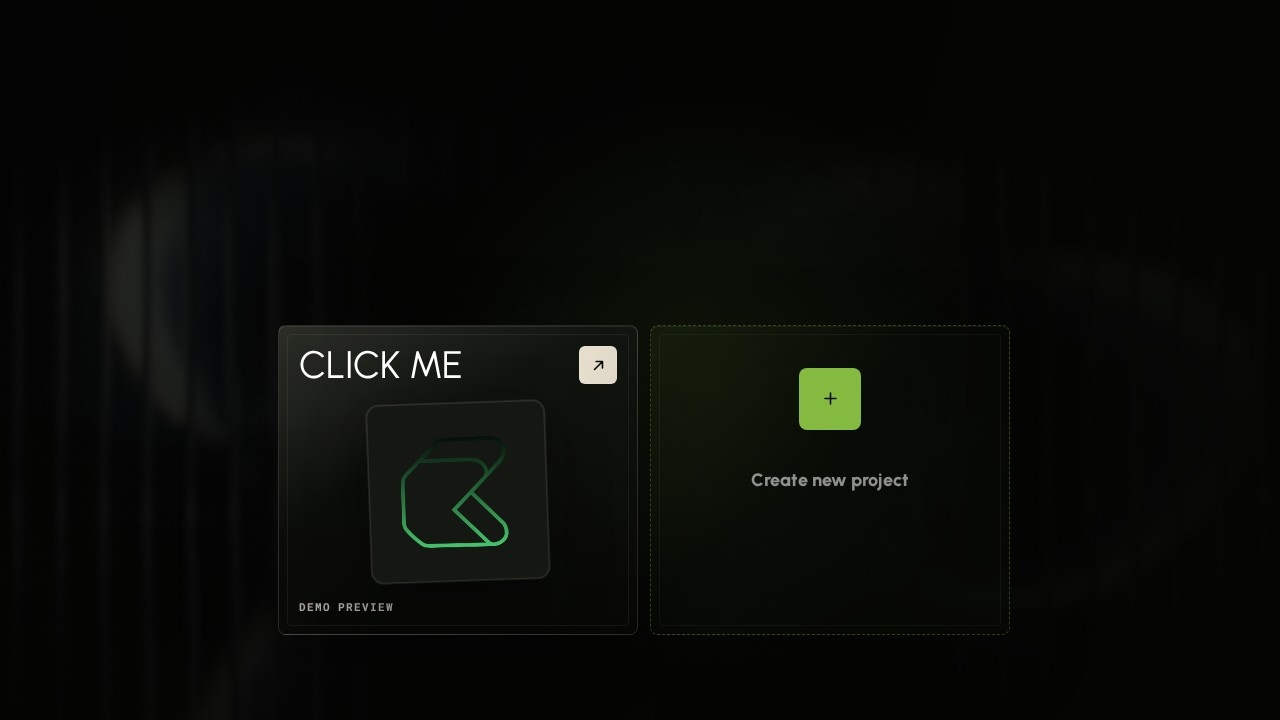
Angle is a prototype by RenderKlub designed for first-run content strategy intake. It helps teams define and organize content goals early in the creative process. Users can connect context nodes—like documents, instructions, and media—on a visual board to prepare projects for content generation. It’s a structured workspace for collecting inputs before producing outputs like LinkedIn posts or website copy.Application scenarios
Content strategy intake
Teams define project goals, brand voice, and target outputs before production begins.
Social media campaign planning
Prepare launch posts, customer feedback, and brand voice for a coordinated rollout.
Website copywriting
Input homepage headlines, value props, and tone guidelines to shape web content.
Client onboarding
Gather launch briefs, product overviews, and reference materials for new client engagements.
Internal team alignment
Sync documents, chat history, and user personas to ensure everyone works from the same context.
Content repurposing
Use existing documents, screenshots, and chat sessions to generate multiple output formats (e.g., LinkedIn posts, website copy).
Core Features
Visual node board
Drag from the right socket to connect nodes, creating a flow of context and instructions on a canvas.
Context-driven project setup
Add documents, instructions, media references, and chat history as input nodes for any project.
Node connection system
Drop a connection on empty space to choose the next node, or Ctrl + drag to cut through existing connections.
Zoom and pan controls
Ctrl + scroll zooms in/out, scroll pans the view, and middle mouse drags for precise navigation.
Drag-and-drop context import
Drag files or chats from the Context panel directly onto the board to include them as inputs.
Preparing project state
Angle shows a "Preparing [PROJECT]" phase, indicating it processes inputs before generating outputs.
Output node generation
After preparation, users see specific outputs like LinkedIn posts, website copy, or launch posts based on instructions.
ICP profile integration
Users can define an Ideal Customer Profile (e.g., "Customer Success / Implementation Lead at a growing B2B SaaS company") to tailor outputs.
Target users
Content strategists, marketing managers, and creative teams who need a structured way to define content goals early in a project. Also useful for client-facing roles like customer success leads or implementation specialists who coordinate launch materials.How to use Angle?
Open the Angle prototype at the official URL. Click "Create new project" and name it. Add context nodes—documents, instructions, media, chat history, and ICP profiles—by dragging them from the Context panel onto the board. Connect nodes by dragging from the right socket to link inputs to outputs. Angle will prepare the project based on the connected context, then generate the specified outputs (e.g., LinkedIn posts, website copy). Use Ctrl + scroll to zoom and scroll to pan for easier navigation.Effect review
As a prototype, Angle focuses on the intake phase rather than final output quality. Its visual node board makes it easy to see how documents, instructions, and media connect to specific deliverables. The drag-and-drop workflow is intuitive for teams used to mind-mapping or flowchart tools. However, since it’s a prototype, users should expect limited polish and potential bugs. For teams frustrated by scattered briefs and unclear content goals, Angle offers a clear, structured starting point—but its real-world effectiveness depends on how well it handles complex projects in practice.Frequently Asked Questions
What is Angle?
Who is Angle for?
How does Angle help with content strategy?
Is Angle a fully launched product?
Can Angle integrate with other tools?
Angle - AI Tool Detail
A prototype by RenderKlub for first-run content strategy intake, helping teams define and organize content goals early in the creative process.
Category:AI Writing
Visit Link:https://renderklub.com/try-angle/
Tags:content strategy、prototyping、creative process、team collaboration、workflow optimization