
AdsLibrary
AdsLibrary by adslibrary.ai lets you save ads from Ad Library, TikTok Creative Center, and Instagram, organize them into groups, and share with your team to improve ad creative.
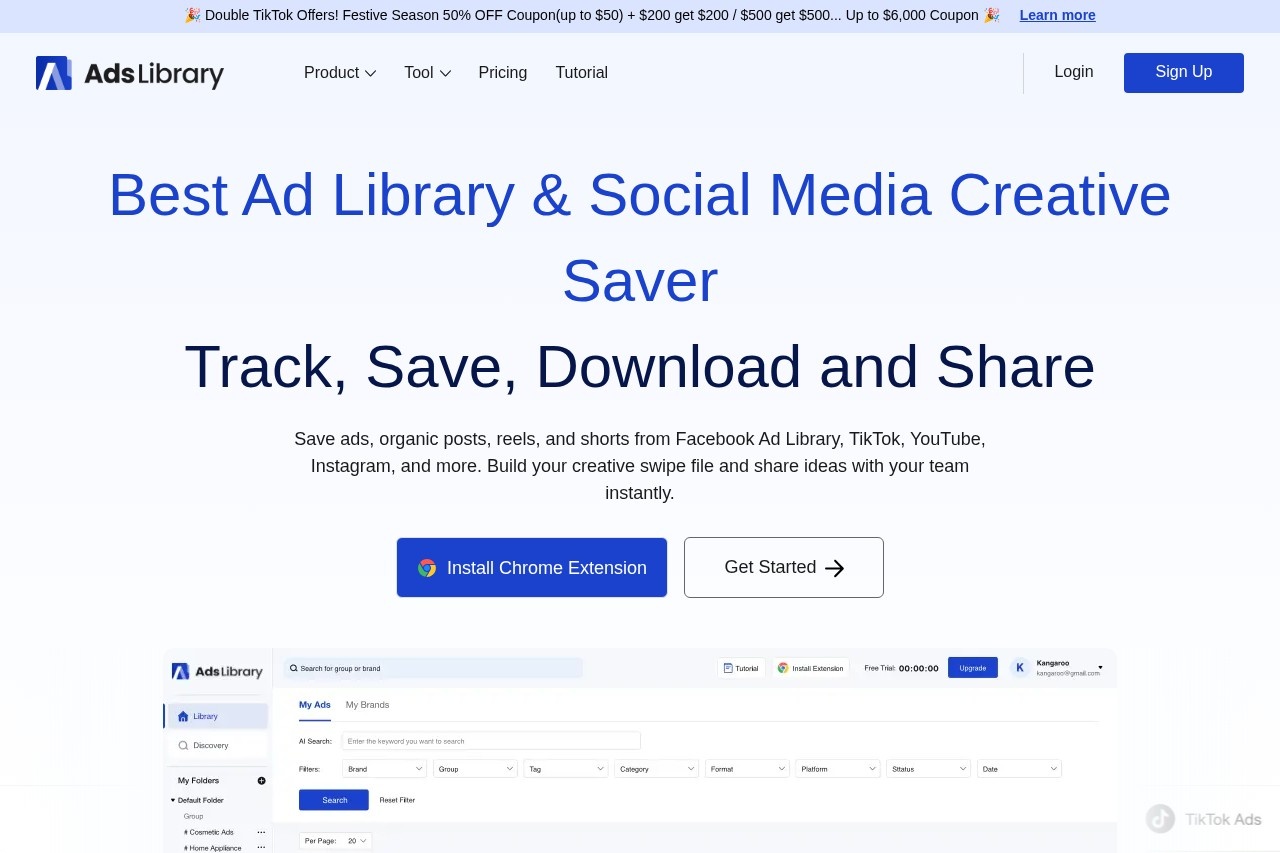
What is AdsLibrary?
AdsLibrary is a browser extension and web platform that lets you track, save, download, and share ads and organic posts from Facebook Ad Library, TikTok, YouTube, Instagram, and more. It helps marketers and creative teams build a centralized swipe file for ad inspiration and competitor analysis. Users can capture creatives with one click, organize them into folders and groups, and share ideas with their team instantly. Over 3,000 brands and agencies already use it to streamline their ad research workflow.Application scenarios
Creative research
Save and organize ads from Facebook Ad Library, TikTok Creative Center, and Instagram for competitive analysis.
Team collaboration
Share individual ads or entire ad groups with team members or clients via shareable links, with the ability to add comments.
Trend tracking
Browse a daily updated library of 1M+ ads across multiple industries to spot creative trends and inspiration.
Ad performance monitoring
Keep track of the active status of saved ads and record how long they've been running.
Bulk saving
Quickly save multiple ads from TikTok Creative Center in one click for efficient collection.
Manual uploads
Upload your own video and photo content, or save ads from ad library links directly.
Web page screenshots
Capture creative advertising web pages as screenshots for your swipe file.
Core Features
One-click saving
Use the AdsLibrary Chrome extension to instantly save ads, posts, and shorts from ad libraries and social media platforms.
Swipe file management
Keep every saved ad neatly organized in an intuitive library, with smart grouping via folders and groups.
AI search
Search your saved ad collection using AI to quickly find specific creatives.
Ad filters
Filter ads by platform, CTA, format, category, landing page, and more to narrow down your library.
Ad details view
Access detailed information for each ad, including ad copy, media, and landing page data.
Quick download
Download individual ads (video/photo, ad copy) from the ad details page, or bulk download from the ad list.
Notion embed
Embed saved ads directly into Notion documents for seamless workflow integration.
Active status tracking
Monitor whether your saved ads are still running and record their active duration.
Team sharing
Share ads or ad groups via links, and allow team members to add comments for feedback.
Discovery center
Explore a continuously updated library of 1M+ ads and 80k+ brands, with daily updates and favorite brand tracking.
Target users
Creative strategists, marketers, ad buyers, social media managers, and growth teams who need to save, organize, and share ad creatives from multiple platforms. The tool is especially useful for agencies and in-house creative teams that collaborate on ad research and competitor analysis.How to use AdsLibrary?
- Install the AdsLibrary Chrome extension from the official website.
- Browse ads on Facebook Ad Library, TikTok Creative Center, Instagram, or other supported platforms.
- Click the extension to save ads, posts, or shorts with one click.
- Organize saved ads into custom folders and groups in your personal ad library.
- Use AI search, filters, and active status tracking to manage your collection.
- Share individual ads or entire groups with your team or clients via shareable links, and add comments for collaboration.
- Download ad media and data as needed, or embed ads into Notion.
Effect review
Based on user feedback cited on the site, AdsLibrary is praised as a "great ad saving tool" for creative teams, enabling unified management of ads from multiple platforms. Marketers find it particularly useful for visually demonstrating ad concepts to clients through shareable ad groups with quick links. The tool's integration of ad library and TikTok Creative Center, combined with its discovery center of 1M+ ads, makes it a practical resource for staying ahead of creative trends. While the core functionality is solid for saving and organizing, the real value comes from its collaboration features and the ability to track ad active status over time. For teams that regularly conduct ad research and need a centralized swipe file, AdsLibrary delivers a straightforward, efficient solution.Frequently Asked Questions
What is AdsLibrary?
Which ad sources does AdsLibrary support?
Can I organize saved ads?
Is it possible to share ads with my team?
Is AdsLibrary free to use?
AdsLibrary - AI Tool Detail
AdsLibrary by adslibrary.ai lets you save ads from Ad Library, TikTok Creative Center, and Instagram, organize them into groups, and share with your team to improve ad creative.
Category:AI advertising assets
Visit Link:https://adslibrary.ai/
Tags:ad library、ad spy tool、creative analysis、team collaboration、ad inspiration