
CowAgent
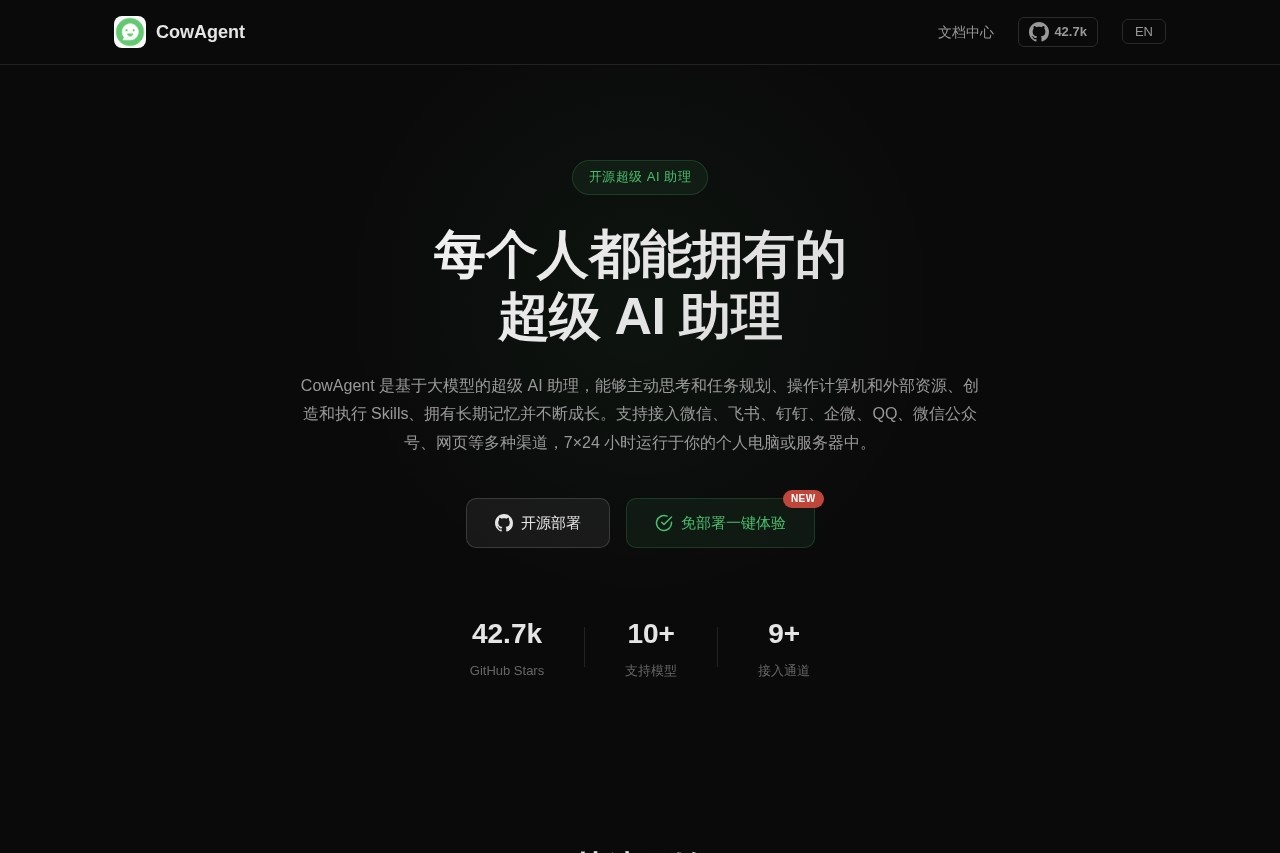
CowAgent is an open-source AI assistant that can think, plan, operate computers, create new skills, and learn autonomously with long-term memory.
What is CowAgent?
CowAgent is an open-source, super AI assistant built on large language models. It operates autonomously by thinking, planning tasks, and operating computer systems and external resources. Users deploy it to handle complex workflows through various communication channels like messaging apps, and it runs continuously on personal computers or servers.Application scenarios
Automated Task Execution
Delegate multi-step computer tasks like file management or data processing for the AI to plan and complete.
Cross-Platform Assistant
Integrate a persistent AI helper into daily work apps like WeChat, Lark, or DingTalk for 24/7 availability.
Skill Automation
Create and run custom automated skills for specific, repetitive business or personal workflows.
Information Management
Use its long-term memory to store, search, and retrieve information from conversations and task history.
Development & Prototyping
Developers can use it as a foundation for building and testing autonomous agent applications.
Research & Analysis
Leverage its tool system for autonomous web searches, data collection, and synthesis.
Core Features
Autonomous Task Planning
The AI can understand complex objectives and independently plan and execute a sequence of actions using tools and skills.
Long-Term Memory
Persists conversation and task context to local files and databases, supporting retrieval via keywords and vector search.
Skill System
Features an engine to install and run skills from various Skill Hubs, and supports natural language development of custom skills.
Tool System
Includes built-in tools for file reading/writing, terminal execution, browser operation, scheduled tasks, and web search for autonomous task completion.
Multi-Model Support
Connects to mainstream models including OpenAI, Claude, Gemini, DeepSeek, GLM, Qwen, Kimi, and Doubao.
Multi-Channel Integration
Can be integrated for use within WeChat, Lark, DingTalk, QQ, official accounts, and web pages.
Local/Server Deployment
Runs 24/7 on a local computer or private server.
One-Command Setup
Allows installation, configuration, and launch on Linux, macOS, or Windows with a single terminal command.
Target users
This tool is built for developers, tech-savvy individuals, and teams looking to automate complex digital tasks. It suits those who need a customizable, self-hosted AI assistant integrated into their existing communication and work platforms like WeChat or DingTalk. Organizations seeking to deploy a persistent AI agent for internal automation or customer interaction via various channels will also find it relevant.How to use CowAgent?
The primary method is through local deployment. For Linux or macOS, open a terminal and run the command:bash <(curl -fsSL https://cdn.link-ai.tech/code/cow/run.sh). On Windows using PowerShell, execute: irm https://cdn.link-ai.tech/code/cow/run.ps1 | iex. This one-line command handles installation, configuration, and startup. After it's running, you can connect and interact with the agent through your configured channels, such as a messaging app or web interface.Effect Review
CowAgent positions itself beyond a conversational chatbot, emphasizing a "truly capable" AI assistant that executes actions. Its core proposition is practical autonomy: the ability to break down goals, use tools, and persist memory locally. For a user comfortable with command-line deployment, the feature set suggests a powerful framework for automating intricate, multi-tool workflows across both desktop and communication platforms. The open-source nature and broad model support offer significant flexibility for customization and integration, making it a potentially robust foundation for building a personalized, always-on digital assistant.Frequently Asked Questions
What is CowAgent?
Is CowAgent free to use?
What makes CowAgent different from other AI assistants?
Can CowAgent operate on any computer system?
How does CowAgent's long-term memory work?
What can I use CowAgent for?
CowAgent - AI Tool Detail
CowAgent is an open-source AI assistant that can think, plan, operate computers, create new skills, and learn autonomously with long-term memory.
Category:Claw Product
Visit Link:https://cowagent.ai/
Tags:AI assistant、autonomous learning、open-source AI、computer automation、long-term memory