Antfarm
Antfarm by OpenClaw is a platform for building deterministic multi-agent teams. Define workflows in YAML and deploy with one command, requiring zero infrastructure management.
What is Antfarm?
Antfarm is a platform for building deterministic multi-agent teams. It allows you to define specialized AI agents and their workflows in YAML, then deploy them with a single command. The platform handles the entire process, requiring zero infrastructure management from the user. You use it to automate complex development and audit tasks by creating reliable, repeatable agent teams.Application scenarios
Feature development
Drop in a feature request and receive a tested pull request.
Security auditing
Point the agent team at a code repository to get a security fix PR with regression tests.
Bug fixing
Paste a bug report to get a fix accompanied by a regression test.
Automated code review
Ensure no code ships without being reviewed by a dedicated agent.
Core Features
Pre-built agent teams
Access specialized, multi-agent workflows like `feature-dev`, `security-audit`, and `bug-fix` out of the box.
Deterministic workflows
Execute the same workflow steps in the same order every time for reliable results.
Independent agent verification
A separate verifier agent checks work against acceptance criteria, preventing self-review.
Fresh context per step
Each agent operates in a clean session to avoid context window bloat and hallucinated state.
Automatic retries
Failed steps retry automatically with configurable limits.
Health monitoring
A medic agent watches for and cleans up stuck agents or abandoned work.
YAML-based configuration
Define agents, their personas, workspaces, and acceptance criteria in YAML files.
One-command installation
Provision everything—agent workspaces, cron polling, permissions—with a single terminal command.
Minimalist architecture
The system runs on YAML, SQLite, and cron, with no need for Redis, Kafka, or container orchestrators.
Zero external dependencies
Antfarm is a TypeScript CLI that runs wherever OpenClaw runs.
Target users
This tool is built for developers, engineering teams, and security auditors who want to automate complex, multi-step coding and review processes. It benefits those who need to systematize tasks like feature implementation, security patching, and bug resolution without managing underlying infrastructure or manually coordinating between different specialized AI actions.How to use Antfarm?
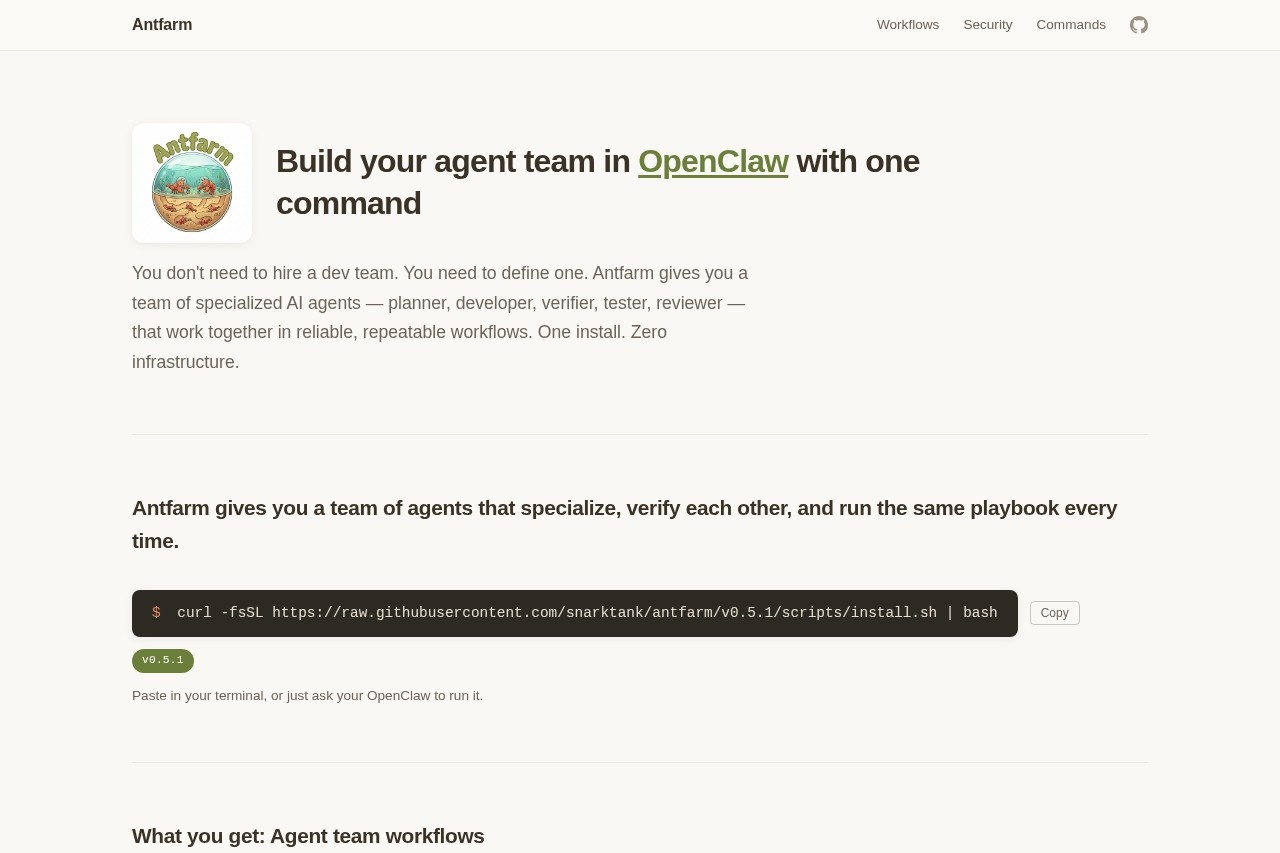
Using Antfarm is a command-line driven process. First, install the CLI tool via a provided shell script using acurl command in your terminal. Once installed, you can install a specific workflow (like feature-dev) with antfarm workflow install. To run a workflow, you use antfarm workflow run followed by the workflow name and a task description, such as "Add user authentication with OAuth." The agents then poll for work independently, executing the defined steps while state is tracked in SQLite.Effect review
Antfarm presents a highly structured approach to AI automation, shifting the focus from prompting single agents to orchestrating deterministic teams. By enforcing strict verification, fresh context, and automatic retries, it directly addresses common pitfalls like hallucination and unreliable outputs in multi-step AI tasks. The emphasis on pre-defined, repeatable playbooks for concrete scenarios like security audits and bug fixes suggests a practical tool designed for production-grade reliability rather than experimental prototyping. Its minimalist, dependency-free architecture makes it a straightforward option for integrating automated agent teams into existing development environments.Frequently Asked Questions
What is Antfarm?
How do I define workflows in Antfarm?
Does Antfarm require infrastructure management?
What are deterministic multi-agent teams?
Who created Antfarm?
Can I deploy Antfarm workflows easily?
Antfarm - AI Tool Detail
Antfarm by OpenClaw is a platform for building deterministic multi-agent teams. Define workflows in YAML and deploy with one command, requiring zero infrastructure management.
Category:Claw Product
Visit Link:https://www.antfarm.cool/
Tags:multi-agent systems、workflow automation、YAML configuration、infrastructure management、deterministic agents