
ACODA
ACODAは、Gemini 3 Pro、Seedance 2.0、Kling 3.0、Sora 2、Veo 3.1などの高度なモデルを統合した、画像と動画を生成するAIクリエイティブスイートです。
What is ACODA?
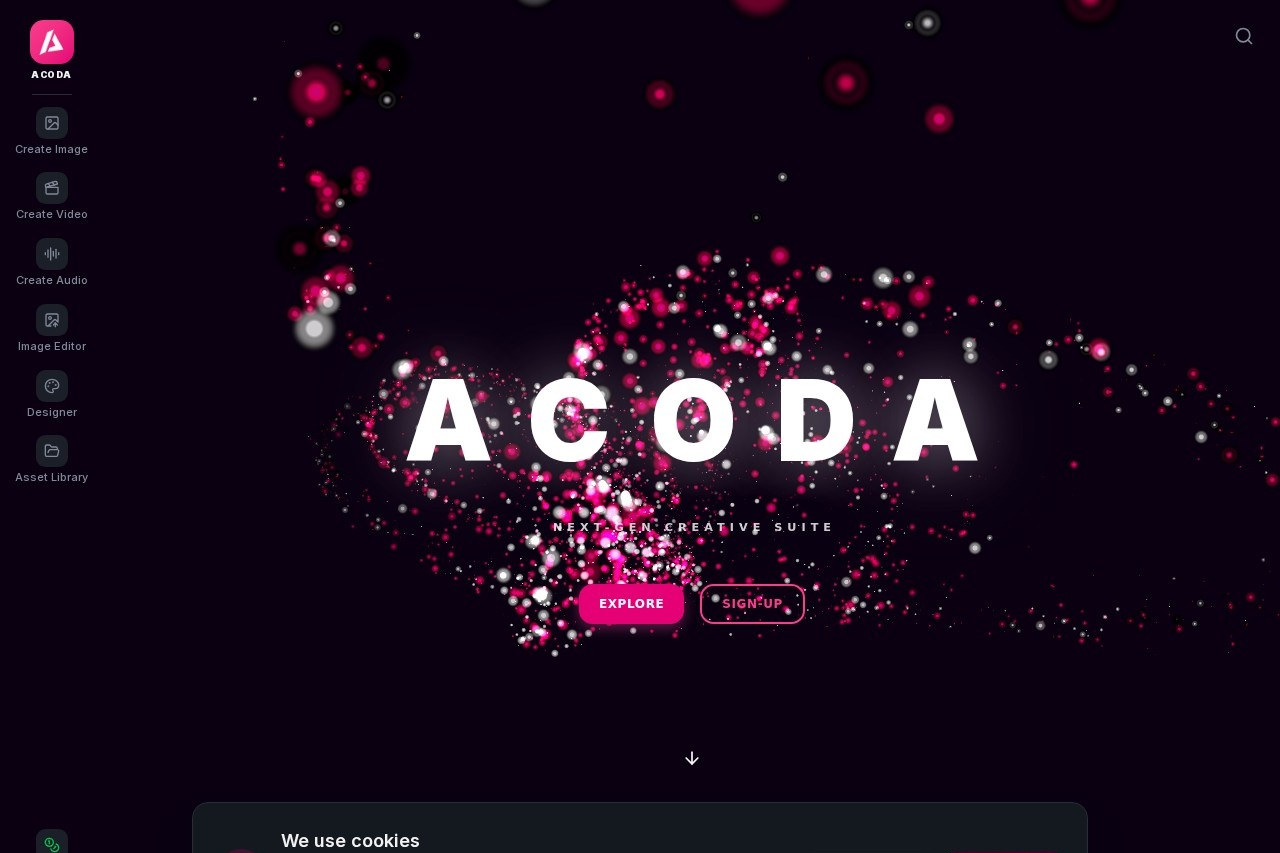
ACODA is a next-gen creative suite that fuses AI power with user precision for generating images and videos. It integrates advanced models like Gemini 3 Pro, Seedance 2.0, Kling 3.0, Sora 2, and Veo 3.1 to deliver cinematic motion and stunning visuals. Users can generate, edit, and enhance content from text, images, or motion inputs. The platform is designed for creators who want guided creation with ultimate control over complex pipelines.Application scenarios
Image generation
Create stunning visuals from text descriptions or images with unmatched precision.
Image editing
Edit with AI, control camera settings, place objects, upscale, and transform any image.
Video generation
Transform ideas into cinematic motion using text, images, or motion inputs.
Design creation
Build flyers, ads, layouts, and compositions for marketing or branding.
Enhancement and export
Upscale for print, enhance visuals, remove backgrounds, and resize for any platform.
Video motion control
Turn static images into motion using industry-leading video AI models like Kling 3.0 and Kling Motion Control.
Core Features
AI Image Generator
Generate stunning visuals from text and images with unmatched precision.
AI Image Editor
Edit with AI, control full camera settings, composite objects exactly where you want them.
AI Video Generator
Transform ideas into cinematic motion using text, images, or motion inputs.
Designer tool
Create flyers, ads, layouts, and compositions directly within the suite.
Precision editing
Make precise edits with full camera control and object placement.
Video motion models
Use industry-leading video AI models such as Kling 3.0, Kling Motion Control, VEO 3.1, and Sora 2.
Enhance, expand, export
Upscale for print, enhance visuals, remove backgrounds, and resize for any platform without leaving ACODA.
Powerful creator templates
Curated templates and powerful AI image generation models like Nano Banana Pro, Seedream 4.5, and Flux 2.
Target users
ACODA is built for professional creators, designers, marketers, and video producers who need a single platform for generating and editing images and videos. It suits anyone from graphic designers to content creators who want guided creation with ultimate control over complex pipelines.How to use ACODA?
To start, sign up for free on the ACODA website. Once logged in, choose from tools like AI Image Generator, AI Video Generator, or Designer. Enter a text prompt or upload an image to generate or edit visuals. Use the precision editing features to control camera settings and place objects. Finally, enhance, expand, and export your work for any platform.Pricing and free trial
ACODA offers free credits to try the platform. The website states: "Start creating, today with free credits. Try ACODA for free by signing up, today." No paid pricing tiers are listed on the provided text.Effect review
The website emphasizes "incredible visuals with every generation" and "the most powerful AI content creator," suggesting high-quality output for typical users. The integration of advanced models like Kling 3.0 and Sora 2 positions ACODA as a competitive option for cinematic video generation. For image editing, the precision controls and camera settings offer real-world utility for professional workflows. The free credits allow users to test the suite without commitment, making it accessible for initial evaluation. Overall, ACODA appears to deliver a robust feature set for creators seeking both power and precision.Frequently Asked Questions
ACODAとは何ですか?
ACODAはどのモデルをサポートしていますか?
ACODAは画像と動画の両方を生成できますか?
ACODAを使用するには技術的なスキルが必要ですか?
ACODAは無料で使用できますか?
ACODAを商用プロジェクトに使用できますか?
ACODA - AI Tool Detail
ACODAは、Gemini 3 Pro、Seedance 2.0、Kling 3.0、Sora 2、Veo 3.1などの高度なモデルを統合した、画像と動画を生成するAIクリエイティブスイートです。
Category:画像生成
Visit Link:https://acoda.com/
Tags:AI画像生成、AI動画生成、クリエイティブスイート、Gemini 3 Pro、Sora 2