
YouTube Thumbnail Tester
Thumbnail Tester 提供的免費 AI 工具,用於 YouTube 縮圖的 A/B 測試,幫助創作者快速找出能吸引更多點擊的設計。
What is YouTube Thumbnail Tester?
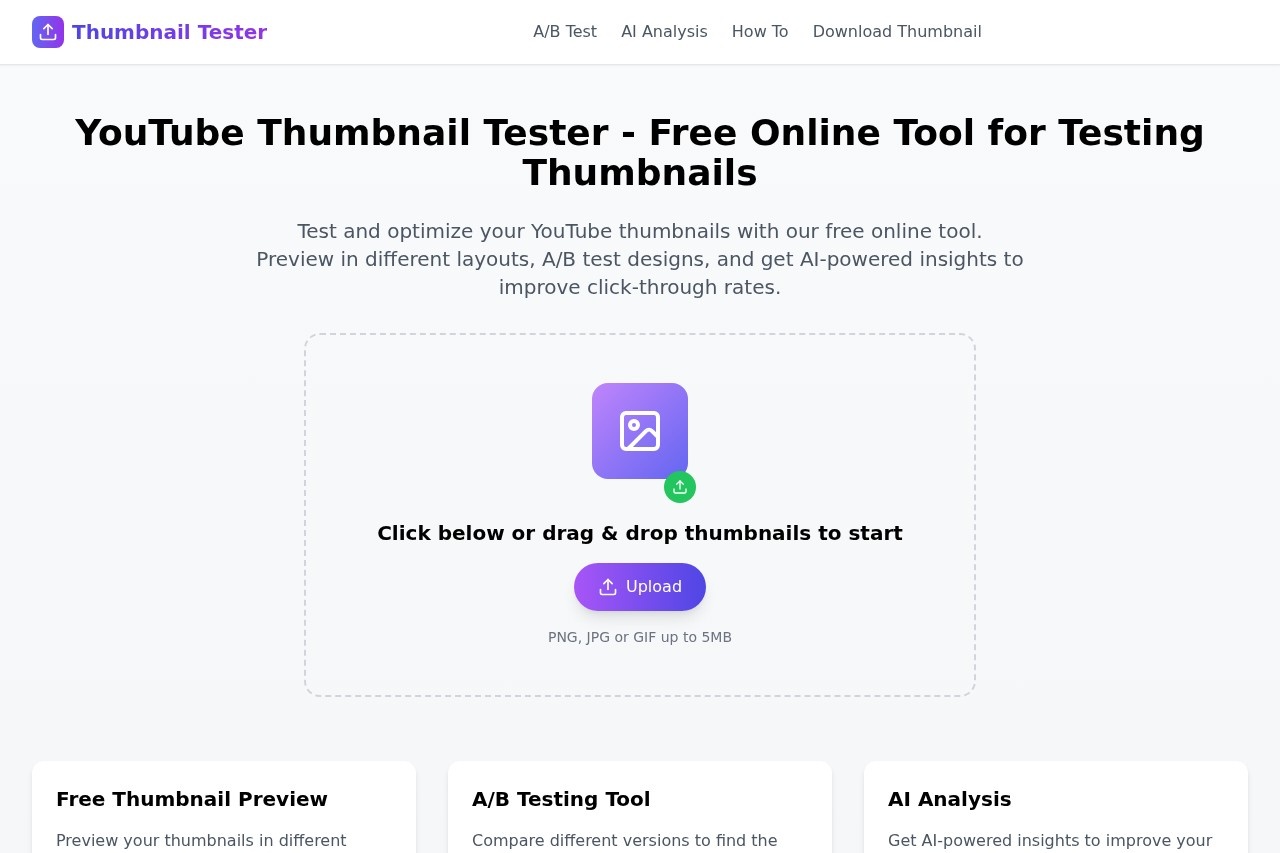
YouTube Thumbnail Tester is a free online tool for A/B testing YouTube thumbnails. It lets creators preview thumbnails in different YouTube layouts and get AI-powered insights to improve click-through rates. The tool requires no download—users can start testing immediately by uploading images. It supports PNG, JPG, or GIF files up to 5MB.
Application scenarios
Thumbnail optimization
Test multiple thumbnail designs before publishing to see which layout performs best.
Pre-publish preview
See how thumbnails look across different YouTube layouts (e.g., home page, search results, suggested videos) before going live.
Click-through rate improvement
Use AI analysis to identify design changes that can drive more clicks.
Content strategy refinement
Compare performance metrics across versions to choose the most effective thumbnail for a video.
Rapid iteration
Quickly upload and test multiple thumbnails without needing design software or complex setups.
Collaborative review
Share previews with team members or clients to finalize thumbnail choices.
Core Features
Real-time preview
See how thumbnails appear in different YouTube layouts instantly after uploading.
AI-powered analysis
Get automated insights to improve thumbnail performance based on design elements.
Drag-and-drop upload
Simply drag and drop thumbnail files into the tool to begin testing.
Multi-format support
Upload PNG, JPG, or GIF files up to 5MB each.
A/B comparison
Compare performance metrics between different thumbnail versions side by side.
Free online access
Use the tool directly in a browser with no installation or subscription required.
Target users
YouTube creators, video marketers, social media managers, and content strategists who want to maximize click-through rates on their videos. It’s also useful for thumbnail designers and agencies that need to validate design choices before publishing.
How to use YouTube Thumbnail Tester?
- Go to the website and click the upload area or drag and drop your thumbnail files (PNG, JPG, or GIF up to 5MB).
- Preview your thumbnails in different YouTube layouts using the free preview feature.
- Use the AI analysis tool to get performance insights and recommendations.
- Compare metrics between versions and choose the best thumbnail for your video.
No sign-up or download is required—just upload and start testing.
Effect review
YouTube Thumbnail Tester delivers exactly what it promises: a quick, no-fuss way to test thumbnails before publishing. The real-time preview and AI analysis are practical for creators who want data-backed decisions, not guesswork. Since the tool is entirely free and browser-based, there’s no barrier to entry. While the site doesn’t share user testimonials or performance benchmarks, the feature set—drag-and-drop upload, layout preview, and AI insights—covers the essential needs for thumbnail optimization. It’s a solid, straightforward utility for any YouTube creator serious about click-through rates.
Frequently Asked Questions
什麼是 YouTube 縮圖測試工具?
A/B 測試是如何運作的?
這個工具是免費的嗎?
我需要有 YouTube 頻道才能使用嗎?
測試需要多長時間?
我可以一次測試超過兩個縮圖嗎?
YouTube Thumbnail Tester - AI Tool Detail
Thumbnail Tester 提供的免費 AI 工具,用於 YouTube 縮圖的 A/B 測試,幫助創作者快速找出能吸引更多點擊的設計。
Category:影片編輯
Visit Link:https://www.thumbnail-tester.com/
Tags:YouTube縮圖A/B測試、點擊率優化、YouTube成長工具、縮圖設計測試、創作者AI