
CoPaw
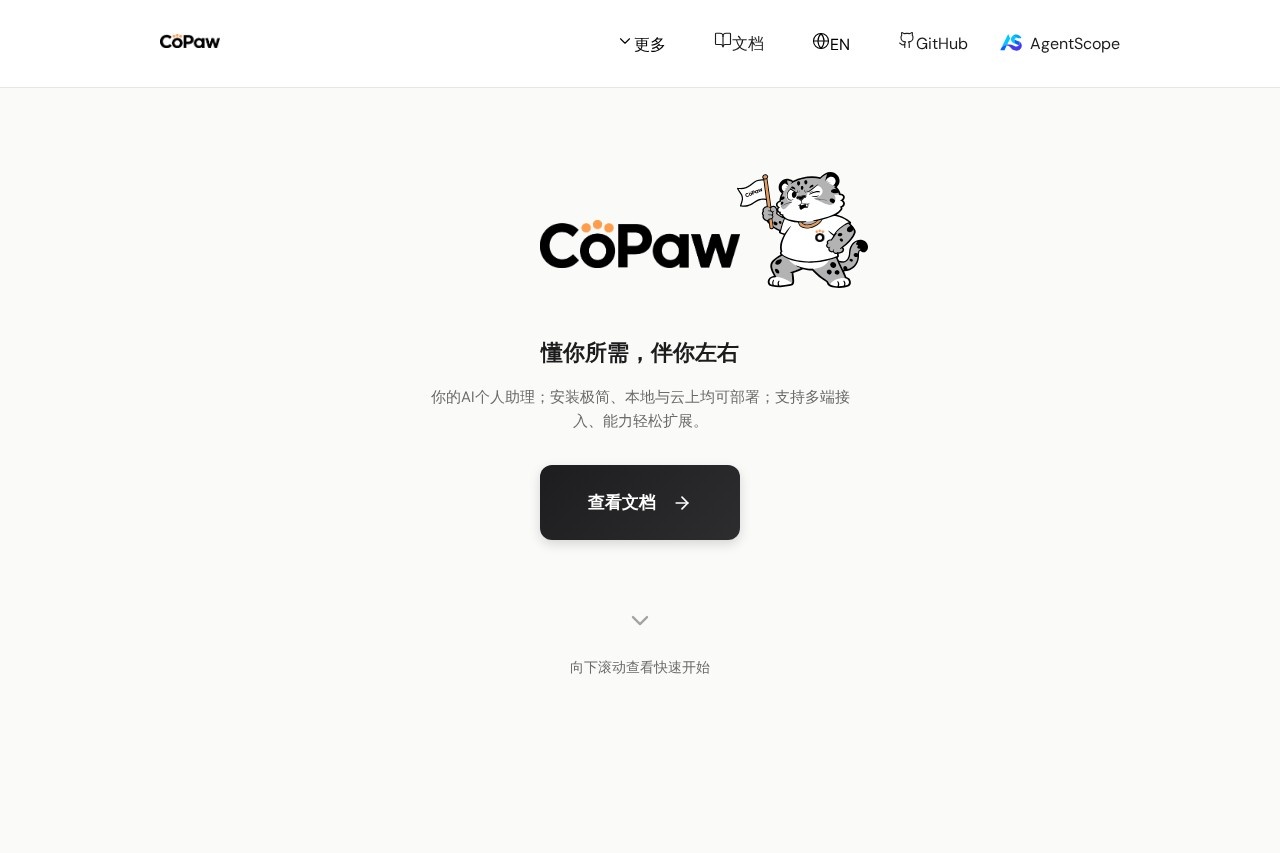
CoPaw by AgentScope is an AI-powered collaborative platform designed for multi-agent workflows, enabling seamless teamwork, task automation, and intelligent coordination among various AI agents.
What is CoPaw?
CoPaw is an AI-powered personal assistant platform built on AgentScope. It functions as a collaborative hub for multi-agent workflows, enabling task automation and intelligent coordination. Users deploy it to create a customized AI assistant that integrates across various communication channels. The platform is designed for both local and cloud deployment, offering a streamlined setup process.Application scenarios
Multi-platform communication management
Centralize and automate interactions across numerous messaging apps like WeChat, Discord, and Telegram.
Team collaboration and coordination
Facilitate intelligent task distribution and workflow automation within team environments using platforms like Feishu, DingTalk, and Mattermost.
Personal productivity automation
Deploy a local AI assistant to handle routine digital tasks and information retrieval across connected services.
Cross-channel workflow integration
Connect and orchestrate actions between different business and communication tools from a single AI agent system.
Core Features
Multi-channel integration
Connect your AI assistant to over ten different communication platforms, including WeChat, QQ, Discord, Telegram, Feishu, and DingTalk.
Flexible deployment
Install and run CoPaw locally via pip or as a desktop application, or deploy it to the cloud using Docker.
Quick setup
Get a personalized AI assistant running in minutes using a simple command-line initialization.
Local execution
Operate the AI assistant on your own hardware, providing control over data and processing.
Extensible architecture
The platform is built on AgentScope, suggesting a foundation for adding new capabilities and agents.
Multi-device access
The assistant supports access from various endpoints, allowing interaction from different devices.
Target users
CoPaw is built for individuals and teams looking to automate and manage digital communication and tasks. It benefits developers, power users, and small to medium teams who need to coordinate workflows across multiple popular messaging and collaboration apps. Its local deployment option also appeals to users with specific data privacy or control requirements.How to use CoPaw?
You can begin by installing CoPaw via Python's pip package manager. After installation, initialize a default configuration with the commandcopaw init --defaults and then launch the application with copaw app. Alternatively, you can download a desktop application (currently in Beta) for a graphical interface or use Docker for cloud-based deployment. For detailed instructions, visit the official documentation.Effect review
CoPaw presents a practical solution for automating interactions across a fragmented digital workspace. Its core strength lies in its extensive list of integrated channels, which covers major communication tools used in both personal and professional contexts, particularly in Asia. The ability to deploy locally or in the cloud offers valuable flexibility for different use cases and security postures. For users burdened by context-switching between numerous apps, CoPaw's promise of a unified, AI-driven assistant could significantly streamline daily digital operations. The straightforward, command-line-driven setup lowers the barrier to entry for technically inclined users seeking to implement multi-agent automation.Frequently Asked Questions
What is CoPaw?
How does CoPaw enable multi-agent collaboration?
What are the main features of CoPaw?
Who can benefit from using CoPaw?
Is CoPaw suitable for automating complex tasks?
How does CoPaw differ from single-agent AI tools?
CoPaw - AI Tool Detail
CoPaw by AgentScope is an AI-powered collaborative platform designed for multi-agent workflows, enabling seamless teamwork, task automation, and intelligent coordination among various AI agents.
Category:Claw Product
Visit Link:https://copaw.agentscope.io/
Tags:multi-agent platform、collaborative AI、workflow automation、AI coordination、task automation