
What is I Spy AI?
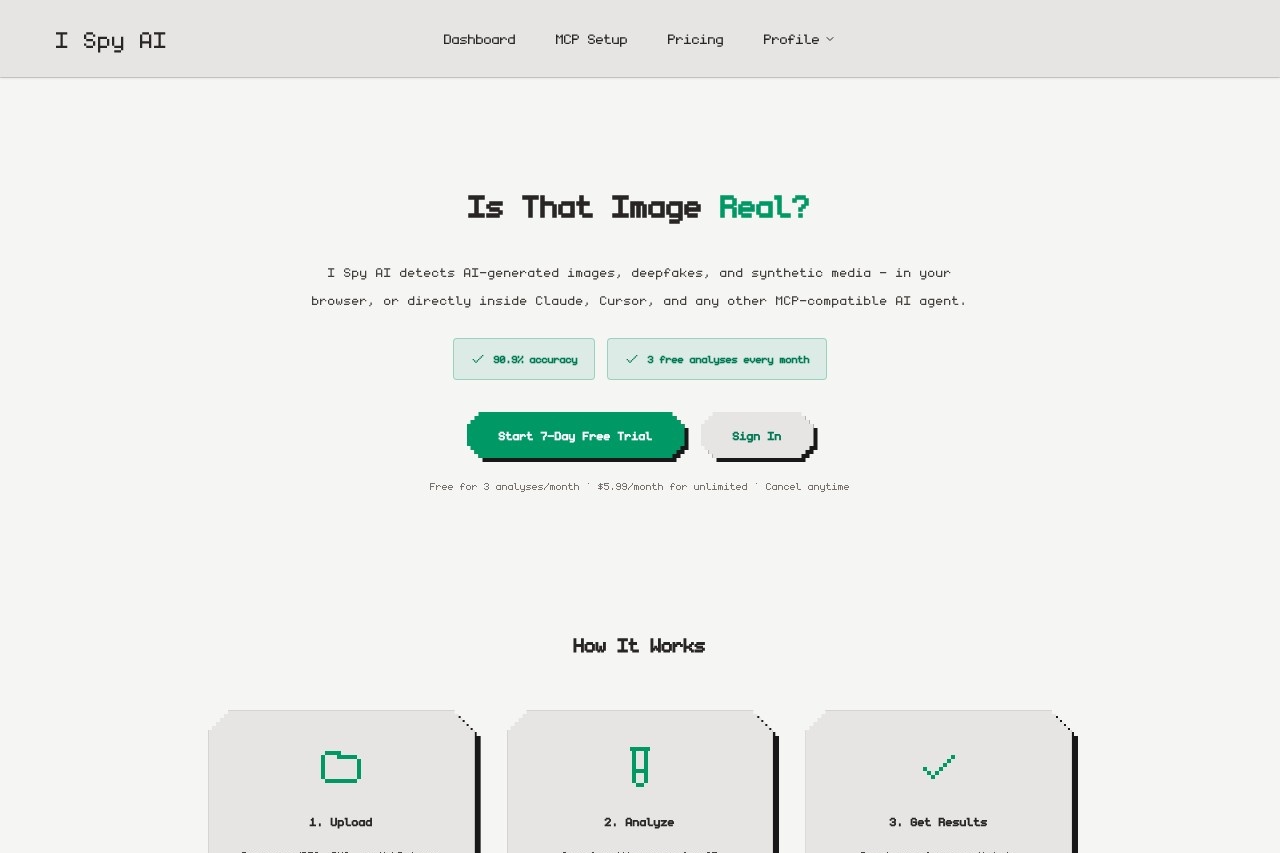
I Spy AI is a detection tool that identifies AI-generated images, deepfakes, and synthetic media with 90.9% accuracy. Users can upload photos directly in their browser or integrate its MCP server into AI agents like Claude and Cursor. The service analyzes images for AI fingerprints, synthetic artifacts, and deepfake patterns, returning a clear verdict in seconds. It prioritizes privacy by never storing or sharing uploaded images.Application scenarios
Deepfake detection
Spot manipulated faces and AI-generated people before sharing or believing what you see.
Artwork verification
Confirm whether a digital piece is genuinely hand-crafted, not produced by AI generators like Midjourney, DALL-E, or Stable Diffusion.
AI agent integration
Give AI agents the ability to verify images before trusting them, reducing hallucinations.
Browser-based analysis
Upload JPEG, PNG, or WebP images up to 15MB for quick real-time checks.
Developer workflows
Use the MCP server to automate image verification inside Claude Desktop, Cursor, Windsurf, or any MCP-compatible client.
Core Features
90.9% accuracy
Achieves high precision in detecting AI-generated images, deepfakes, and synthetic media.
Real-time analysis
Images are analyzed immediately and results are returned in seconds.
Privacy-first design
Images are analyzed and immediately discarded—never stored, shared, or used for training.
MCP server integration
Ships a Model Context Protocol server for Claude, Cursor, Windsurf, and any MCP-compatible client.
One-line install
Add a single MCP server entry to Claude Desktop, Cursor, or your agent framework—no SDK required.
analyze_image tool
Pass an image URL or base64 payload; the agent gets back a verdict, confidence score, and supporting signals.
Multi-format support
Supports JPEG, PNG, and WebP images up to 15MB via both the browser dashboard and MCP tool.
Free monthly analyses
Get 3 free image analyses every month without a credit card.
Target users
I Spy AI is designed for individuals and professionals who need to verify image authenticity—including journalists, content moderators, art buyers and collectors, marketplace operators, developers building AI agents, and anyone concerned about deepfakes or synthetic media.How to use I Spy AI?
- Sign up or sign in: Visit the I Spy AI website and create a free account (no credit card required for the free tier).
- Upload an image: Drag and drop a JPEG, PNG, or WebP file (up to 15MB) into the browser dashboard.
- Get results: The algorithm scans for AI fingerprints, synthetic artifacts, and deepfake patterns, then returns a clear verdict—real or AI-generated.
- For AI agents: Add the MCP server entry to your Claude Desktop or Cursor configuration file using the provided JSON snippet and your API token.
Pricing and free trial
I Spy AI offers a free tier with 3 image analyses per month—no credit card required. For unlimited analyses, the subscription is $5.99/month after a 7-day free trial. Cancel anytime.Effect review
I Spy AI delivers a straightforward, privacy-focused solution for detecting AI-generated content. Its 90.9% accuracy rate is credible for a browser-based tool, and the MCP server integration makes it uniquely useful for developers working with AI agents. The free monthly allocation is generous enough for casual users, while the $5.99/month unlimited plan is affordable for regular verification needs. The service's commitment to not storing or training on user images is a strong trust signal. Overall, it fills a practical niche for anyone needing quick, reliable image authenticity checks without compromising privacy.Frequently Asked Questions
I Spy AIとは何ですか?
I Spy AIはどのように動作しますか?
I Spy AIは無料で使用できますか?
I Spy AIはどのような種類のメディアを検出できますか?
I Spy AIを他のツールと統合できますか?
I Spy AI - AI Tool Detail
I Spy AIチームによるI Spy AIは、AI生成画像、ディープフェイク、合成メディアを90.9%の精度で検出します。ブラウザで写真をアップロードするか、MCPサーバーをClaudeやCursorに統合して自動化できます。
Category:AIコンテンツ検出
Visit Link:https://www.ispyai.io/
Tags:AI検出、ディープフェイク検出器、合成メディア、画像検証、AI信頼性