
Moltis
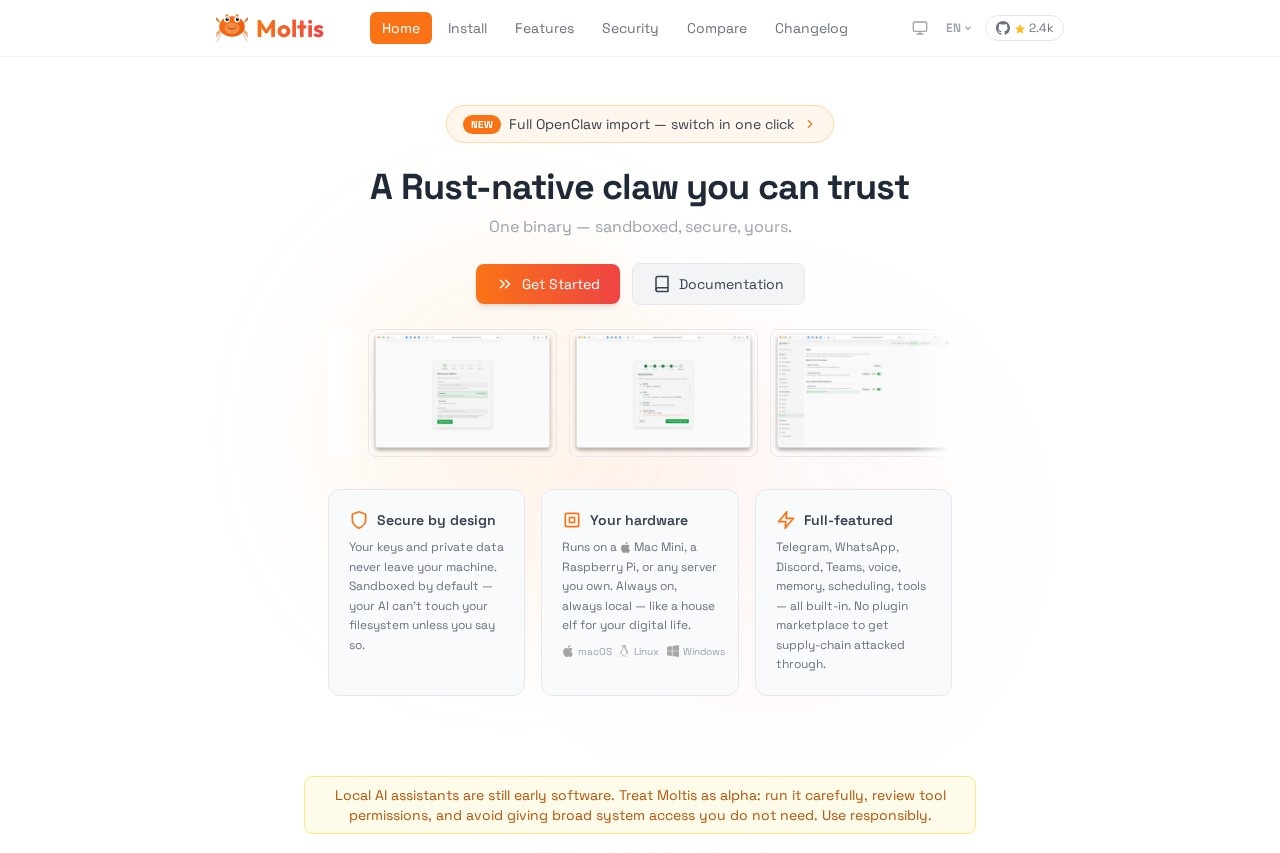
Moltis is a secure, Rust-native AI assistant that runs on your hardware. It offers sandboxed execution, multi-LLM support, voice capabilities, memory, and integrates with platforms like Telegram, What
What is Moltis?
Moltis is a secure, AI assistant that runs locally on your own hardware. It is a single, Rust-native binary designed for privacy, keeping your keys and data on your machine. Users deploy it to get a full-featured assistant with multi-channel support, voice capabilities, and long-term memory that is always on and local.Application scenarios
Private AI assistance
Run a conversational AI agent that processes all data on your personal hardware or server.
Multi-platform automation
Manage interactions and tasks through integrated platforms like Telegram, WhatsApp, Discord, and Microsoft Teams.
Secure task automation
Perform web browsing and automation in isolated sandboxes to protect your main system.
Local model experimentation
Download, set up, and run various local large language models (LLMs) directly.
Persistent AI agent
Utilize an assistant with long-term memory that remembers context across conversations.
Voice-enabled interaction
Talk to your AI assistant using built-in voice capabilities.
Core Features
Local & Secure Execution
Your AI runs on your own hardware, with data never leaving your machine and sandboxed execution by default.
Single Binary Distribution
The tool is one self-contained binary with no runtime dependencies for simple deployment.
Multi-Channel Support
Access and control your assistant through a Web UI, Telegram, WhatsApp, Discord, Teams, or a direct API.
Voice Interface
Communicate with your assistant using voice input and output.
Long-term Memory
The agent uses a hybrid vector and full-text search system to remember context and information.
Sandboxed Browsing
Run browser automation sessions in isolated Docker containers for safer interaction with the web.
Local LLM Management
Run your own models locally with automatic download and setup included.
Skills & Extensibility
Use plugins, hooks, and MCP (Model Context Protocol) tool servers; the agent can even create its own skills at runtime.
Flexible Isolation
Choose between full filesystem access or per-session isolation via Docker, Podman, Apple Container, or WASM.
Streaming-first Responses
Get instant, token-by-token streaming replies for a smooth conversational experience.
Target users
This tool is built for individuals and teams who prioritize data privacy and control, such as tech enthusiasts, developers, and privacy-conscious professionals. It suits anyone wanting to self-host a powerful, always-on AI assistant on their own hardware, from a Raspberry Pi to a dedicated server.How to use Moltis?
Install the single binary on your machine. The website provides several one-command installation methods, including using a shell script, Homebrew, Docker, or installing from source via Cargo. After installation, you typically access the Web UI athttp://localhost:13131 to complete setup. You can then configure your AI models and connect to supported channels like Telegram or Discord.Effect review
Moltis presents a compelling proposition for the self-hosted AI space by bundling a extensive feature set—from multi-platform chat integration to voice and memory—into a single, security-focused binary. The emphasis on sandboxing, local execution, and protection against threats like supply-chain attacks addresses core concerns for users deploying AI on private infrastructure. For the user who wants a full-featured, always-available digital assistant without sending data to third-party servers, Moltis's integrated design and local-first architecture offer a robust and private alternative to cloud-based services.Frequently Asked Questions
What is Moltis?
How does Moltis ensure security?
What AI models does Moltis support?
Can Moltis handle voice interactions?
What platforms does Moltis integrate with?
Does Moltis require an internet connection?
Moltis - AI Tool Detail
Moltis is a secure, Rust-native AI assistant that runs on your hardware. It offers sandboxed execution, multi-LLM support, voice capabilities, memory, and integrates with platforms like Telegram, What
Category:Claw Product
Visit Link:https://moltis.org/
Tags:AI assistant、local AI、Rust、privacy-focused、multi-LLM