
Loom
Screen recording tool by Loom for creating quick video messages, tutorials, and presentations to share with teams or clients.
What is Loom?
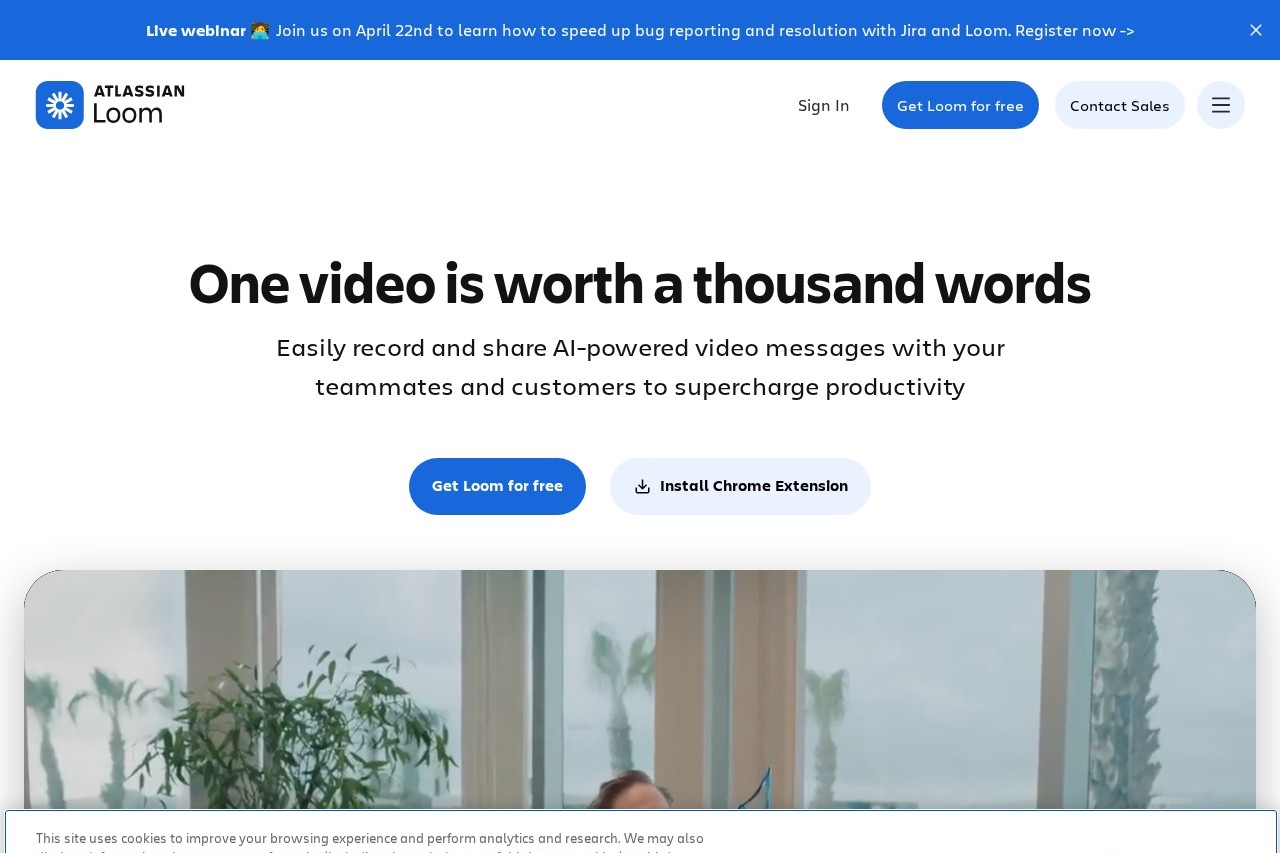
Loom is a screen recording tool for creating video messages. Users employ it to make quick tutorials, presentations, and collaborative videos. It is designed to be shared easily with teams or clients to streamline communication.Application scenarios
Internal team collaboration
Share ideas and collaborate more easily within distributed companies.
Customer training and support
Create informative video tutorials for customers instead of conducting repetitive one-on-one training sessions.
Executive communication
Amplify communication with a team as a key tool for leadership.
Asynchronous updates
Replace long, time-consuming emails with quick video recordings.
Personal connection at scale
Connect more personally with a large number of people without scheduling numerous individual calls.
Core Features
Screen and camera recording
Record both your screen and your camera simultaneously.
Easy sharing and embedding
Share your videos quickly and embed them in other platforms.
Trim and stitch video clips
Edit recordings by trimming sections or stitching multiple clips together.
Download and upload
Download your videos locally or upload existing video files.
Transcriptions and closed captions
Automatically generate transcripts and closed captions for your videos.
Video privacy controls
Manage who can view your videos with specific privacy settings.
Custom background
Customize your video background during recording.
Video and viewer insights
Gain analytics on how your videos are performing and who is watching them.
Target users
Loom serves a broad user base across various roles. It is particularly beneficial for distributed teams, customer success and support professionals, company executives, marketing personnel, and educators or trainers who need to convey information asynchronously.How to use Loom?
The process is straightforward. Visit the official website and select "Record now" to begin creating a video. You can record your screen, camera, or both, then use the editing tools to trim your clip. Finally, use the sharing, embedding, or download options to distribute your finished video message.Effect Review
The website features strong testimonials from users at companies like MetaLab, HubSpot, Pearson, and Typeform. These reviews consistently highlight Loom's practical impact: saving hundreds of hours by replacing long emails and meetings, enabling personal connection at scale, and becoming an indispensable daily tool for communication. The repeated emphasis from executives and team members on tangible time savings and improved collaboration suggests a tool that delivers on its core promise of making asynchronous video communication efficient and effective.Frequently Asked Questions
What is Loom?
Is Loom free to use?
What can I record with Loom?
How do I share Loom videos?
Can I edit my Loom recordings?
Is Loom secure for business use?
Loom - AI Tool Detail
Screen recording tool by Loom for creating quick video messages, tutorials, and presentations to share with teams or clients.
Category:Videobearbeitung
Visit Link:https://loom.com/
Tags:screen recording、video messaging、tutorials、presentations、team collaboration