
AIStart is your personal AI Launchpad: favorite the tools you use often, then open them in one click from the Launchpad on the home page.
Open Launchpad
Mumble AI
Mumble AI by HeyMumble is a voice-first Mac app for meeting recording, voice notes, and dictation, featuring 100% on-device processing and offering speeds five times faster than typing.
Screenshot
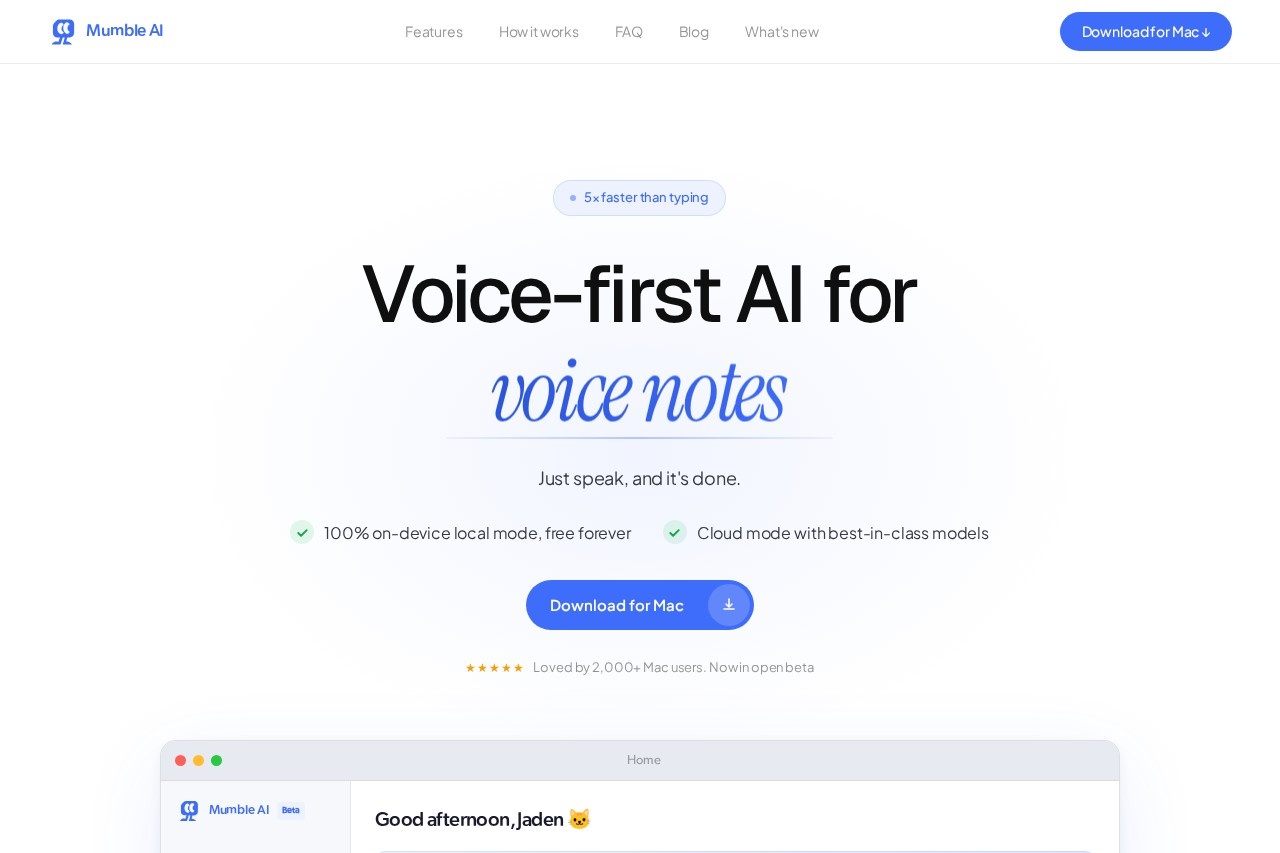
What is Mumble AI?
Mumble AI is a voice-first application for Mac. It is designed for recording meetings, capturing voice notes, and dictation. The app processes audio 100% on-device for privacy and operates five times faster than typing. Users speak to instantly generate clean notes, live meeting transcripts, and structured summaries.
Application scenarios
* Meeting Management: Automatically record and summarize team meetings with live transcripts.
* Voice Notes: Quickly capture ideas and thoughts by speaking, turning them into text notes.
* Dictation: Compose messages, emails, or documents using your voice instead of typing.
* Task & Event Capture: Verbally schedule calendar events or create reminders from spoken commands.
* Team Alignment: Review meeting summaries and action items to keep projects on track.
Main features
* On-device local mode: Process all audio and transcription completely locally on your Mac for free, with no data sent to the cloud.
* Cloud mode: Access best-in-class AI models for processing when using the cloud option.
* Auto-meeting detection: The app automatically detects when a meeting starts and begins recording directly from your Mac.
* Live transcript with speaker labels: See a real-time transcription that identifies who is speaking during a meeting.
* Instant meeting summaries: Receive a detailed, structured summary immediately after a meeting ends.
* Customizable templates: Choose from existing templates or create your own to format meeting notes consistently.
* In-meeting note-taking: Jot down your own thoughts within the app while the live transcript is running.
* One-click sharing: Share meeting summaries with others instantly after they are generated.
* Voice-driven commands: Use your voice to create new notes, start meetings, or schedule calendar events.
Target users
This tool benefits Mac-using professionals and teams who frequently participate in meetings and handle written communication. It is particularly useful for managers, project leads, and individual contributors who need to capture discussions, action items, and ideas efficiently without interrupting their workflow.
How to use Mumble AI?
Download the Mumble AI app for Mac from the official website. Upon opening the app, you can immediately use your voice to capture a note or start a meeting. For meetings, the app can auto-detect when one begins or you can start a recording manually. Speak naturally to dictate notes or commands. After a meeting, a summary is generated automatically for you to review or share.
Effect review
The website states the app is "Loved by 2,000+ Mac users," indicating positive early adoption in its open beta phase. The core promise is a significant efficiency gain, being "5× faster than typing," which directly targets a universal pain point of manual entry. By consolidating meeting notes, dictation, and voice memos into a single, privacy-focused app that requires no bots to join calls, Mumble AI presents a streamlined solution for reducing administrative overhead and capturing information more naturally.
Frequently Asked Questions
What is Mumble AI?
Is Mumble AI available on Windows or mobile?
Does Mumble AI require an internet connection?
How fast is Mumble AI compared to typing?
What can I use Mumble AI for?
Is my data secure with Mumble AI?
Alternative tools to Mumble AI

Hume AI
Voice AI platform by Hume AI featuring emotionally intelligent models for creating audiobooks, podcasts, and conversational agents.

Mumble AI
Mumble AI by HeyMumble is a voice-first Mac app for meeting recording, voice notes, and dictation, featuring 100% on-device processing and speeds five times faster than typing.
Mumble AI
Mumble AI by HeyMumble is a voice-first Mac app for meeting recording, voice notes, and dictation, featuring 100% on-device processing and offering speeds five times faster than typing.
Mumble AI - AI Tool Detail
Mumble AI by HeyMumble is a voice-first Mac app for meeting recording, voice notes, and dictation, featuring 100% on-device processing and offering speeds five times faster than typing.
Category:AI voice assistant
Visit Link:https://www.heymumble.com/
Tags:voice notes、dictation、meeting recording、on-device AI、Mac app