
Narakeet
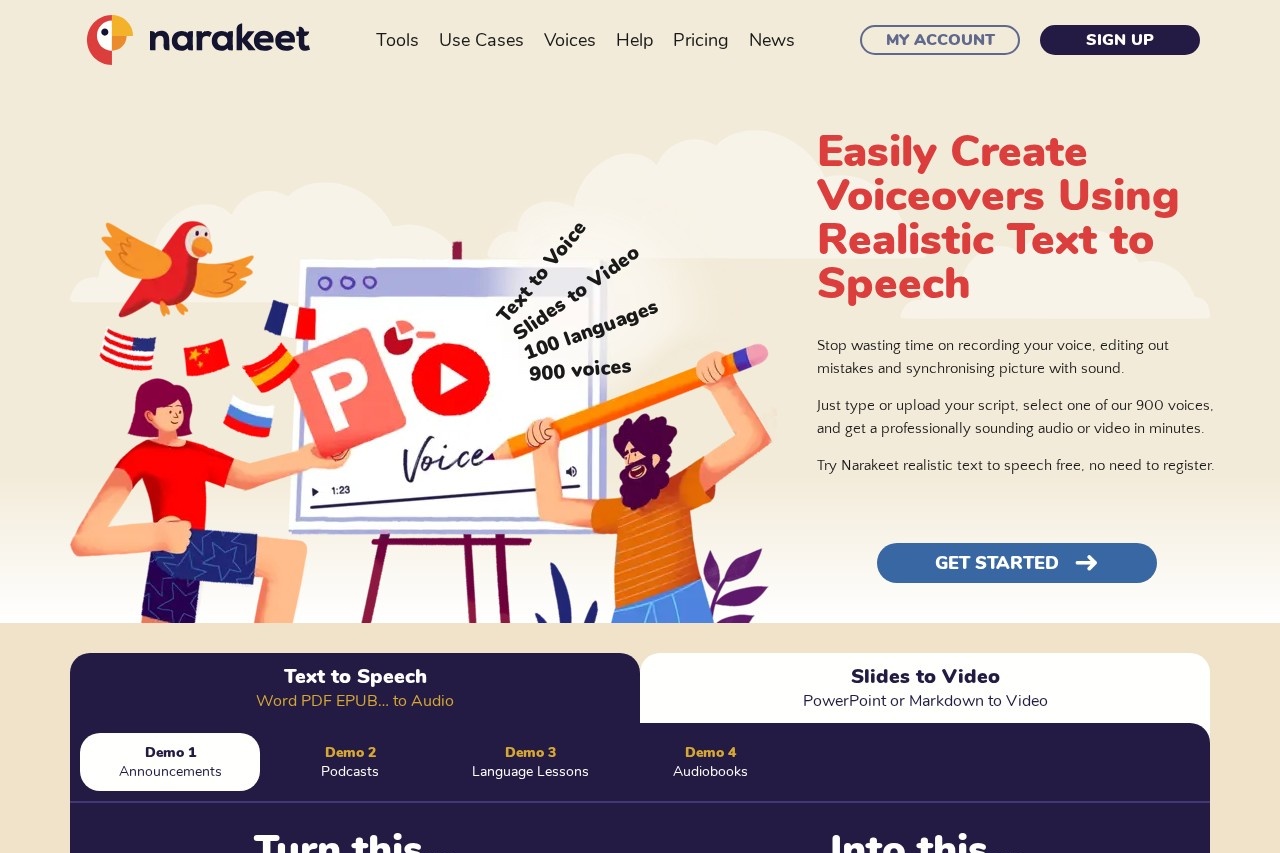
Narakeet is a text-to-speech and video creation platform offering natural, realistic voiceovers in over 100 languages and 900 voices, ideal for converting scripts and slides into engaging audio and vi
What is Narakeet?
Narakeet is a text-to-speech and video creation platform. It converts text scripts, documents, and presentation slides into audio files and narrated videos. Users leverage it to generate realistic voiceovers and produce engaging multimedia content without manual recording.Application scenarios
Video Lectures
Create instructional or educational video content from slides.
Podcasts
Produce podcast episodes from text scripts.
Language Lessons
Develop audio content for language learning materials.
Audiobooks
Convert text documents into narrated audiobooks.
Property Rental
Make marketing videos for rental properties.
Corporate Training
Produce training videos for employee education.
Screencasts
Generate narrated video demos from source files.
Core Features
Text-to-speech conversion
Generate natural-sounding audio from text in over 100 languages using 900 different voices.
Document to audio
Convert Word documents, PDFs, EPUB files, or text scripts into audio files.
Slides to video
Transform PowerPoint presentations or Markdown files into narrated videos.
Subtitle to audio
Turn SRT or WebVTT subtitle files into synchronized audio, useful for dubbing and localization.
Voiceover dubbing
Easily produce voiceovers in different languages for e-learning and video content.
Script updating
Modify the final audio or video by simply updating the source text, eliminating re-recording.
Rapid production
Create a final video from a script in minutes, significantly faster than manual recording and editing.
Visual refinement
Adjust and add visuals to the video by editing the accompanying text script.
Target users
Narakeet serves educators creating remote lessons, marketers producing content for global markets, corporate trainers, content creators for platforms like YouTube, and professionals such as property managers. It is particularly valuable for non-technical users who need to create audio and video quickly without extensive production skills.How to use Narakeet?
The process involves preparing your source material, such as a text document, subtitle file, or presentation. You upload this to the platform, select your preferred language and voice from the extensive library, and then let Narakeet generate the audio or video. The site indicates you can then download the final file. For specific steps, visit the official website to try the tool directly.Effect Review
User testimonials highlight significant time savings and ease of use, especially for non-technical individuals. Feedback notes the platform's ability to produce a complete demo video from text in minutes versus hours of manual work. The quality of the AI voices is described as natural and realistic, enabling professional results for training, marketing, and educational content. This positions Narakeet as a practical solution for automating voiceover and basic video production workflows.Frequently Asked Questions
What is Narakeet?
How many languages and voices does Narakeet support?
What types of content can I create with Narakeet?
Is Narakeet free to use?
How do I create a video with Narakeet?
Can I use Narakeet for commercial purposes?
Narakeet - AI Tool Detail
Narakeet is a text-to-speech and video creation platform offering natural, realistic voiceovers in over 100 languages and 900 voices, ideal for converting scripts and slides into engaging audio and vi
Category:Síntese de fala
Visit Link:https://narakeet.com/
Tags:text-to-speech、video creation、voiceover、multilingual、presentation tool