
Classpoint
Interactive classroom tool by Classpoint for engaging presentations, quizzes, and real-time student feedback within PowerPoint.
What is Classpoint?
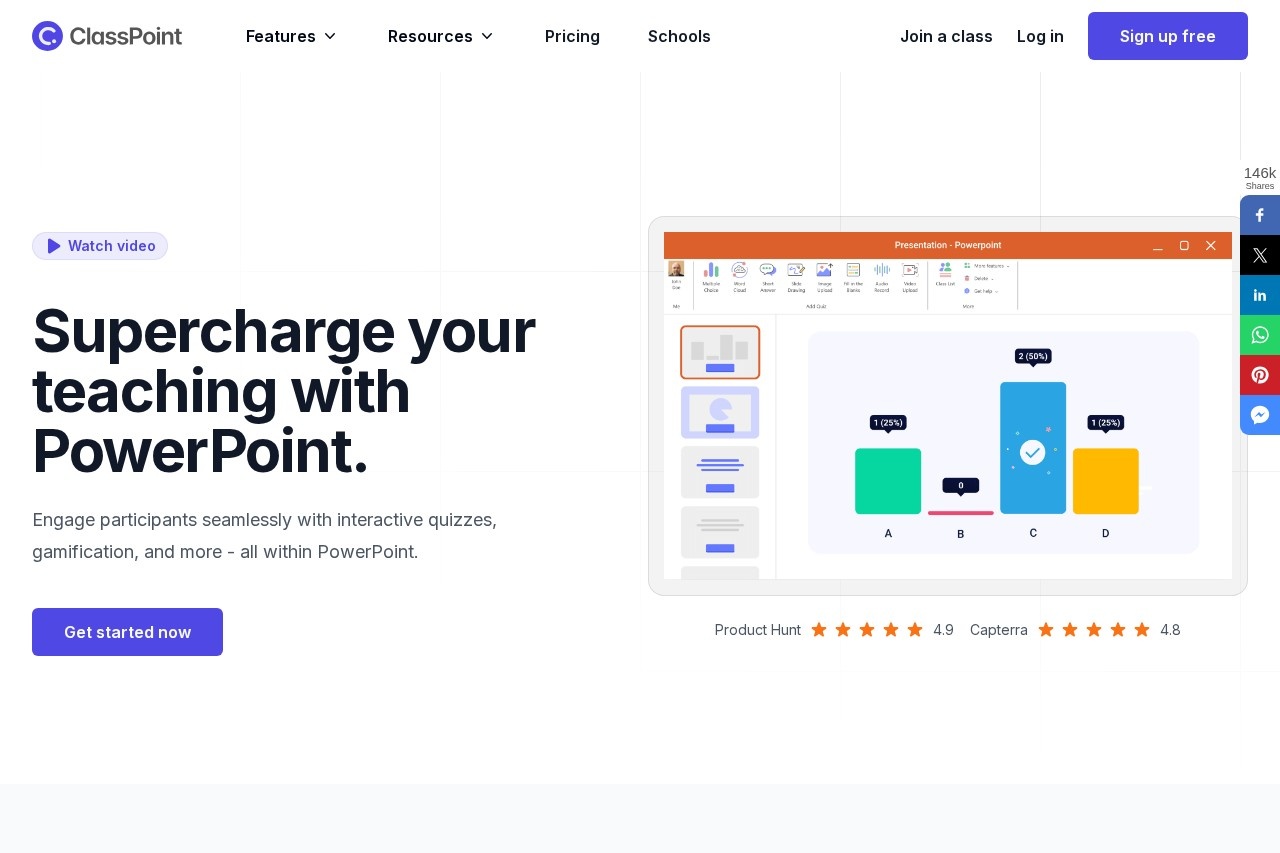
ClassPoint is an interactive classroom tool built directly into Microsoft PowerPoint. It is designed to create engaging presentations, quizzes, and real-time student feedback without ever leaving the PowerPoint application. The tool extends PowerPoint's native capabilities to include interactive quizzes, gamification, and live annotation. Users leverage it to turn static slides into dynamic, participatory learning experiences.Application scenarios
Live Classroom Quizzes
Conduct real-time interactive quizzes during a lesson directly from a PowerPoint slide.
Gamified Learning
Incorporate game elements like leaderboards and reward stars to increase student motivation during a presentation.
Interactive Lectures
Annotate, draw, and emphasize points on slides in real-time while presenting.
Classroom Management
Use tools like a random name picker to select participants and a timer to keep activities on track.
Spontaneous Explanation
Instantly call up a whiteboard background during a presentation to illustrate new ideas.
Dynamic Presentations
Move objects freely around a slide during a slideshow to create more engaging visual explanations.
Core Features
Interactive Quizzes
Craft and run various types of real-time interactive quizzes from within PowerPoint.
Gamification Engine
Infuse presentations with elements where students can earn stars, level up, and climb a leaderboard.
Live Annotation
Emphasize key points and illustrate concepts in real-time by drawing directly on slides.
In-Slide Text Boxes
Annotate on slides with text boxes during a slide show.
Timer & Stopwatch
Keep quizzes, activities, and presentations on schedule with built-in timing tools.
Random Name Picker
Activate every participant by using a wheel of names to select students.
Instant Whiteboards
Call out whiteboard backgrounds during a presentation to explain ideas on the fly.
Draggable Objects
Freely move around any presentation elements while in slideshow mode.
Native PowerPoint Integration
Operate entirely within PowerPoint with a seamless user experience and multi-language interface.
Response to Slide
Turn student responses into new slides automatically, saving preparation time.
Target users
ClassPoint primarily benefits educators and presenters who use Microsoft PowerPoint. This includes teachers, professors, corporate trainers, and anyone delivering instructional or interactive presentations in an academic or professional setting. It is designed for users who want to centralize interactive tools within their familiar PowerPoint workflow.How to use Classpoint?
ClassPoint integrates directly into Microsoft PowerPoint. Based on the website, the process involves using the tool within the PowerPoint application itself. Users can craft quizzes, enable gamification, and use presentation tools directly from their PowerPoint ribbon during both slide editing and slideshow modes. For specific setup instructions, visit the official ClassPoint website.Effect review
ClassPoint positions itself as the "#1 student engagement tool in PowerPoint," a claim supported by its deep, native integration that eliminates the need to switch between applications. A featured testimonial from a teacher highlights its practical utility, noting that it consolidates features from multiple other platforms (like Mentimeter or Slido) into PowerPoint, creating a more streamlined teaching experience. The emphasis on reusing existing slides and providing an all-in-one solution suggests a strong focus on saving time and reducing friction for educators, aiming to transform standard presentations into actively engaging classroom sessions.Frequently Asked Questions
What is Classpoint?
How does Classpoint work within PowerPoint?
Is Classpoint free to use?
What types of interactive features does Classpoint include?
Do students need to download an app to use Classpoint?
Can Classpoint be used for remote or hybrid learning?
Classpoint - AI Tool Detail
Interactive classroom tool by Classpoint for engaging presentations, quizzes, and real-time student feedback within PowerPoint.
Category:Plataforma de aprendizagem
Visit Link:https://classpoint.io/
Tags:education technology、interactive learning、classroom engagement、presentation tools、student feedback