
Originality
Originality.ai is an AI-powered platform designed to detect AI-generated content and plagiarism, ensuring the authenticity and originality of written work for content creators and publishers.
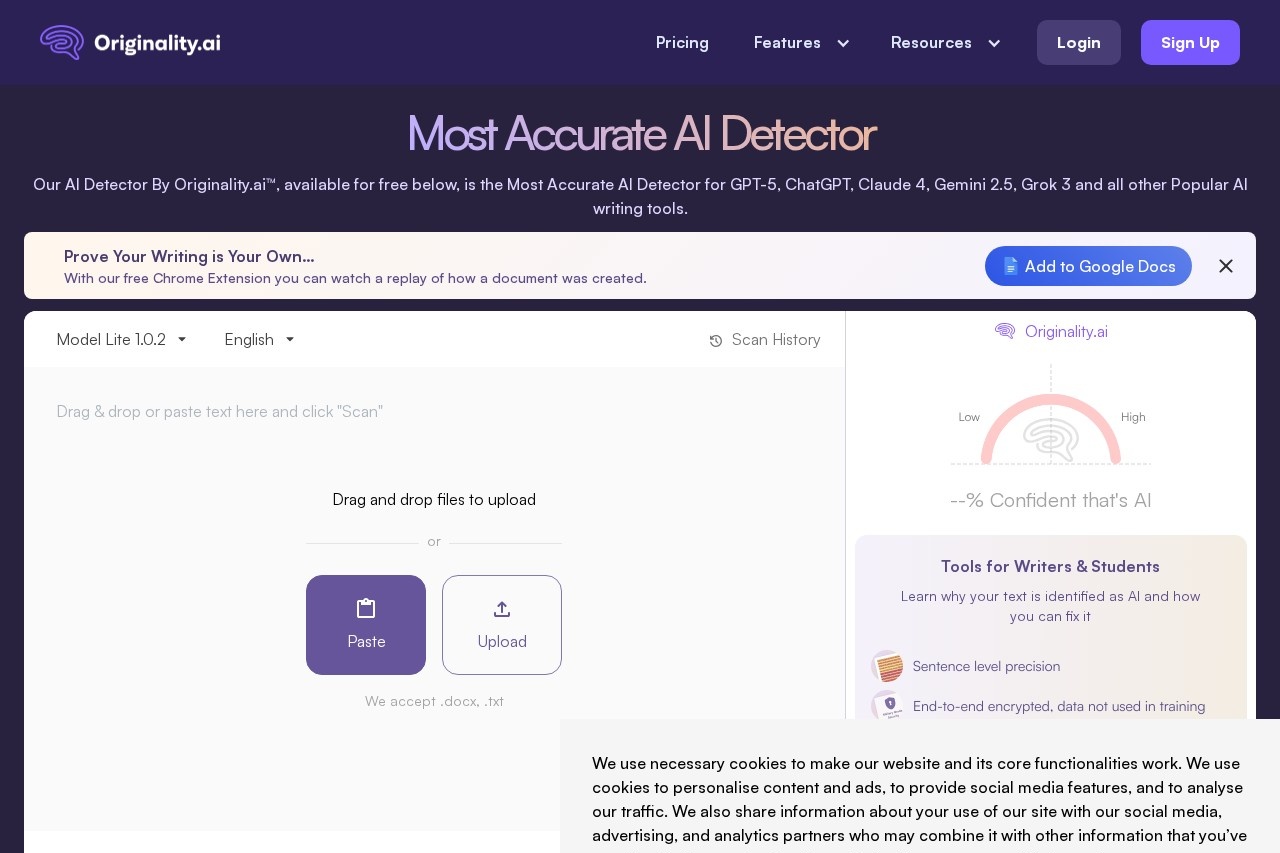
What is Originality?
Originality.ai is an AI-powered platform for detecting AI-generated content and plagiarism. It provides a suite of content quality assurance tools, including AI detection, plagiarism checking, and content optimization. Users employ it to verify the authenticity of written work and ensure content meets publishing standards.Application scenarios
Content publishing
Editors and web publishers can verify that submitted articles are original and not AI-generated without disclosure.
Academic integrity
Educators and students can check assignments for AI-written text and plagiarized material.
Marketing and SEO
Content marketers can optimize articles for better search engine ranking and readability.
Professional writing
Writers and editors can perform a final quality check for grammar, facts, and originality before publication.
Bulk content audit
Teams can scale quality assurance by scanning an entire website's content efficiently.
Core Features
AI Checker
This tool detects text generated by popular AI models like GPT-5, ChatGPT, Claude 4, Gemini 2.5, and Grok 3.
Plagiarism Checker
Users can see if text has been copied from anywhere on the internet.
Content Optimizer
This AI-powered feature helps optimize content to predictably rank better in Google search results.
Readability Checker
This tool helps optimize content readability for a specific target audience.
Fact Checker
This feature acts as an aid to help ensure content is factually correct.
Grammar Checker
This tool catches grammar and spelling errors before publishing.
Bulk Scan
Users can scale content QA by easily scanning an entire website’s content.
Chrome Extension
A free browser extension allows users to watch a replay of how a document was created within Google Docs.
Deep Scan
This provides explanations for why text is flagged as AI and offers guidance on how to ethically edit it.
Target users
The platform is built for writers, students, editors, marketers, web publishers, and educators. It serves any individual or team responsible for creating, verifying, and publishing original written content.How to use Originality?
First, log in to Originality.ai and paste your text into the editor, upload a PDF, or enter a URL for scanning. Next, select your desired scan types, such as AI Detection, Plagiarism, or Content Optimization. Finally, click the Scan button to receive scores with detailed explanations and sentence highlights for each selected scan type. The free Chrome Extension can also be added to Google Docs for document creation replay.Effect review
Originality.ai positions itself as the most accurate AI detector, a claim supported by its mention of being identified as such across multiple studies. The platform’s comprehensive suite moves beyond simple detection to include actionable tools for editing, optimization, and fact-checking. This integrated approach provides practical value for professionals who need to publish with integrity and maintain high content standards. The inclusion of a document replay feature via its Chrome Extension addresses provenance directly, offering a unique layer of verification for collaborative or editorial workflows.Frequently Asked Questions
What is Originality.ai?
How does Originality.ai detect AI-generated content?
Can Originality.ai detect plagiarism?
Who can benefit from using Originality.ai?
How accurate is Originality.ai?
What types of content can Originality.ai analyze?
Originality - AI Tool Detail
Originality.ai is an AI-powered platform designed to detect AI-generated content and plagiarism, ensuring the authenticity and originality of written work for content creators and publishers.
Category:Erkennung von KI-Inhalten
Visit Link:https://originality.ai/
Tags:AI detection、plagiarism checker、content authenticity、AI-generated content、originality verification