
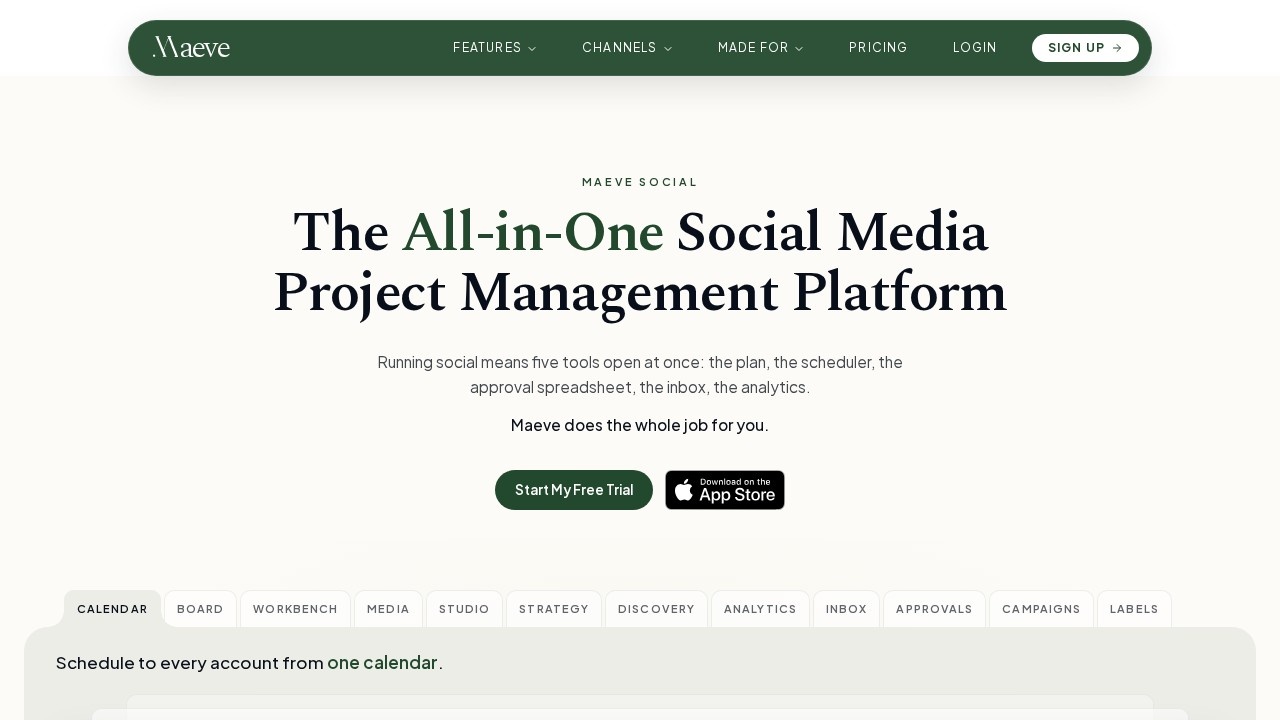
What is MaeveSocial?
MaeveSocial is an all-in-one social media project management platform that replaces the usual stack of planning docs, schedulers, approval spreadsheets, inboxes and analytics dashboards with one workspace. Teams plan content, schedule posts to every connected account, answer comments and DMs, collect client sign-off and export reports from the same place. It covers nine platforms, with the site naming Instagram, Facebook, TikTok, Threads, YouTube and Google Business Profile among its connected channels. Publishing is built to match native formats closely — TikTok carousels, ordered story runs from a single post, sound on a Reel — and the team says new network features usually land in Maeve first among schedulers.
Application scenarios
Agency client work
Send a full month of posts as one link so clients approve, comment or request changes without creating an account.
Multi-channel scheduling
Plan once and publish to every connected account from a single calendar, including trial Reels and Facebook stories in the same click.
Content planning
Drop saved Reels, competitor screenshots and links onto a canvas, keep briefs and scripts in a doc, and promote finished ideas into the content table.
Community management
Handle comments, DMs, mentions and reviews from six-plus networks in one inbox with taggable, assignable threads.
Performance analysis
See which labels, pillars and formats perform, with engagement mapped to the day and hour you posted.
Competitor and trend research
Track rival Instagram accounts and watch TikTok trending hashtags, music and search terms side by side.
Agent-driven publishing
Post to all your social channels from an AI agent via MCP, CLI or API.
Core Features
Cross-platform scheduling
Write a post once, choose your channels, and it publishes on schedule from one calendar.
Native format support
Carousels on TikTok, story sequences that publish in order from one post, and Reels with sound.
Built-in planning canvas
Collect saved Reels, competitor screenshots and links on a canvas before they become posts.
Docs and content table
Keep the brief and script in a doc, then turn a ready idea into a content table row that is the real post and fills in its own status.
Unified social inbox
Comments, DMs, mentions and reviews from Instagram, Facebook, TikTok, Threads, YouTube and Google Business Profile arrive in one place.
Keyword-to-DM automations
Set a rule on an Instagram or Facebook post so a keyword in the comments triggers a DM automatically.
Client approvals without logins
Send a month of posts as one link; clients approve, request changes or comment on each item with no account.
Approval routing and versioning
Decide who signs off and in what order on both sides, see what changed between versions, and check who hasn't responded.
Analytics with context
Labels, pillars and formats carry into reporting, numbers show change against the previous period, and channels sit side by side on the All tab.
Branded PDF export
Export analytics as a branded PDF in one action.
Target users
MaeveSocial suits social media managers, agency teams and in-house marketing departments running several accounts at once. It fits anyone juggling a scheduler, an approval spreadsheet, an inbox and an analytics tool — particularly agencies that need client sign-off without giving clients platform access. Small teams handling their own channels also benefit from the built-in canvas, doc and content table, and the MCP, CLI and API options serve technical users who want to publish from an AI agent.
How to use MaeveSocial
- Start a free trial from the official site at https://maevesocial.com/.
- Connect the social accounts you manage, then plan in the canvas and doc or go straight to the content table.
- Turn a ready idea into a content table row — that row is the live post, and its status updates as it publishes.
- Schedule from the calendar, picking channels and native formats for each post.
- Send the month as an approval link so clients can approve, comment or request changes.
- Work comments and DMs from the inbox, with auto-reply rules handling keyword-triggered DMs.
- Review performance under Analytics and export a branded PDF.
Pricing and free trial
The site offers a free trial through its "Start My Free Trial" call to action. No specific plan prices or tiers are published in the available text, so check https://maevesocial.com/ for current terms.
Effect review
The feature set targets the real friction in social media work: five tools open at once. Consolidating planning, scheduling, approvals, inbox and analytics into one workspace removes the copy-paste between a doc, a scheduler and a reporting sheet, and the content table acting as the live post is a genuinely practical design choice. Approval links that require no client account solve a recurring agency headache, and keyword-triggered DMs cut response time on high-volume comment sections. The analytics angle — reporting by label, pillar and format rather than by individual post — is more useful for planning than raw post-level metrics, and the branded PDF export covers routine client reporting. Teams that want to publish through an AI agent also get API, CLI and MCP routes rather than a closed system.
Frequently Asked Questions
Was ist MaeveSocial?
Welche Social-Media-Plattformen unterstützt MaeveSocial?
Brauchen meine Kundinnen und Kunden ein Konto, um Beiträge freizugeben?
Kann ich Kommentare und DMs in MaeveSocial verwalten?
Was enthalten die gebrandeten PDF-Reports?
Was kostet MaeveSocial?
MaeveSocial - AI Tool Detail
MaeveSocial offers a social media management workspace for scheduling posts across nine platforms, collecting client approvals without logins, managing comments and DMs, and sending branded PDF report
Category:Marketing-Automatisierung
Visit Link:https://maevesocial.com/