
AIStart is your personal AI Launchpad: favorite the tools you use often, then open them in one click from the Launchpad on the home page.
Open Launchpad
Sora
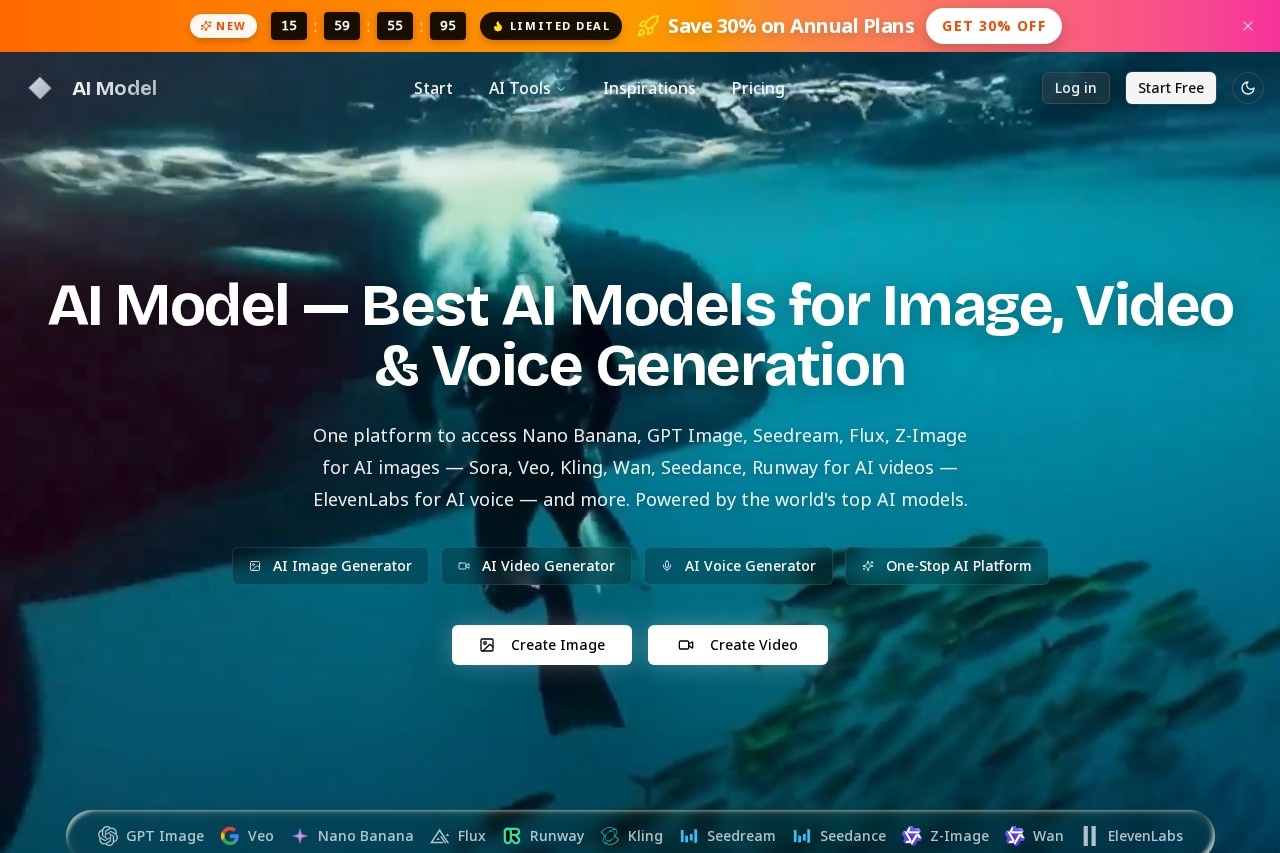
Sora by AI Model App is an all-in-one platform for creating AI images, videos, and voice content using top models like GPT Image, Veo, Flux, and ElevenLabs.
Screenshot
What is Sora?
Sora by AI Model App is an all-in-one platform for generating AI images, videos, and voice content. It provides centralized access to top-tier AI models like GPT Image, Veo, Flux, and ElevenLabs. Users leverage it to create media from text prompts or reference images. The platform consolidates multiple specialized generative tools into a single service.
Application scenarios
Marketing & branding: Create images with integrated logos and readable text using models like GPT Image.
Content creation: Generate cinematic videos with realistic motion and sound effects using Sora or Veo.
Rapid prototyping: Produce high-quality images quickly for design workflows using Flux.
Artistic projects: Generate images in rich artistic styles and up to 4K resolution with models like Seedream.
Character-driven animation: Create videos with motion control for characters using the Kling model.
Voice synthesis: Generate AI voiceovers and audio content using ElevenLabs integration.
Main features
Multi-model access: Switch freely between numerous top AI models for images, video, and voice.
Text-to-image generation: Type a prompt, choose a model like Nano Banana or Flux, and generate an image in seconds.
Image-to-image editing: Upload a reference image (PNG, JPG, WEBP) to guide the generation of a new image.
Cinematic video generation: Create AI videos from text and images with realistic motion and physics using OpenAI's Sora model.
Video with audio: Generate cinema-grade videos complete with AI sound effects and music using Google Veo.
High-resolution output: Generate images at 1K, 2K, or 4K resolution, balancing speed and detail.
Prompt inspiration: Browse a gallery of community-generated images and videos to view and reuse prompts.
Character consistency: Maintain consistent character appearances across image generations using Nano Banana's capabilities.
Text rendering in images: Generate images with clearly readable text, logos, and typography using GPT Image.
Batch generation: Produce multiple output images at once by setting the output number.
Target users
This platform serves creators and professionals who need diverse AI media generation. It benefits digital artists, video producers, content marketers, and rapid prototyping teams. It is suited for users who want to compare outputs from different state-of-the-art models without switching between separate services.
How to use Sora?
Visit the official website. For image generation, type a text prompt or upload a reference image. Select your desired AI model, such as Nano Banana or GPT Image. Configure settings like aspect ratio, resolution, and output number. Click to generate. For video, select a model like Sora or Veo and follow a similar prompt-based workflow. You can browse a community gallery to find and reuse prompts from existing creations.
Effect Review
The platform's value lies in its aggregation of leading, specialized models. By offering direct access to tools like OpenAI's Sora for cinematic videos, GPT Image for text rendering, and Flux for speed, it provides professional-grade capabilities in one interface. The inclusion of community prompts offers practical starting points for creation. For users seeking to leverage the distinct strengths of different AI models without managing multiple subscriptions, Sora delivers consolidated utility and flexibility.
Frequently Asked Questions
What is Sora?
What types of content can I create with Sora?
Which AI models does Sora support?
Is Sora free to use?
Do I need technical skills to use Sora?
Can I use Sora for commercial projects?
Alternative tools to Sora

Sora
OpenAI's AI video generation model that can create videos up to one minute long.

SkyReels
The world's first AI short drama creation platform, integrating AI video generation and 3D large model technology, offering full-process services from script generation to video synthesis.

Hedra
AI lip-sync video generation tool. Upload photos and audio of any person to create dynamic videos.

Xiling Digital Human
An all-in-one digital human AI content production tool for integrated video creation, featuring fully intelligent digital employee live streaming capabilities.

DrawThink
Baidu AI Video Creation Platform offers inspiration recommendations to help users find creative ideas and inspiration for video production.

Miaobo
Tencent Ads AI Live Commerce Solution provides advertisers and merchants with 24/7, low-cost live streaming services.
Sora - AI Tool Detail
Sora by AI Model App is an all-in-one platform for creating AI images, videos, and voice content using top models like GPT Image, Veo, Flux, and ElevenLabs.
Category:Video generation
Visit Link:https://www.ai-model.app/
Tags:AI image generator、AI video generator、content creation、multimedia AI、AI voice synthesis